Build a complete contact record by adding phone numbers, postal addresses, and social media profiles. This guide shows where to enter each kind of detail.
Step 1 — Open a new contact
Click New Contact in the contacts sidebar to open a blank contact.

Step 2 — Add a contact detail
Click Add Contact Detail to add a phone number or extra email address, then choose the type — such as Work or Personal — and enter the value.

Step 3 — Add social media and addresses
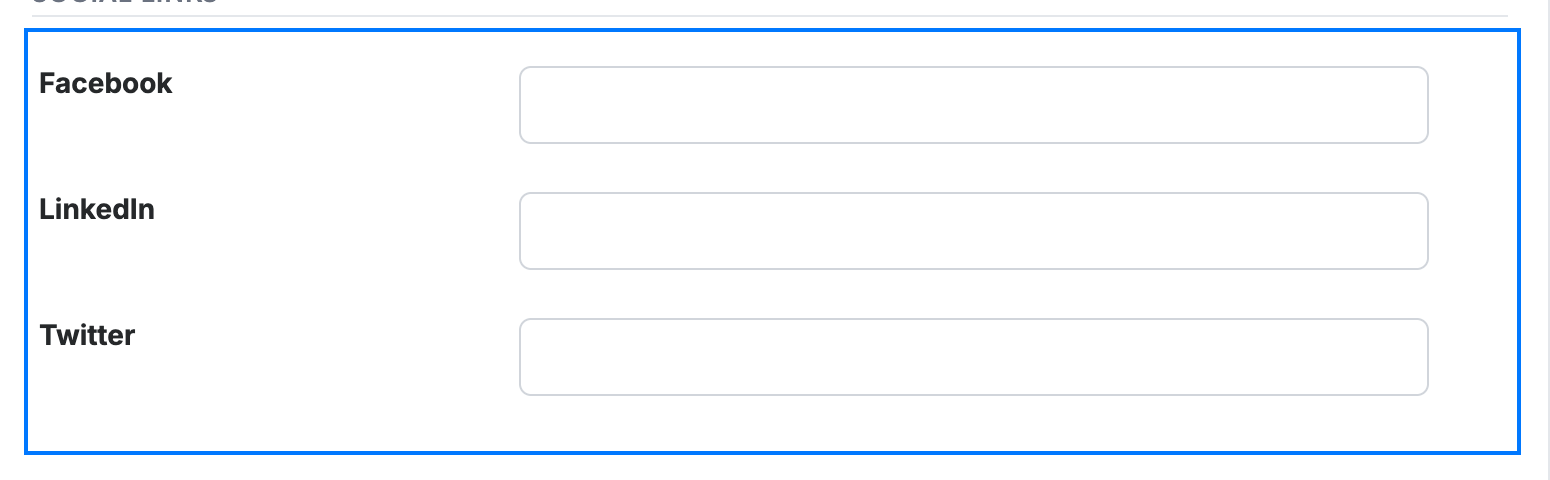
Enter the contact's Facebook, LinkedIn, and Twitter profiles in the social links fields, and use the Addresses fields for their work or personal address. Click Save Contact when you are done.
Explore our other guides to get the most out of Webmail.