Webmail can automatically save the addresses of people you email to your Collected Addresses. This guide shows how to clear that list when you want a fresh start.
Step 1 — Open Settings
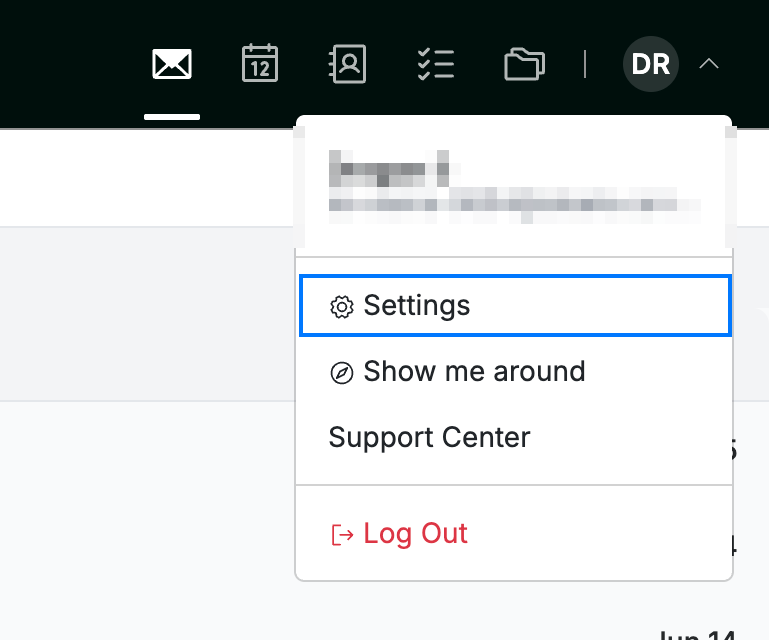
Click your avatar in the top-right corner and select Settings.
Step 2 — Open Address Collection
Select Address Collection from the Contacts section of the settings sidebar.

Step 3 — Clear your collected addresses
Click Clear collected addresses (red). Every address Webmail has saved is removed.
Note: Clearing is permanent. Webmail keeps collecting new addresses from your next message unless you also turn off Enable address collection.

Explore our other guides to get the most out of Webmail.