Contact extraction automatically identifies contact details from the signatures of emails you receive. This guide shows how to choose whether webmail saves those contacts automatically, after your review, or not at all — from the Contact Extraction panel.
Step 1 — Open Settings
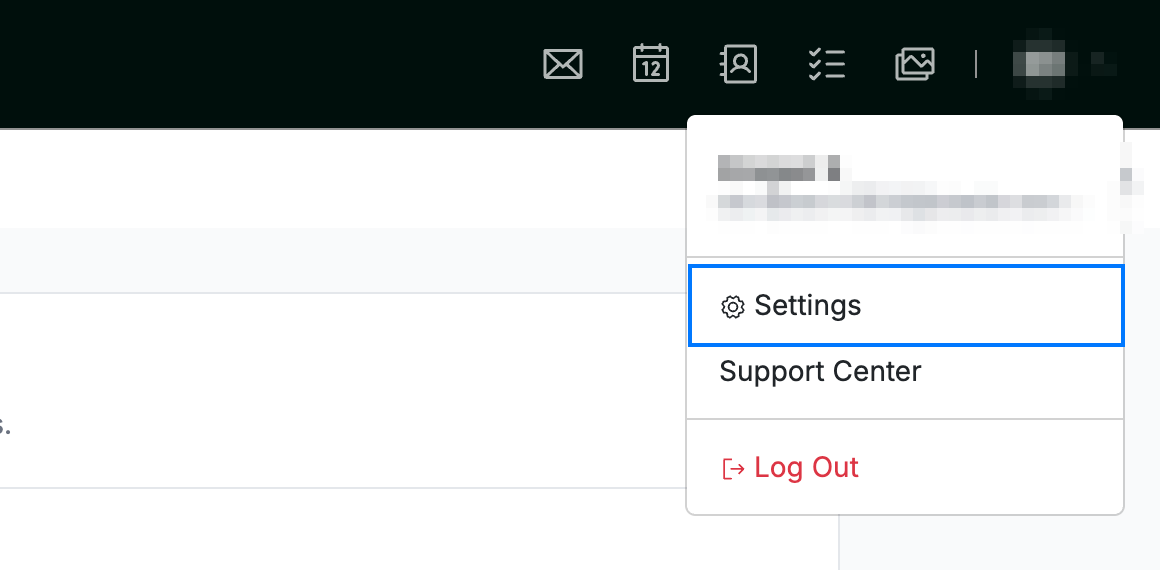
Open the user menu by clicking your initials in the top-right corner, then click Settings.
Step 2 — Select Contact Extraction
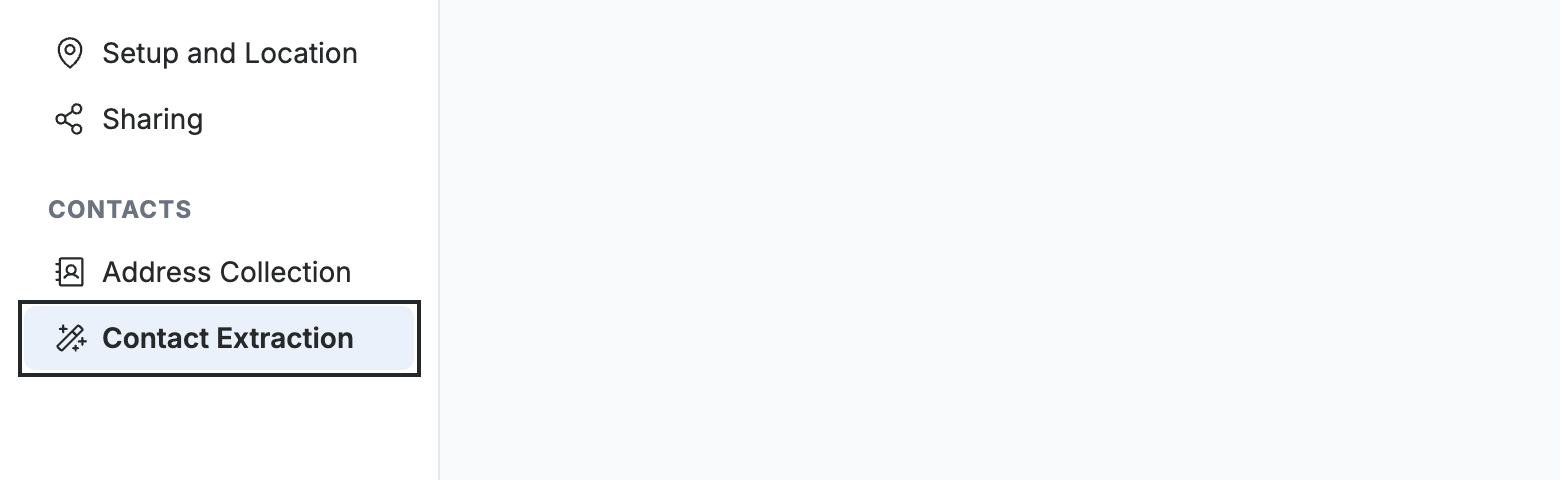
Select Contact Extraction from the left sidebar.
Step 3 — Choose a contact extraction mode
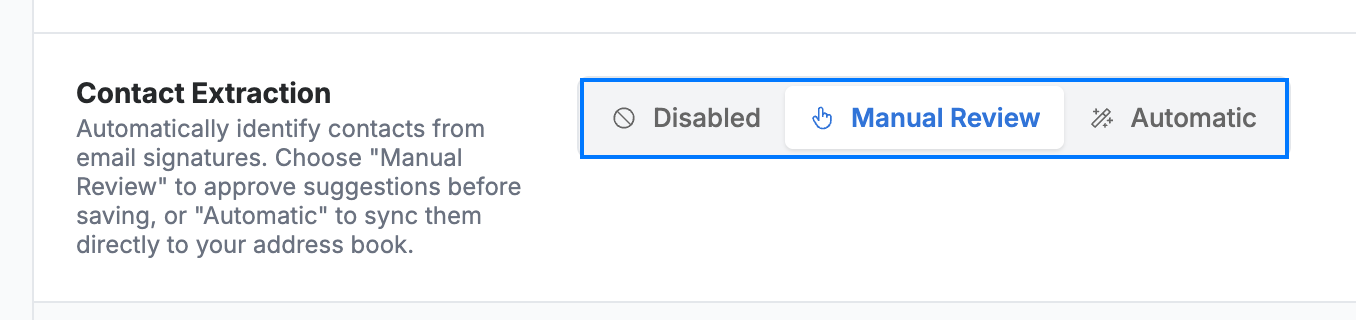
Select how webmail handles contacts found in email signatures:
- Disabled — do not extract contacts.
- Manual Review — review and approve suggested contacts before they are saved.
- Automatic — sync extracted contacts directly to your address book.
Note: With Automatic, contacts are added to your address book without asking. Choose Manual Review if you want to approve each one first.
Step 4 — Save your changes
Click Save Updates to apply your contact extraction setting.

Explore our other guides to get the most out of Webmail.