When your mailbox is full you stop receiving new email. This guide shows how to check your usage and reclaim space by clearing deleted messages.
Step 1 — Open Data Usage
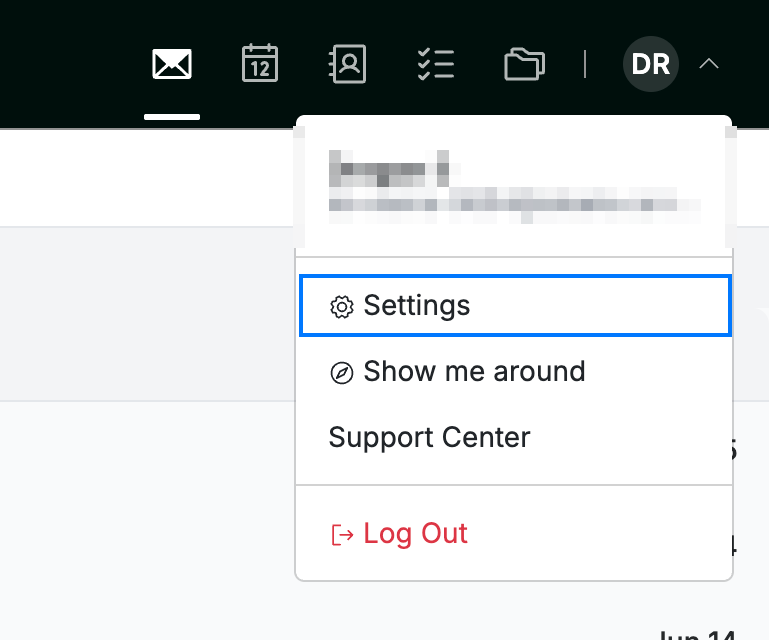
Click your avatar, select Settings, then choose Data Usage from the sidebar.
Step 2 — Review your storage summary
Check the Storage Summary (blue) to see how much of your quota you've used. If you're near the limit, free up space in the next step.

Step 3 — Expunge deleted messages
Choose a folder (or All folders), then click Expunge Now (red) to permanently remove deleted messages and reclaim their space.
Tip: Emptying your Trash and Spam folders also frees up storage.

Explore our other guides to get the most out of Webmail.