Clean up your address book by finding contacts that were saved more than once and combining them. This guide shows where to start the duplicate scan.
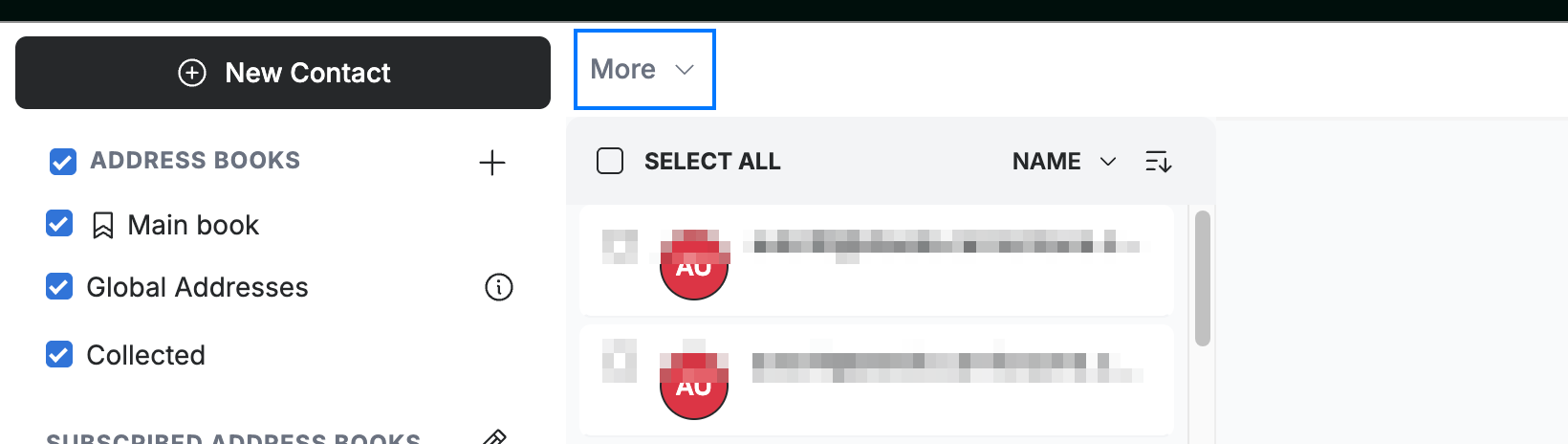
Step 1 — Open the More menu
Click More in the contacts toolbar.
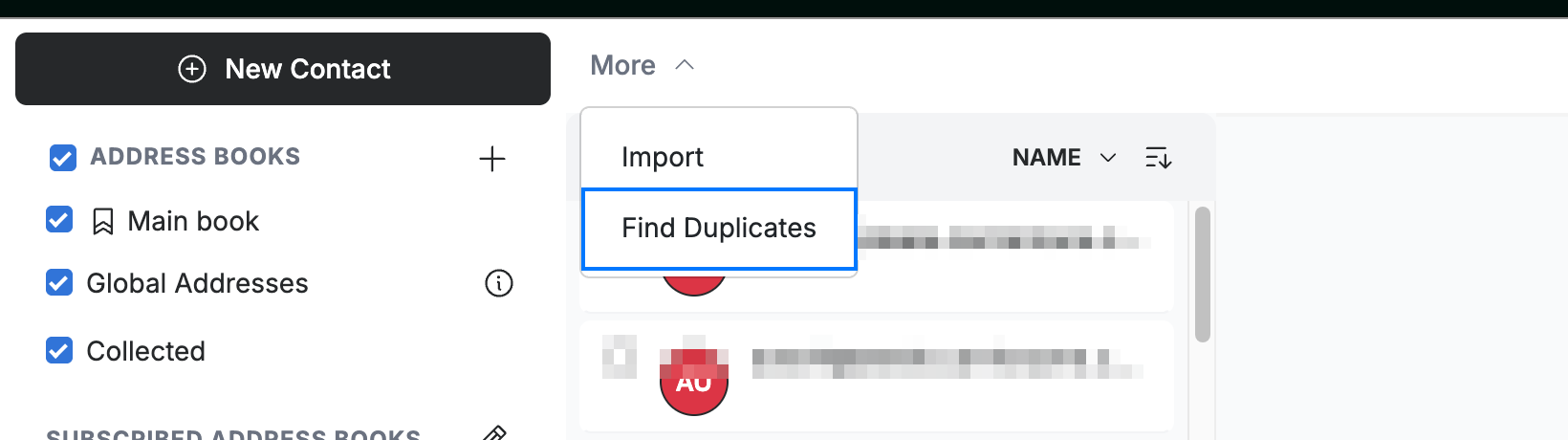
Step 2 — Select Find Duplicates
Select Find Duplicates from the menu.
Step 3 — Review and merge
Review the contacts Webmail flags as possible duplicates. Choose the records to combine, then confirm to merge them into a single contact.
Note: If no duplicates are found, Webmail tells you there is nothing to merge.
Explore our other guides to get the most out of Webmail.