Add other people to a calendar event so they receive an invitation and can respond. This guide shows how to invite attendees when creating an event.
Step 1 — Click New Event
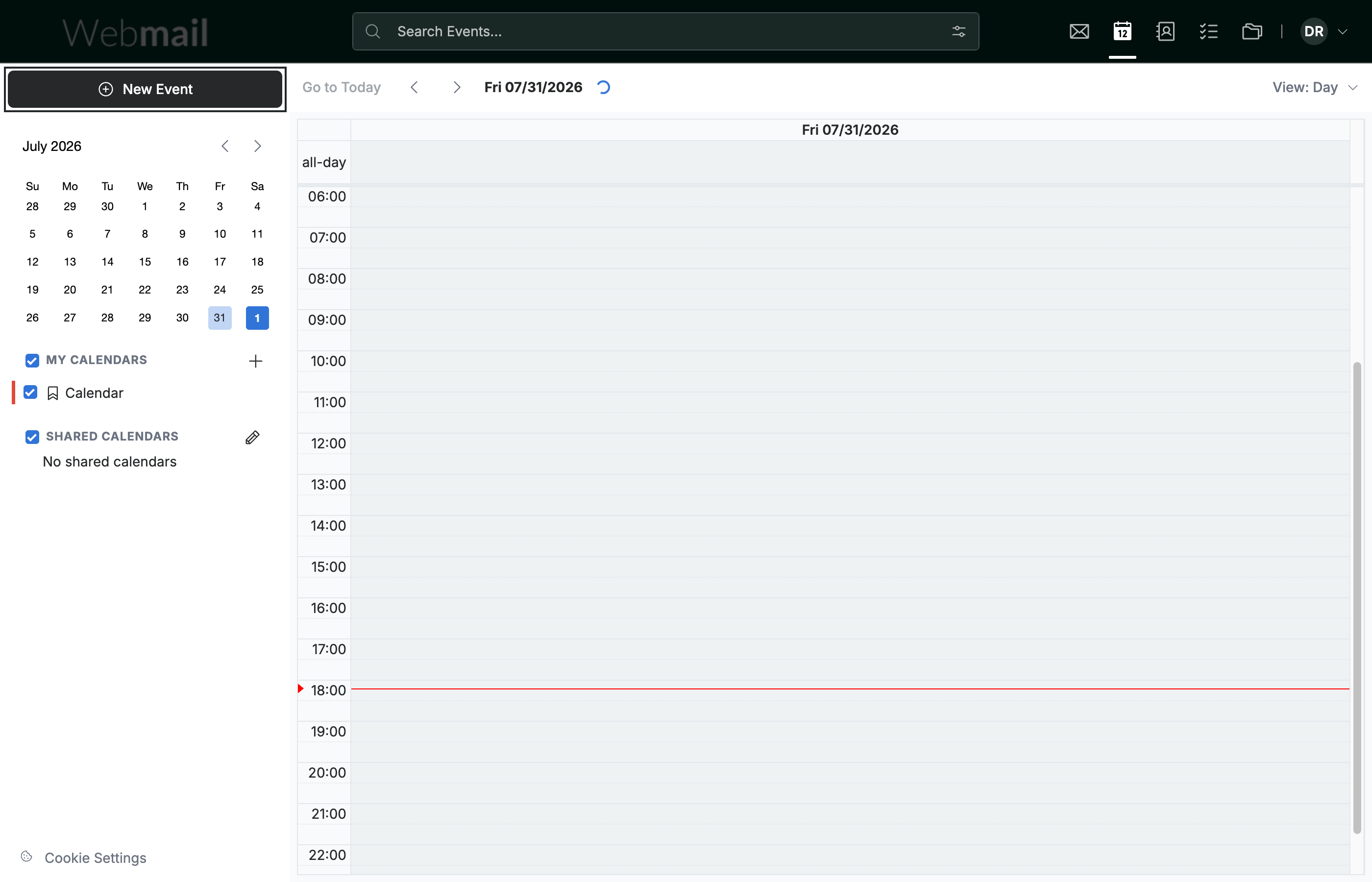
Click New Event in the top-left sidebar to open the event form.
Step 2 — Add attendees
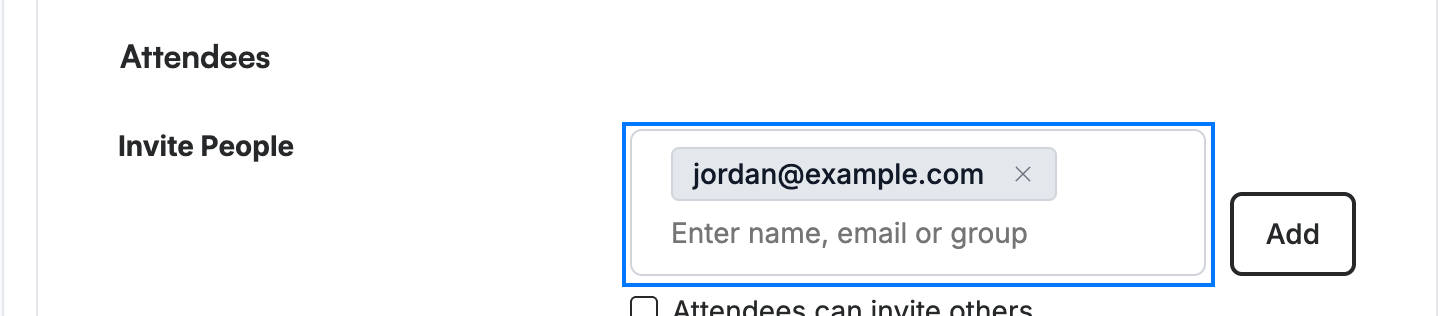
Enter each person's name or email in the Invite People field of the Attendees section, then click Add (or press Enter). Each attendee appears as a chip.
Step 3 — Click Create to send the invitations
Click Create. An invitation is sent to each attendee so they can accept or decline.
Tip: Add the event details — title, date, time, and location — before sending, so attendees have everything they need to respond.

Explore our other guides to get the most out of Webmail.