Phishing emails try to trick you into sharing passwords or personal details. This guide shows the warning signs to watch for and how to report a suspicious message.
Step 1 — Review emails for warning signs
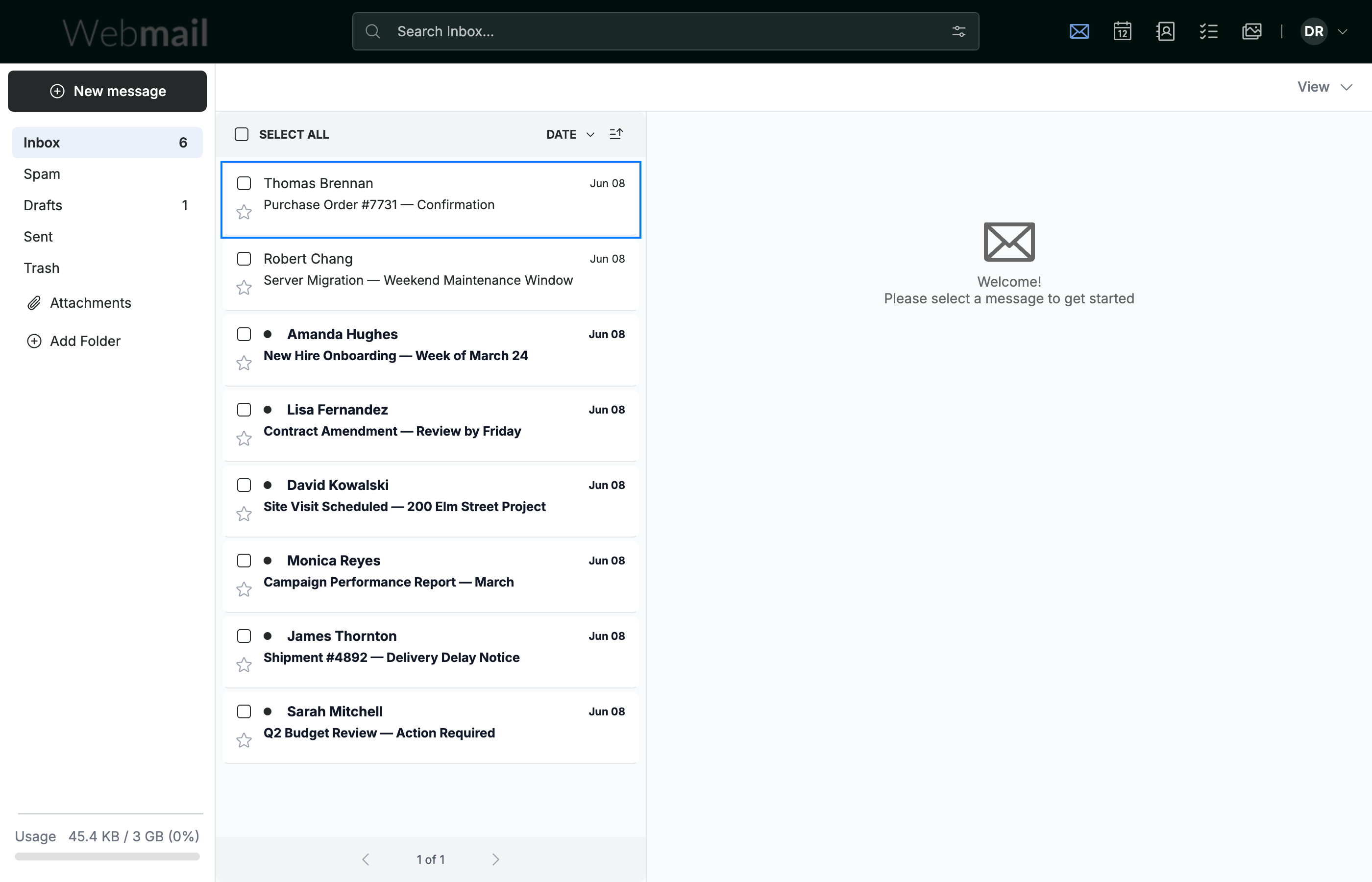
Review each email (blue) before acting on it. Be suspicious when a message:
- Comes from an unexpected or misspelled sender address
- Uses urgent or threatening language to rush you
- Asks for your password, payment, or personal details
- Contains links or attachments you weren't expecting
Note: Webmail never asks for your password by email. Treat any message that does as phishing.
Step 2 — Report the email as spam
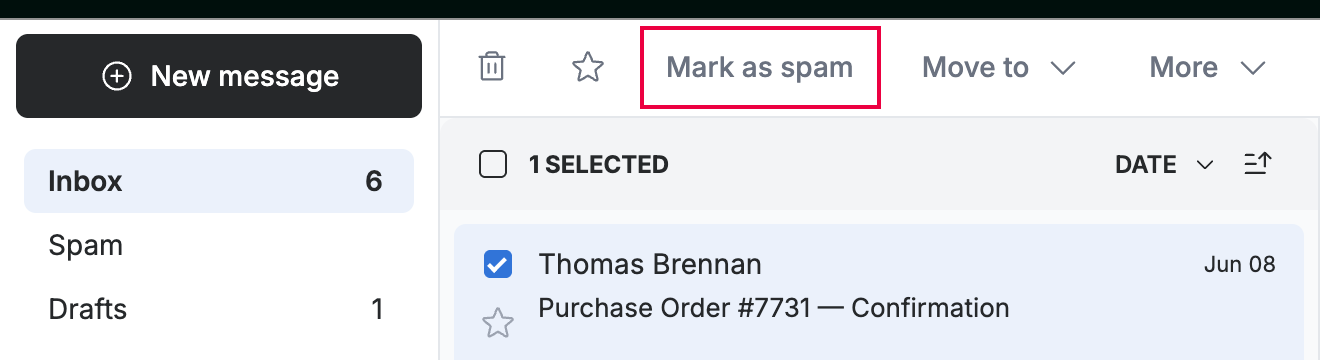
Select the suspicious email, then click Mark as spam (red) in the toolbar. The message is moved out of your inbox and reported.
Tip: You can also right-click the message and choose Send to Spam Folder.
Step 3 — Review the Spam folder
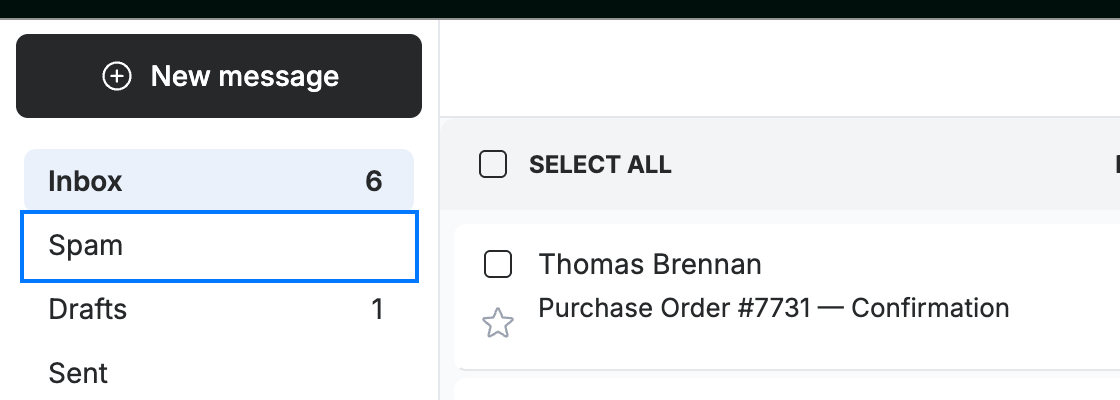
Open the Spam folder (blue) in the sidebar to review reported messages.
Note: If a legitimate email lands in Spam by mistake, open it and move it back to your inbox.
Explore our other guides to get the most out of Webmail.