Filtering by due date lets you focus on what's due now instead of your whole list. This guide shows how to apply and clear the built-in due-date filters.
Step 1 — Open TaskBox and find the filters
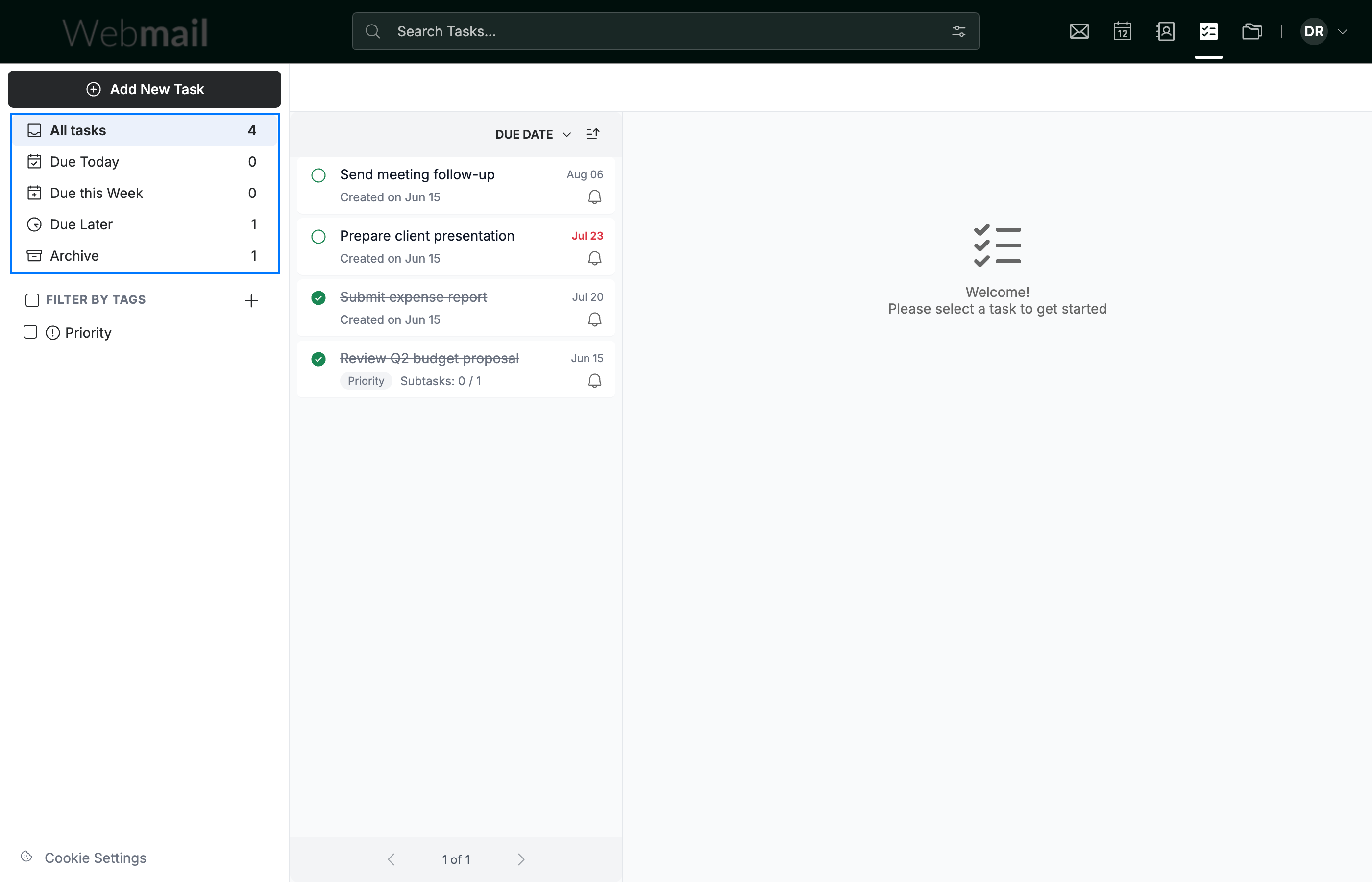
Go to TaskBox. The due-date filters (blue) sit at the top of the sidebar:
- All tasks — everything in your list
- Due Today — tasks due today
- Due this Week — tasks due in the next seven days
- Due Later — tasks due further ahead
- Archive — tasks you've archived
Step 2 — Apply a filter
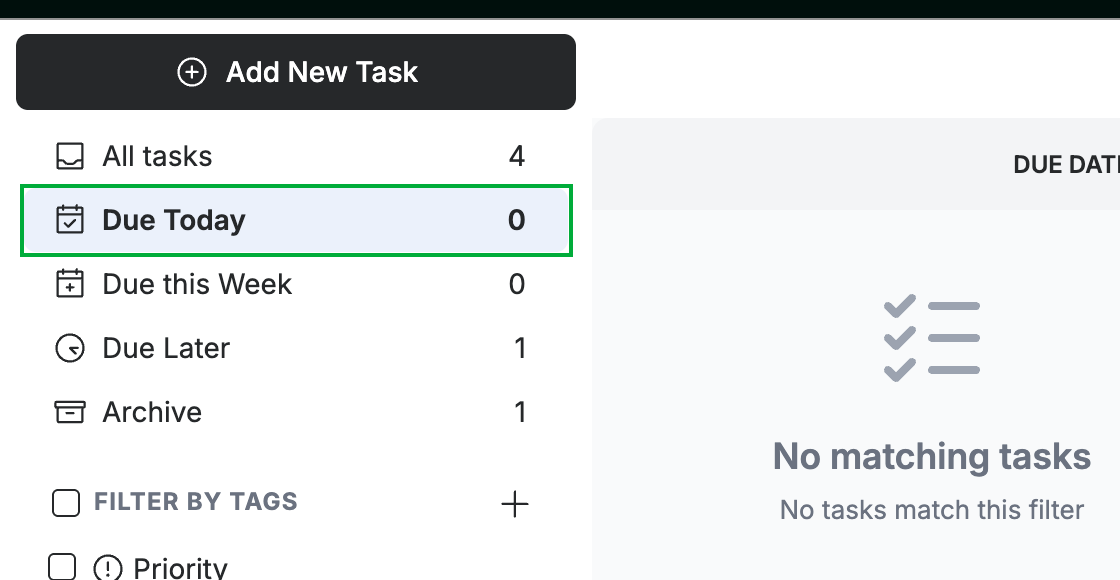
Click a filter such as Due Today (green). The list shows only tasks that match, and the count beside each filter tells you how many there are.
Step 3 — Clear the filter
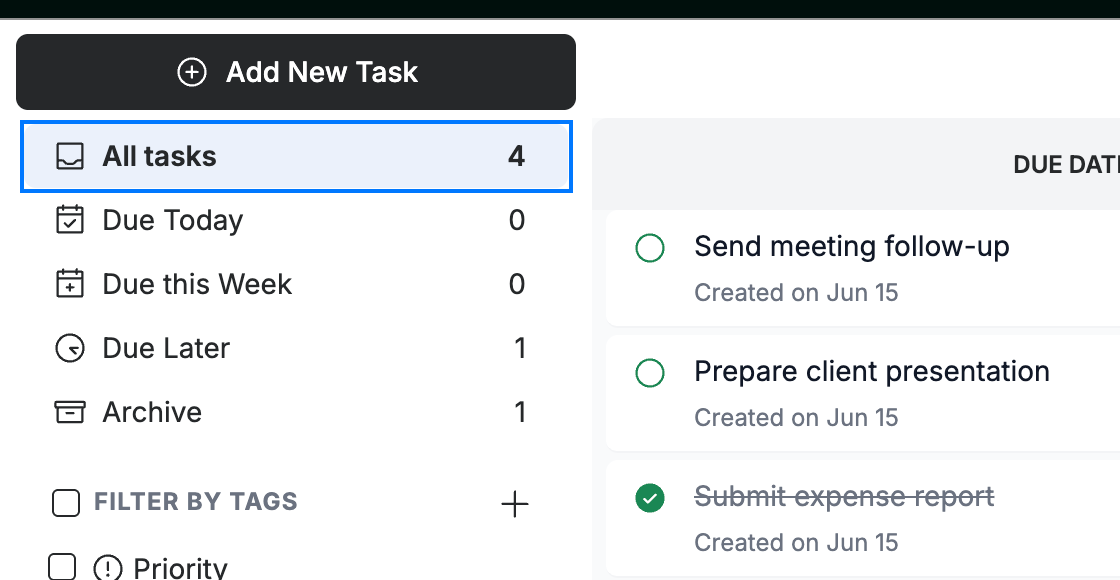
Click All tasks (blue) to clear the filter and see every task again.
Explore our other guides to get the most out of Webmail.