Sorting your task list helps you see the most urgent or most recent work first. This guide shows how to change the sort field and direction in TaskBox.
Step 1 — Open the sort menu
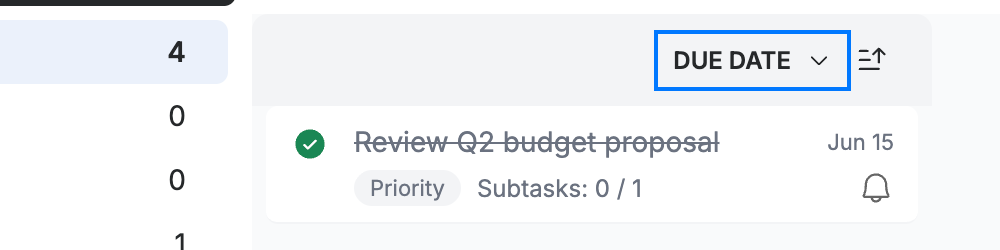
Click the sort field button (blue) at the top of your task list — it shows the current sort, Due Date by default.
Step 2 — Choose a sort field
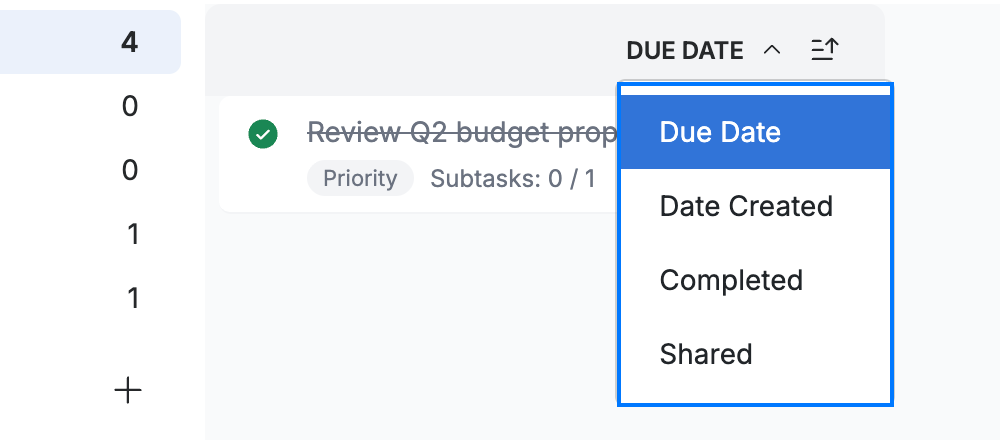
Select how to order your tasks (blue):
- Due Date — by when each task is due
- Date Created — by when you added it
- Completed — finished tasks together
- Shared — tasks shared with others
Step 3 — Reverse the order
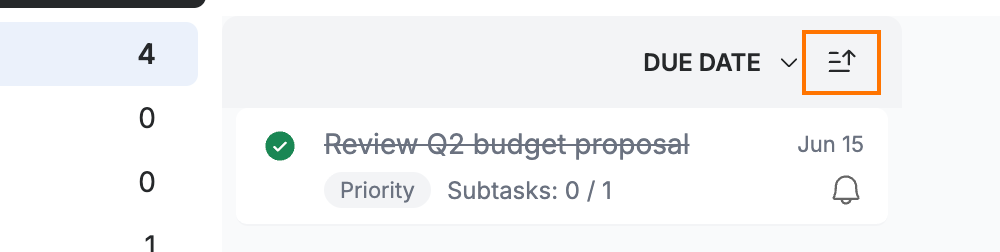
Click the direction toggle (orange) next to the sort field to switch between ascending and descending order.
Explore our other guides to get the most out of Webmail.