A message filter can test more than one condition before it acts on an email — for example, mail from a sender *and* with a certain subject. This guide shows how to combine conditions and choose whether all or any of them must match.
Step 1 — Open Settings
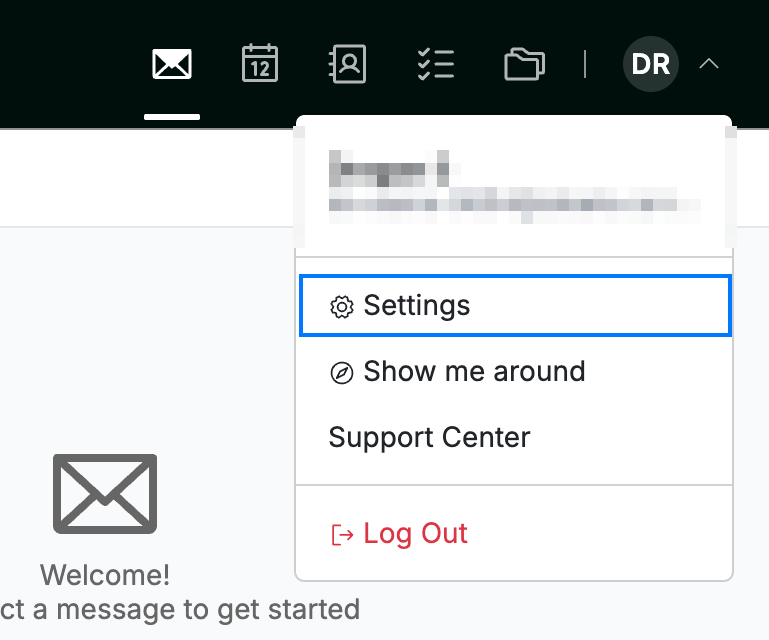
Click your avatar in the top-right corner and select Settings.
Step 2 — Select Message Filters
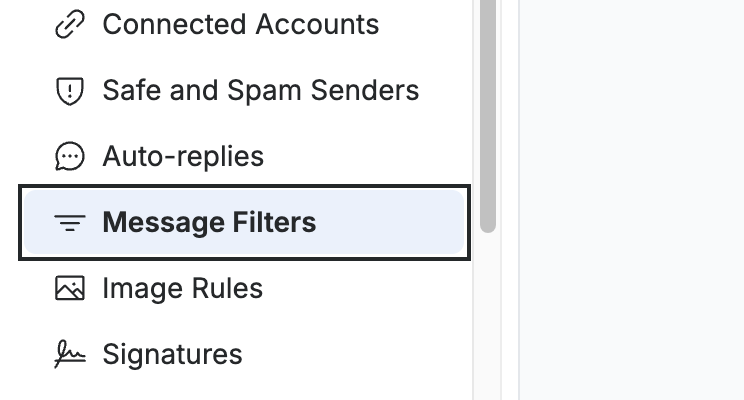
Select Message Filters from the settings sidebar.
Step 3 — Create a new filter
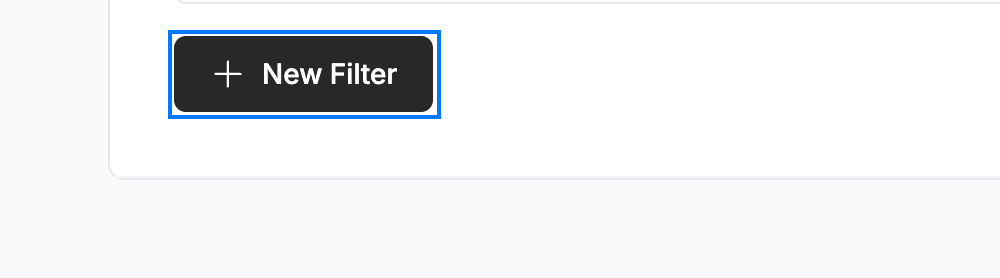
Click New Filter to open the filter form.
Step 4 — Combine conditions
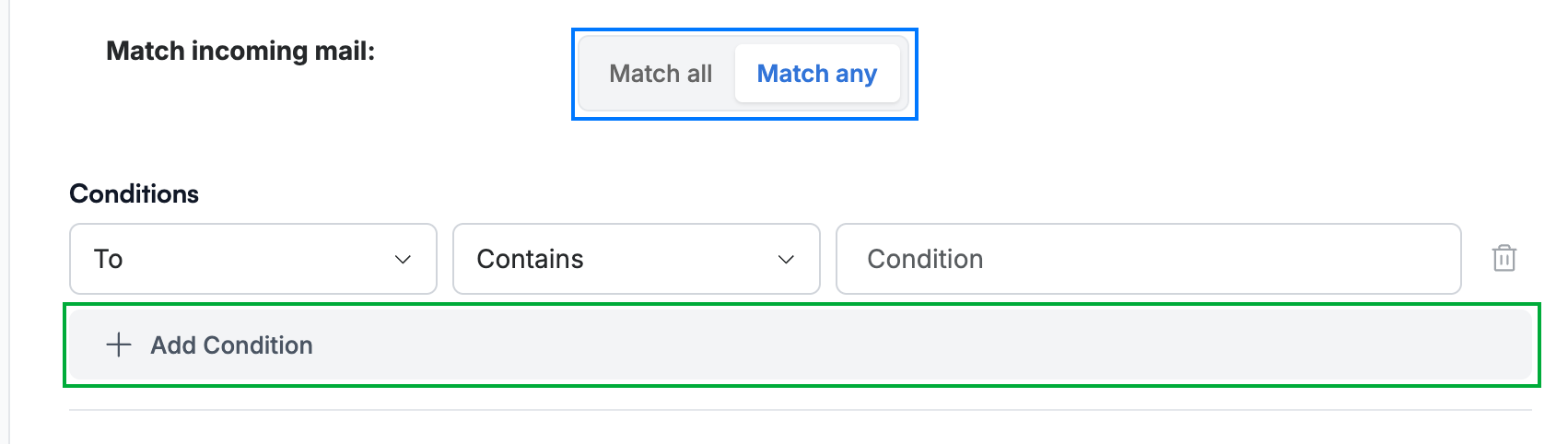
Under Match incoming mail (blue), choose how the conditions are combined:
- Match all — the email must meet *every* condition
- Match any — the email must meet *at least one* condition
Each condition has a field (To, From, CC, Subject), an operator such as Contains, and a value. Click Add Condition (green) to add another row, then click Add to apply the filter.
Explore our other guides to get the most out of Webmail.