The Webmail tour ("Show me around") is a short guided walkthrough that highlights key features. Learn how to start it and move through its steps.
Step 1 — Open the Webmail tour
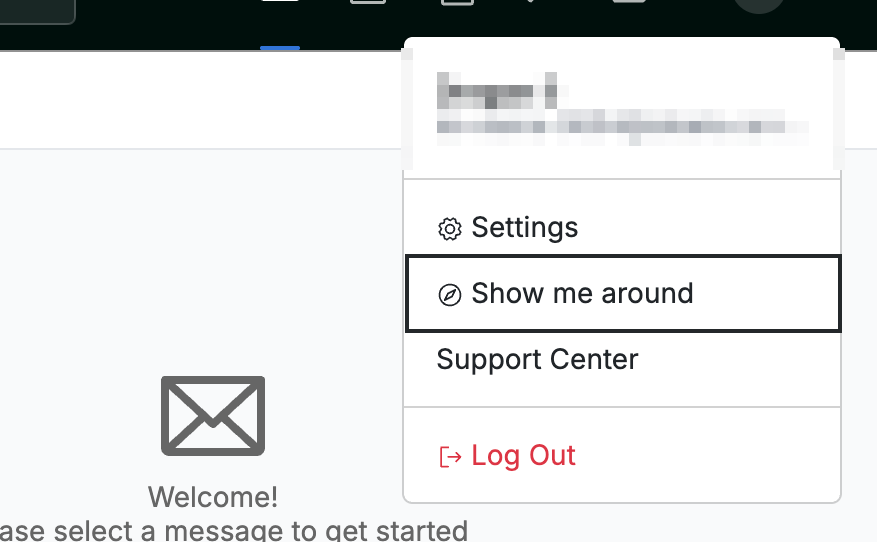
Click your profile icon in the top-right corner, then click Show me around.
Step 2 — Review each tour step
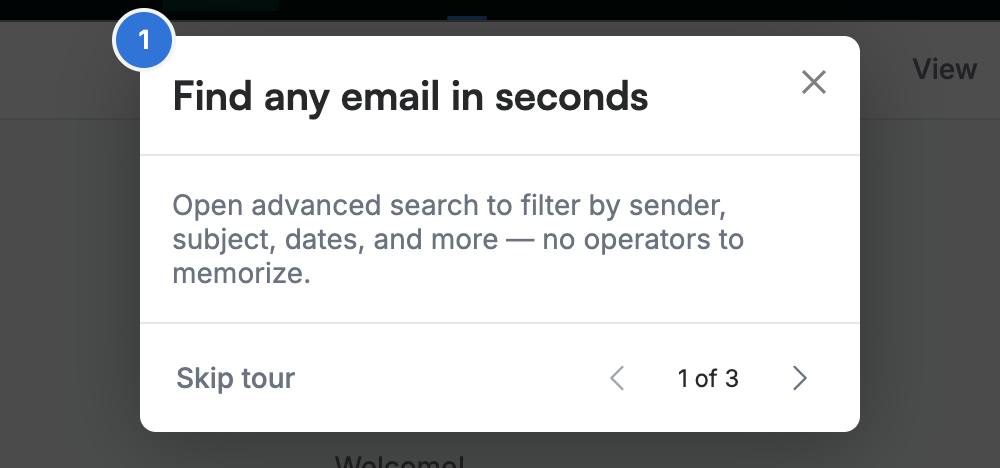
Review the highlighted feature. The first step, Find any email in seconds, points to advanced search. Each step explains one feature and spotlights the matching area of the screen.
Step 3 — Move through the tour
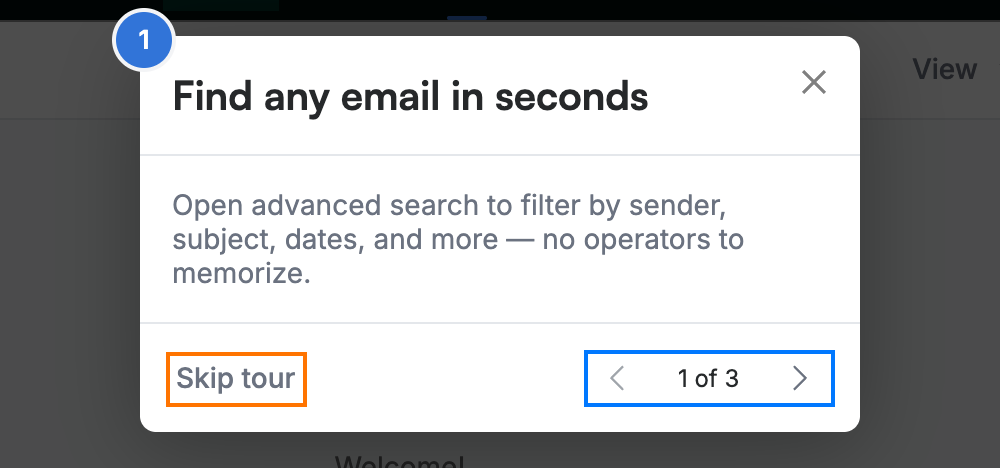
Click the arrows (blue) to move forward and back through the 1 of 3 steps. Click Skip tour (orange), or the ✕ in the corner, to close the tour at any time.
Explore our other guides to get the most out of Webmail.