Narrow a contact search to specific fields — such as email or company — so you find the right person faster. This guide shows how to choose which fields the search looks in.
Step 1 — Open the search field menu
Click the filter icon at the right of the Search Contacts bar.

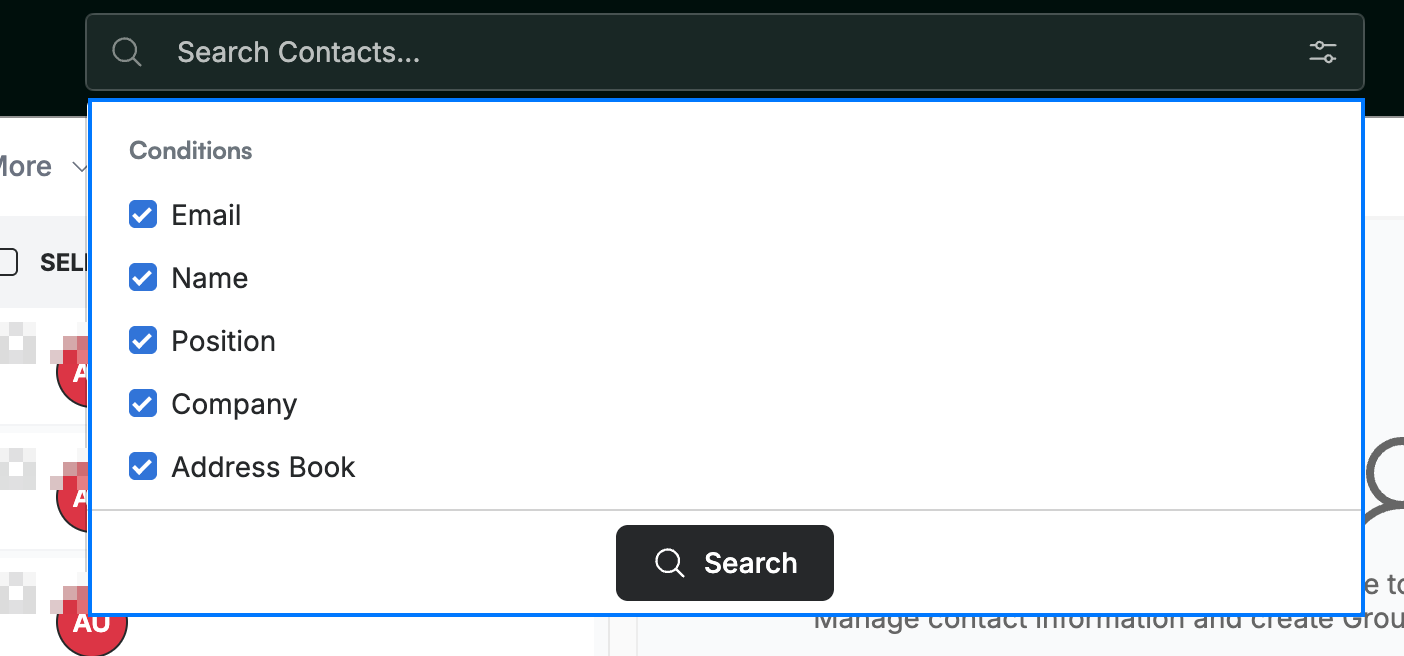
Step 2 — Choose which fields to search
Tick the fields you want the search to look in:
- Name
- Position
- Company
- Address Book
Step 3 — Enter your search term
Type your search term in the bar. Contacts are filtered to those matching the term in the fields you selected.

Explore our other guides to get the most out of Webmail.