The mini calendar in the sidebar lets you jump to any date without scrolling the main view. This guide shows how to use it to move around your calendar.
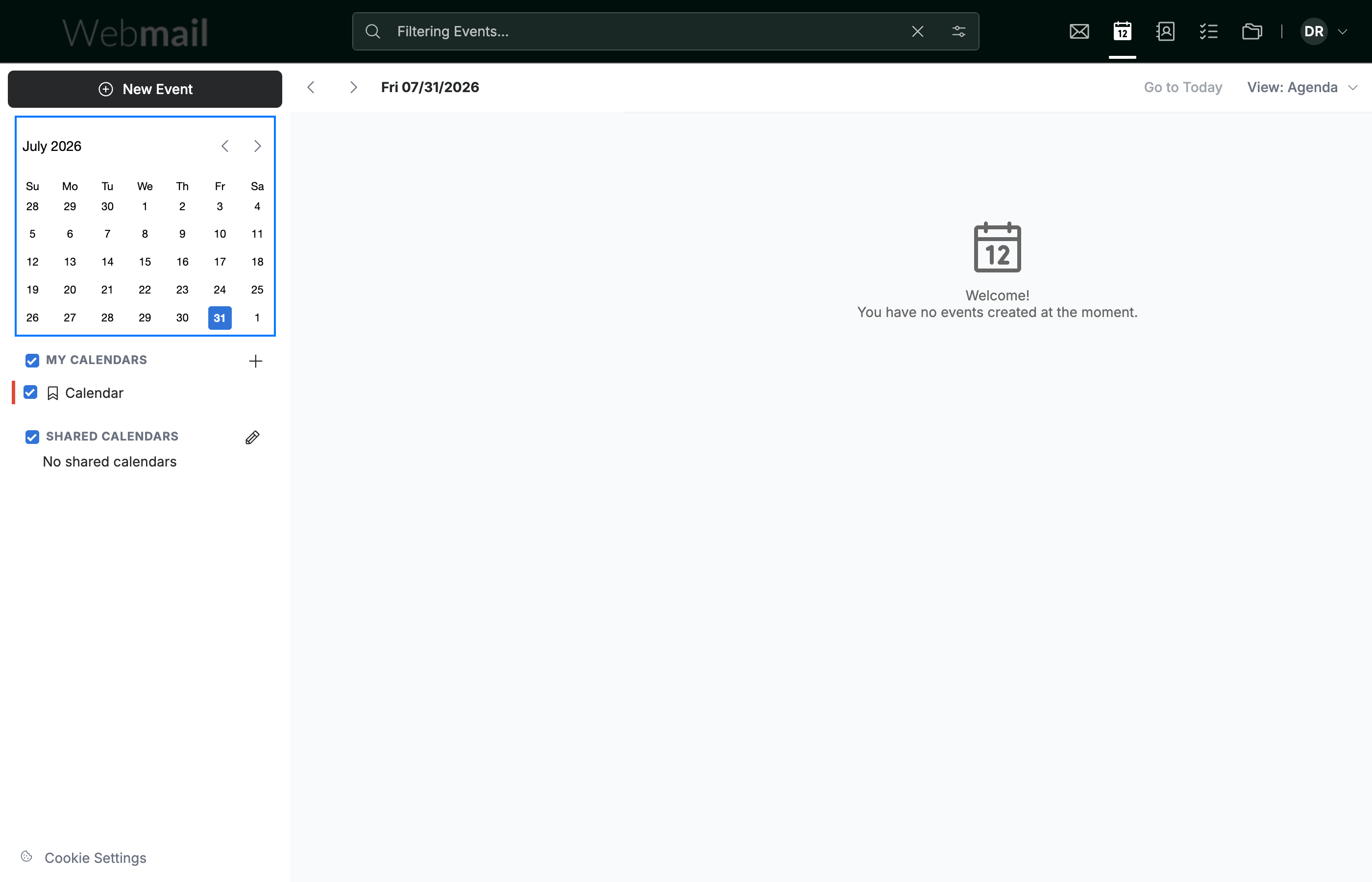
Step 1 — Locate the mini calendar
Locate the mini calendar in the top-left sidebar. It mirrors the main calendar and lets you jump to any date.
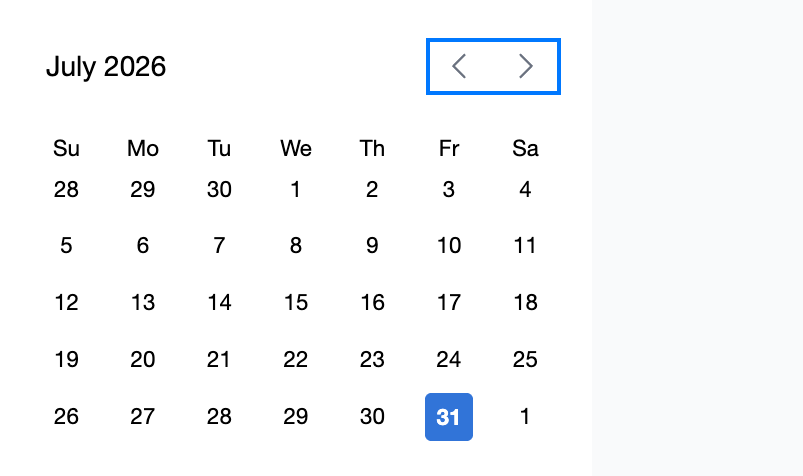
Step 2 — Change the month
Click the arrows beside the month name to move to the previous or next month.
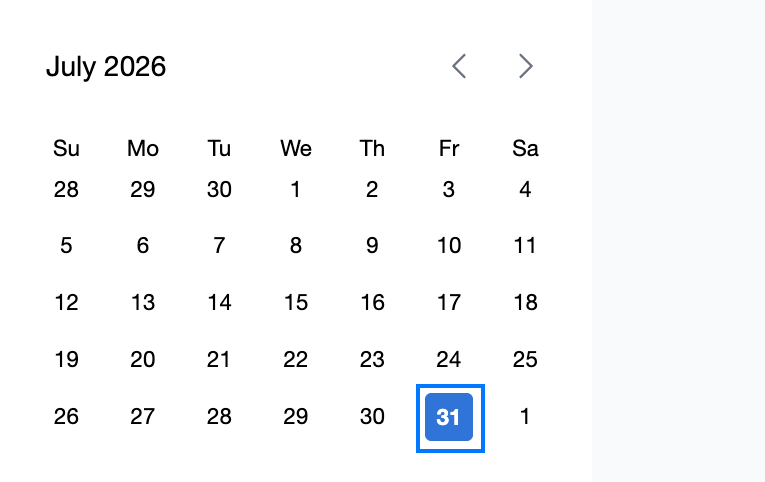
Step 3 — Jump to a date
Click any date in the mini calendar to jump the main calendar straight to that day.
Explore our other guides to get the most out of Webmail.