Keep a personal copy of everything you send by having Webmail blind-copy your own address on every outgoing message. This guide shows how to turn the setting on.
Step 1 — Open Settings
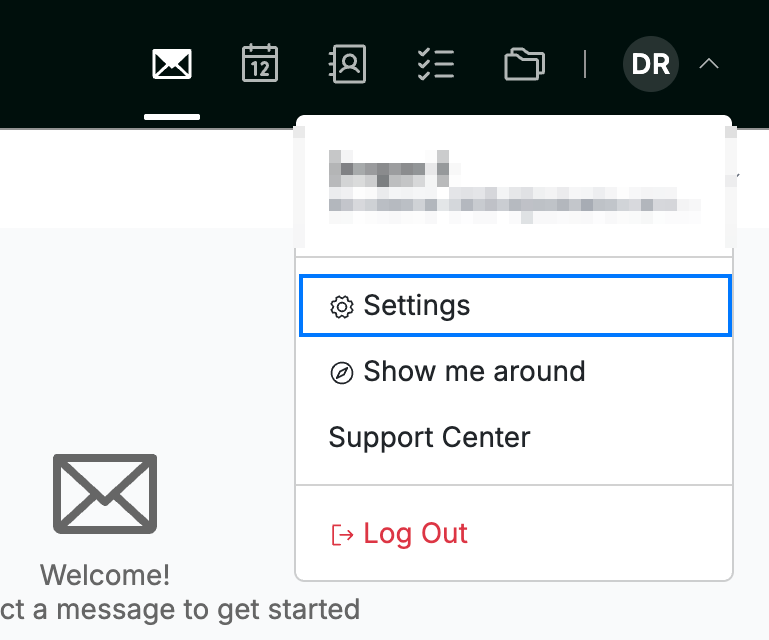
Click your avatar in the top-right corner and select Settings.
Step 2 — Select Message Composing
Select Message Composing from the settings sidebar.

Step 3 — Turn on Always BCC Myself
Click the Always BCC Myself toggle to switch it on. A blind copy of every message you send is then delivered to your own address.
Tip: BCC recipients are hidden from everyone else on the message, so your copy stays private.

Step 4 — Click Save Updates
Click Save Updates to apply your change.

Explore our other guides to get the most out of Webmail.