Change the details of an event you already created, or remove it from your calendar. This guide covers both editing and deleting an event.
Step 1 — Open the event
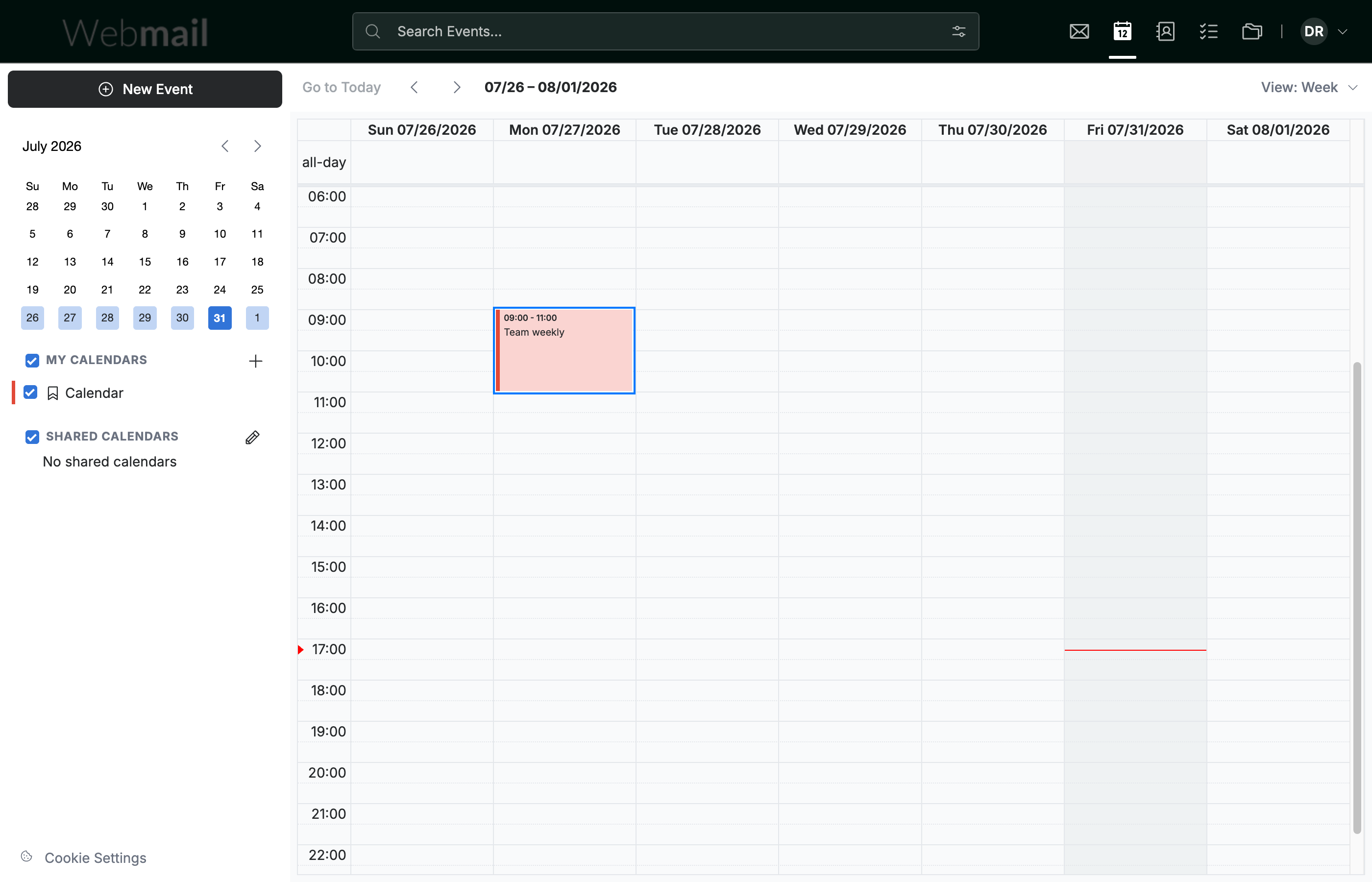
Click the event you want to change. The event opens in the edit view.
Step 2 — Edit the details
Enter new values in any field you want to update — Event Title, Start Date, End Date, and more.

Step 3 — Save your changes
Click Save to apply your changes to the event.

Step 4 — Delete the event
Click the Delete icon to remove the event instead.
Note: Deleting an event is permanent — it is removed from your calendar and cannot be recovered.

Explore our other guides to get the most out of Webmail.