When someone invites you to an event, the invitation arrives in your inbox and you can respond directly from it. This guide shows how to accept, decline, or tentatively accept a meeting invitation.
Step 1 — Open the invitation
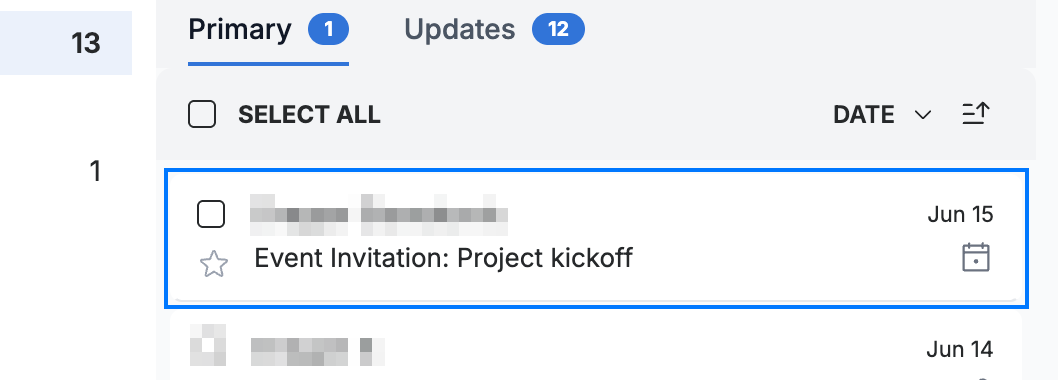
Click the meeting invitation in your inbox — its subject begins with Event Invitation and it carries a calendar icon.
Step 2 — Review the event details
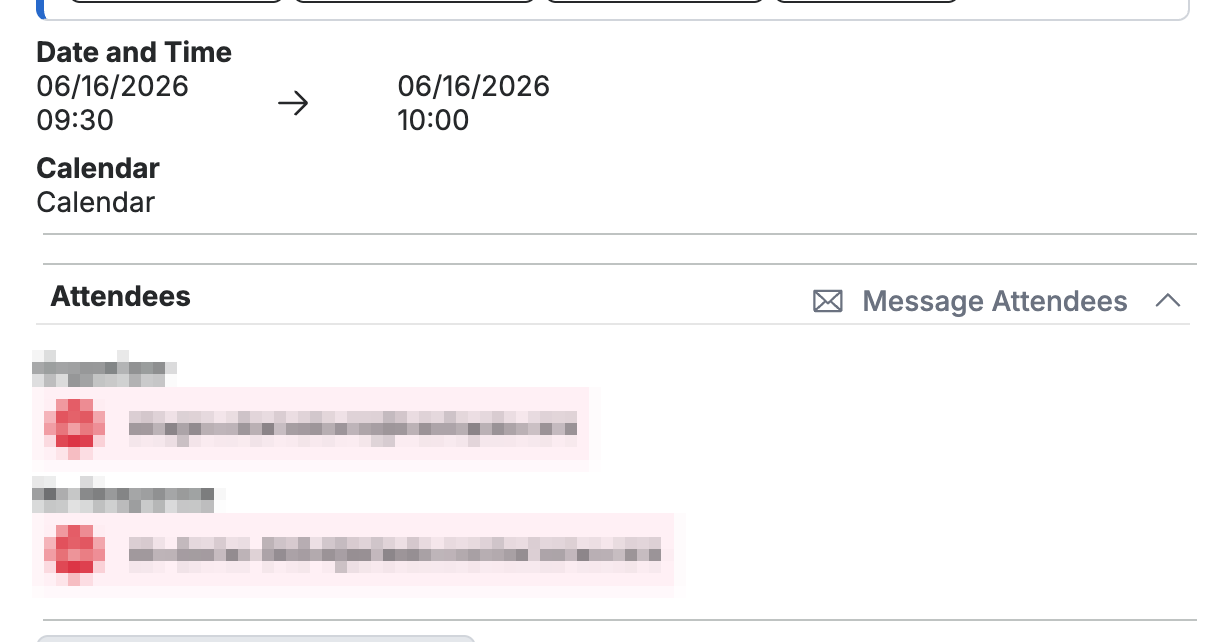
Review the Date and Time, Calendar, and Attendees so you know what you are responding to.
Step 3 — Send your response
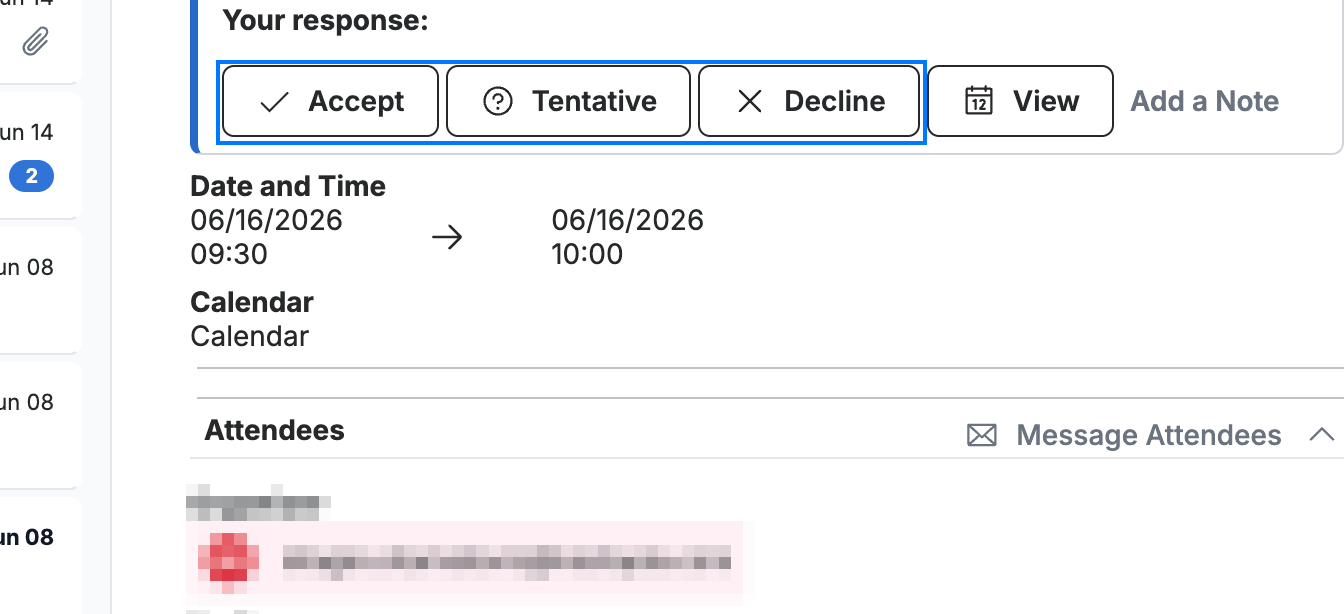
Click Accept to confirm you will attend, Tentative if you are not sure, or Decline if you cannot make it.
Note: Your response is sent back to the event organizer so they can see who is coming.
Explore our other guides to get the most out of Webmail.