Archiving moves finished tasks out of your active list while keeping them for your records. This guide shows how to archive a completed task and find it again later.
Step 1 — Mark the task complete
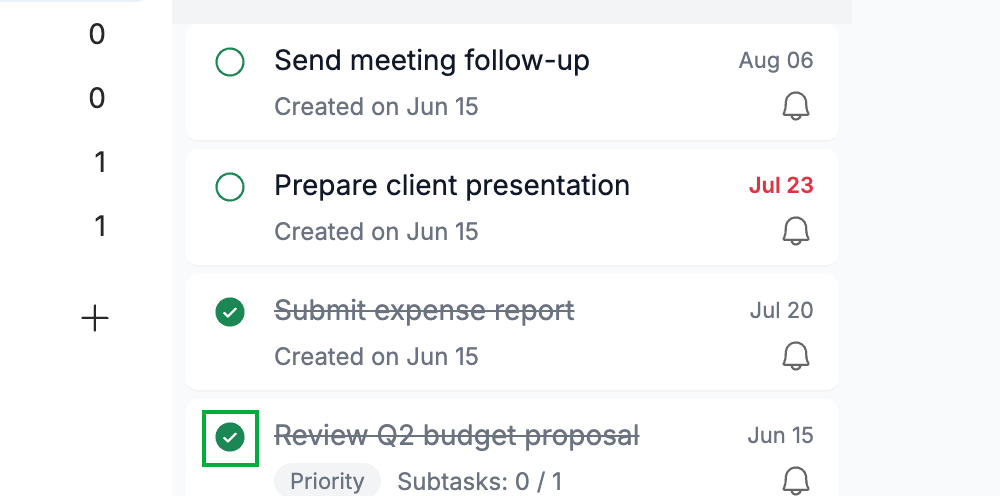
Click the completion circle to mark the task done (green) so it's ready to file away.
Tip: See How to mark a task as complete if you need to complete it first.
Step 2 — Open the task and send it to the archive
Open the task, then click Send to Archive (blue) in the top toolbar. The task is removed from your active list.

Step 3 — View your archived tasks
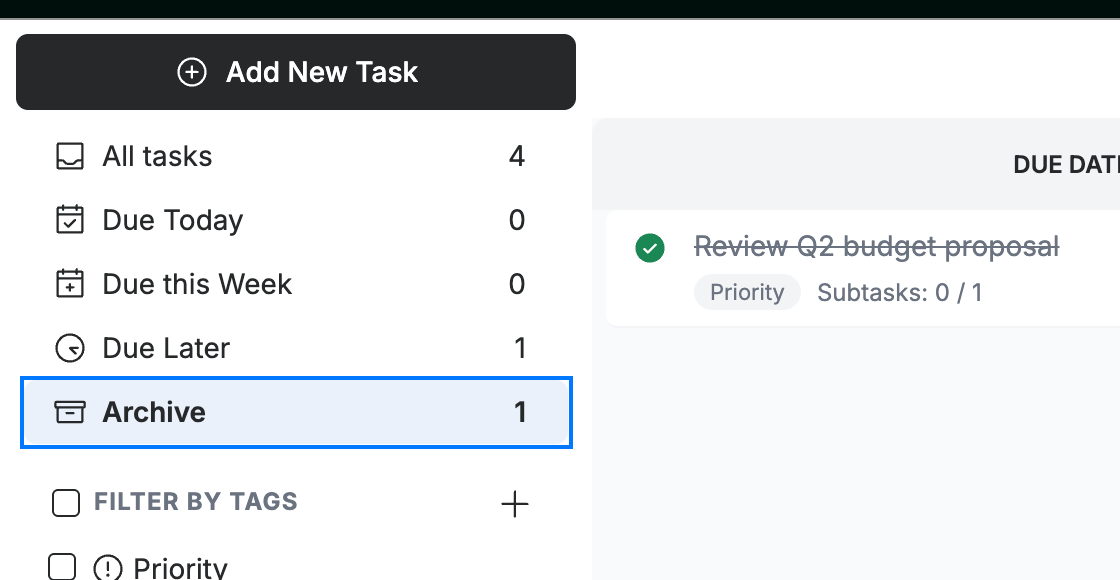
Click the Archive filter (blue) in the sidebar to see everything you've archived. The number beside it shows how many tasks are stored there.
Explore our other guides to get the most out of Webmail.