The Agenda view lists your events in order as a simple schedule, instead of laying them out on a day, week, or month grid. This guide shows how to switch to it.
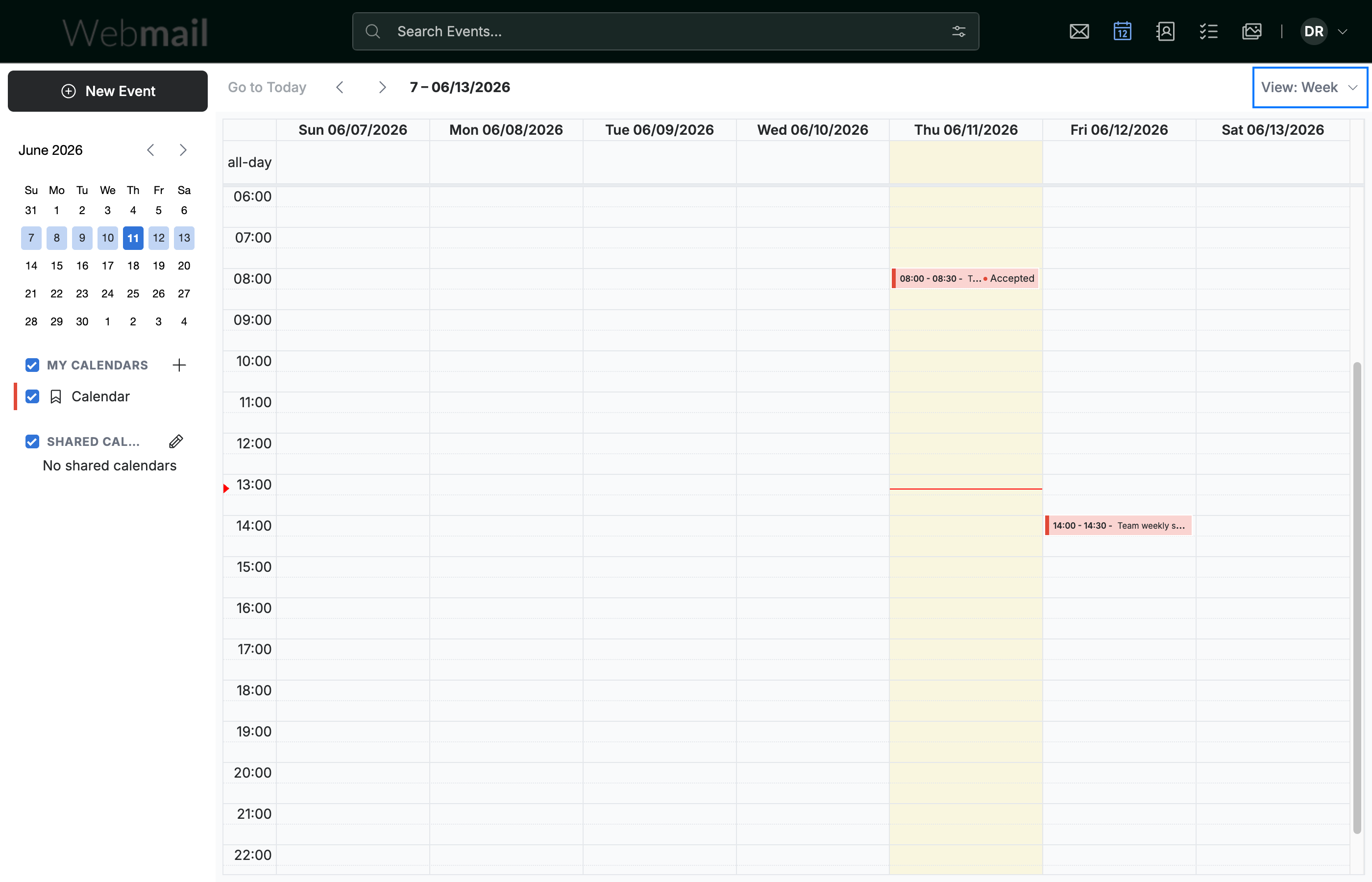
Step 1 — Open the View menu
Click the View menu in the top-right corner of the calendar.
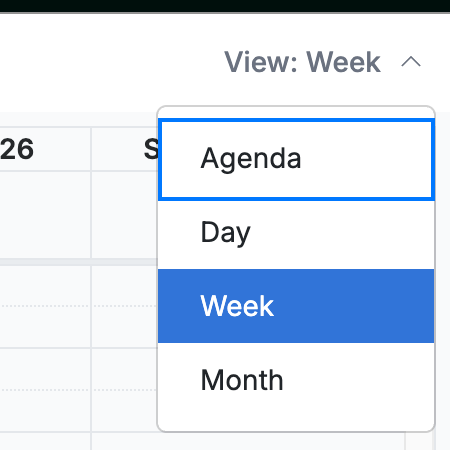
Step 2 — Select Agenda
Select Agenda from the list of views.
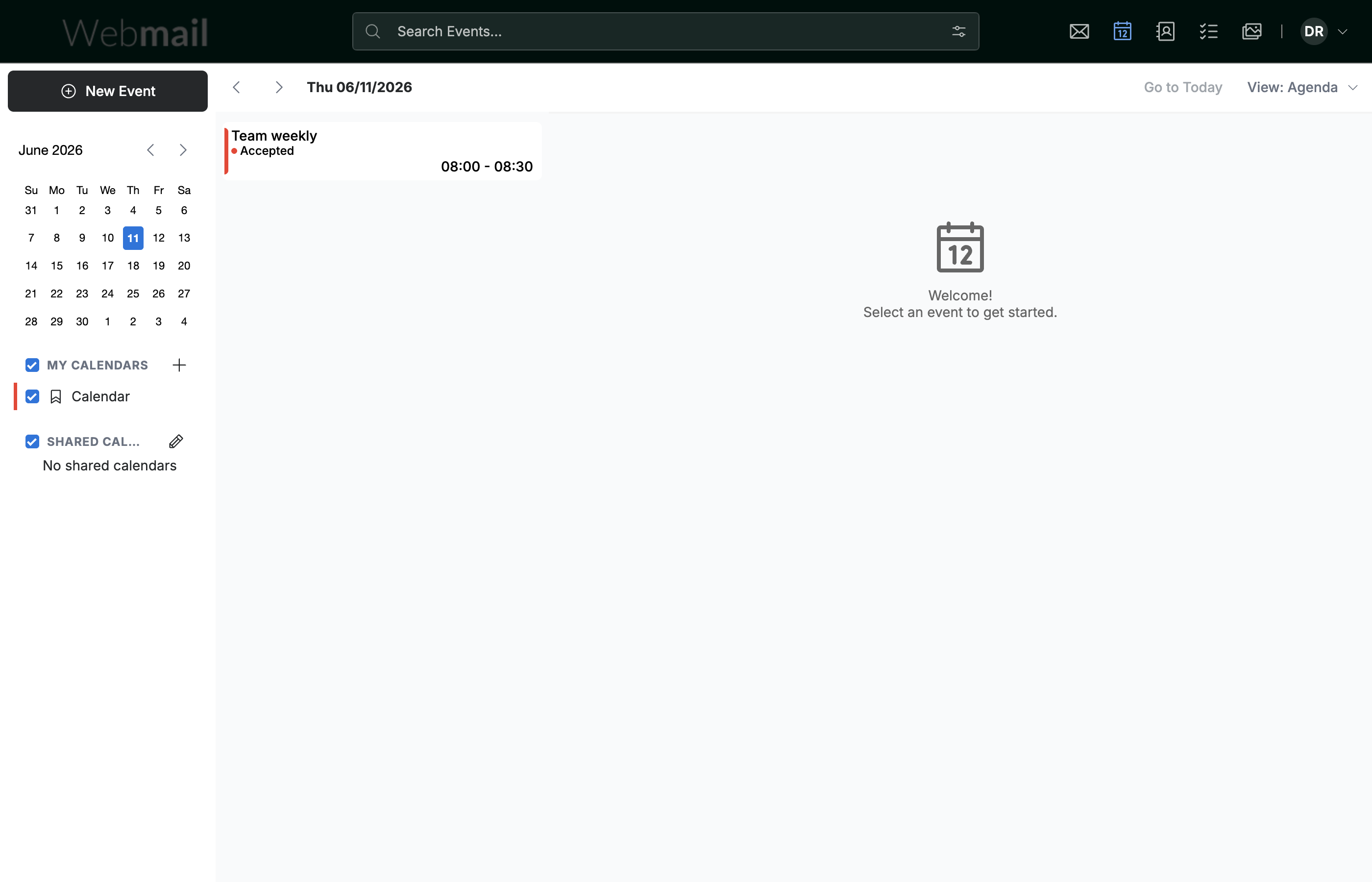
Step 3 — Review your agenda
Review your events as a chronological list — the date sits at the top, and each entry shows the event's title, status, and time. Click an event to open its details.
Explore our other guides to get the most out of Webmail.