Change the order of your message list to find emails faster — sort by date, sender, subject, and more, in ascending or descending order.
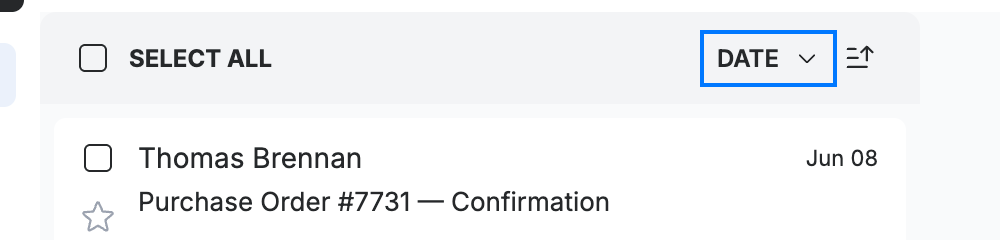
Step 1 — Open the sort menu
Click the current sort field (blue) in the message list header — it shows Date by default.
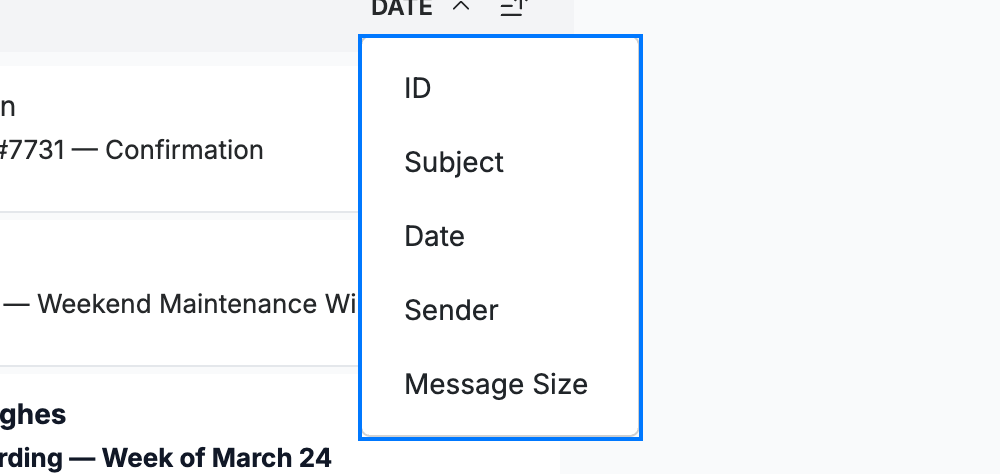
Step 2 — Choose a sort field
Select how to order the list from the dropdown (blue): ID, Subject, Date, Sender, or Message Size. The list reorders immediately.
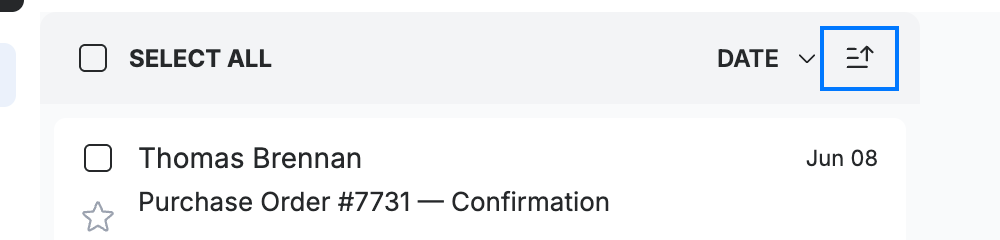
Step 3 — Change the sort direction
Click the arrow button (blue) next to the sort field to switch between ascending and descending order.
Tip: Hover over the arrow to see whether it will sort ascending or descending.
Explore our other guides to get the most out of Webmail.