Create a separate address book to keep different sets of contacts organised — for example, work and personal. This guide shows how to add one and set who can see it.
Step 1 — Name the address book
Click Add address book in the contacts sidebar, then enter a name in the Title field.

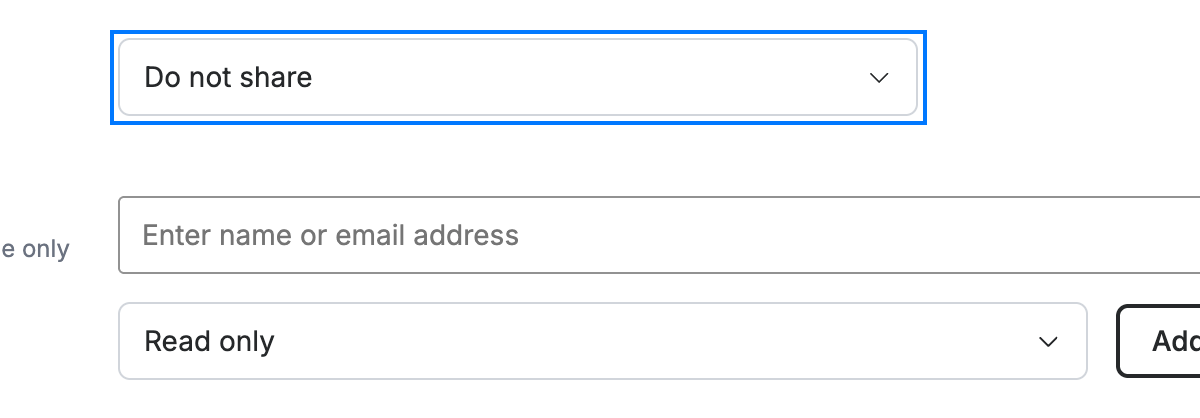
Step 2 — Set sharing options
Choose a sharing level from the dropdown — Do not share keeps the book private. To share it, select Read only (or a higher level) and add the people who should have access.
Step 3 — Save the address book
Click Save Address Book to create it. The new book appears in the contacts sidebar.

Explore our other guides to get the most out of Webmail.