When an email is open, you can move through your inbox without returning to the message list. This guide shows how to use the Prev and Next buttons to read one email after another.
Step 1 — Open an email
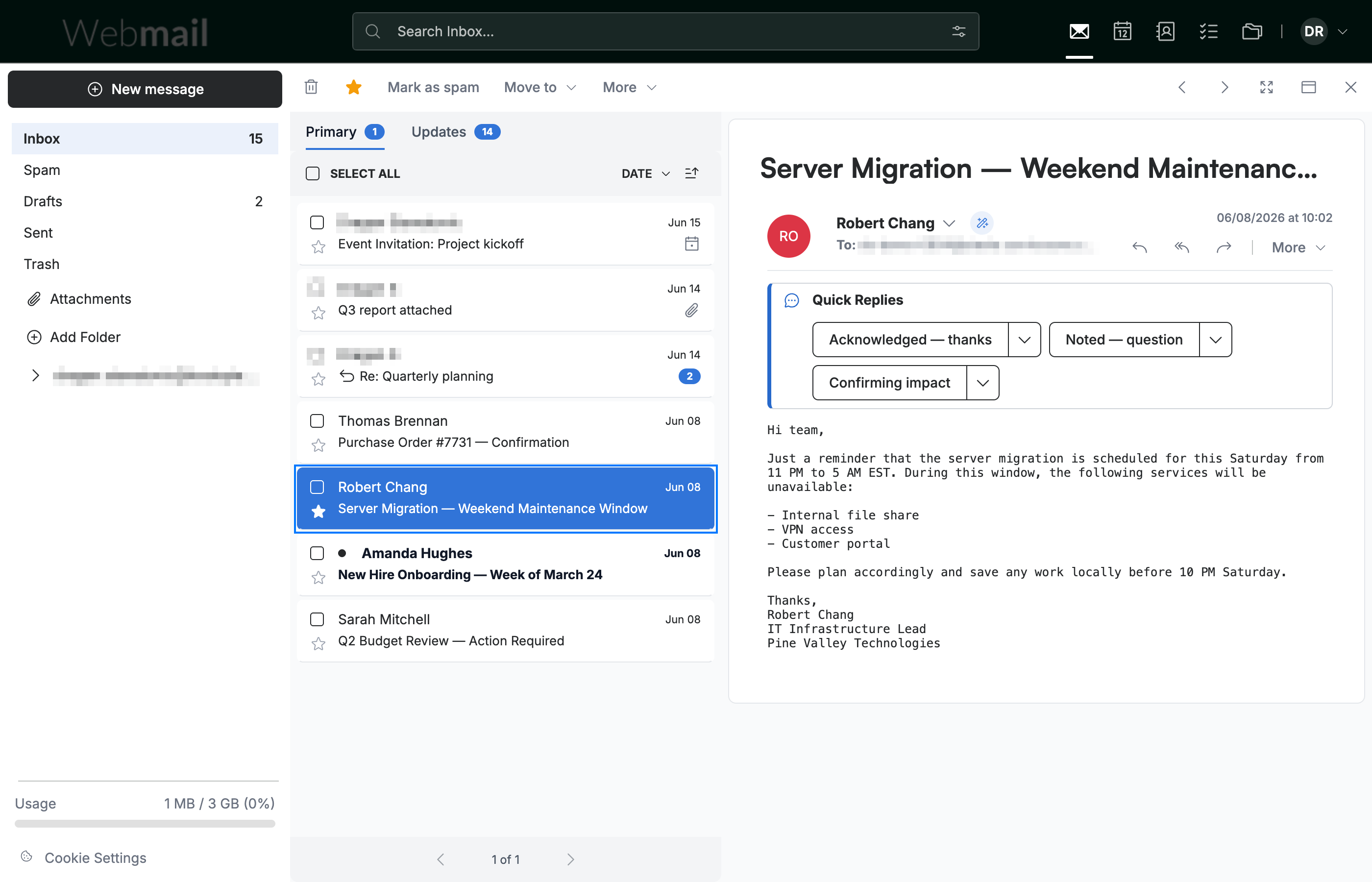
Click any message in the inbox to open it in the reading pane.
Step 2 — Move to the next email
Click Next in the top-right toolbar to open the following email in the list.

Step 3 — Move to the previous email
Click Prev to go back to the previous email in the list.
Note: When you reach the first or last email, the button for that direction is greyed out and can't be clicked.

Explore our other guides to get the most out of Webmail.