Select several messages at once to act on them together — saving you from repeating the same action on each email. This guide shows how to select messages and apply a bulk action.
Step 1 — Select multiple messages
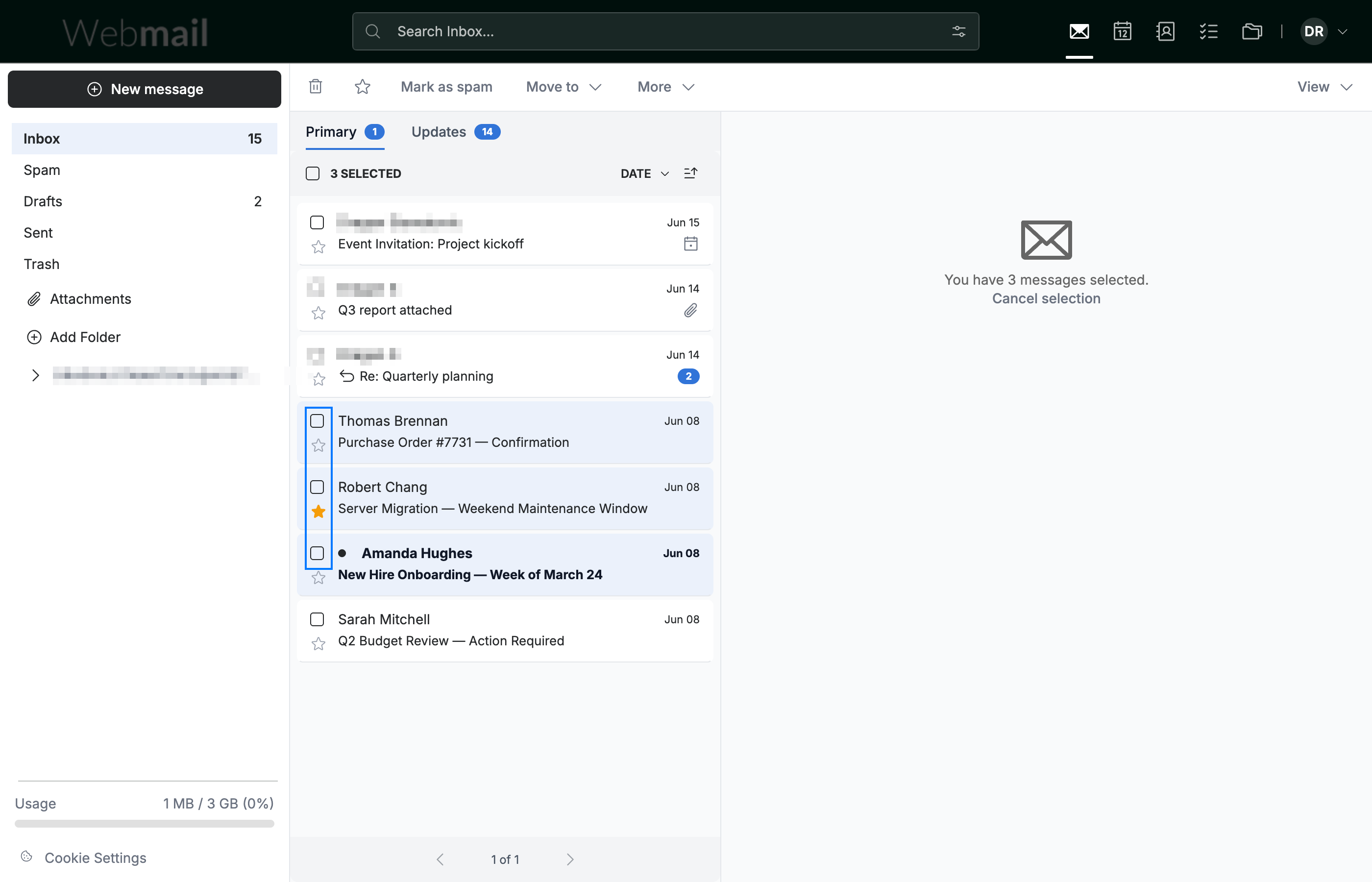
Click the checkbox (blue) next to each message you want to act on. A counter at the top of the list shows how many messages are selected.
Step 2 — Select all messages at once
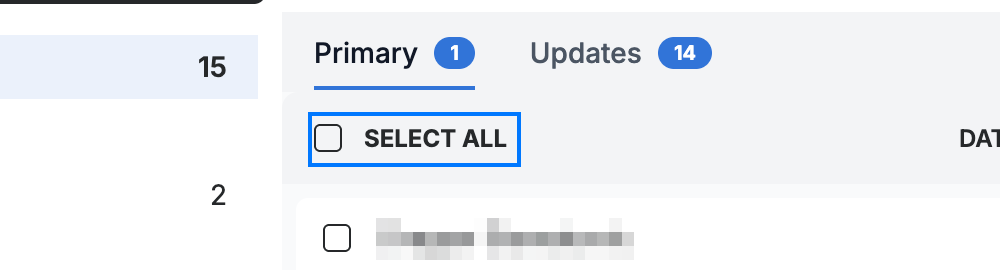
Click SELECT ALL (blue) in the list header to select every message in the current folder. Click it again to clear the selection.
Step 3 — Apply a bulk action
Use the action toolbar (blue) to act on every selected message at once: Mark as spam, Move to a folder, or More for additional options such as Mark as unread and Save message(s).

Explore our other guides to get the most out of Webmail.