Each message in your inbox has quick actions that let you star or delete it without opening it first. This guide shows how to reveal and use them straight from the message list.
Step 1 — Hover over a message row
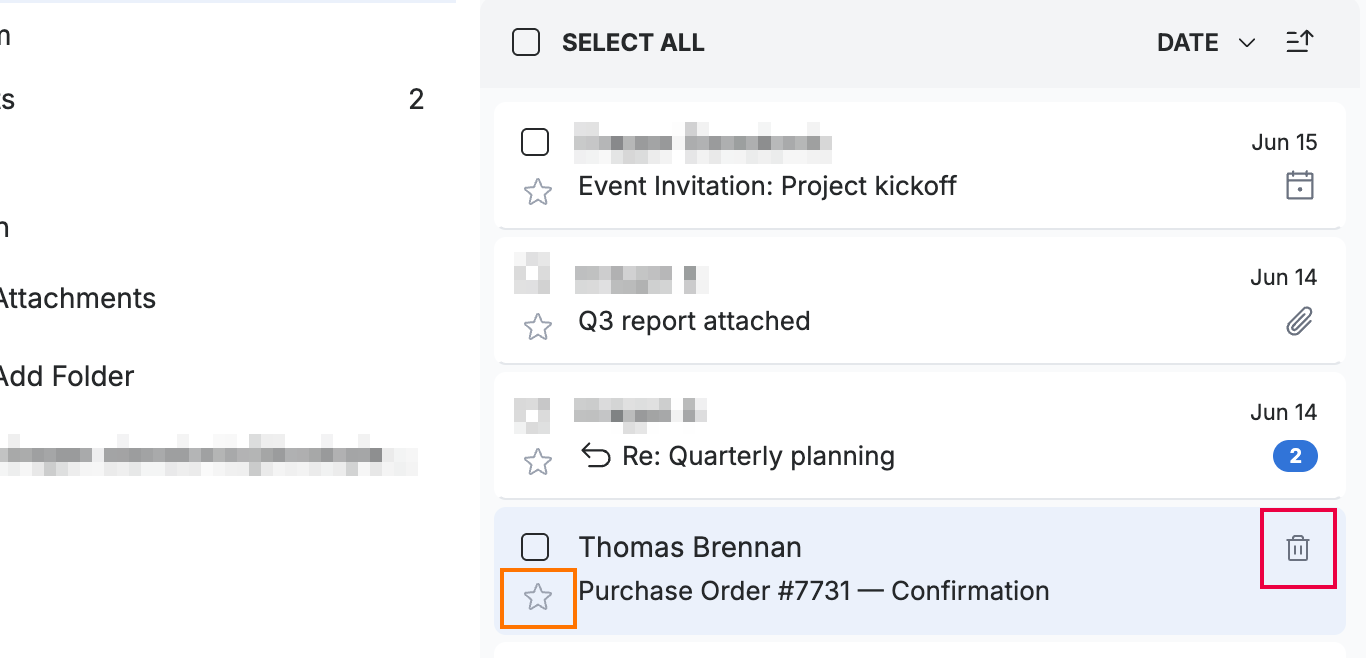
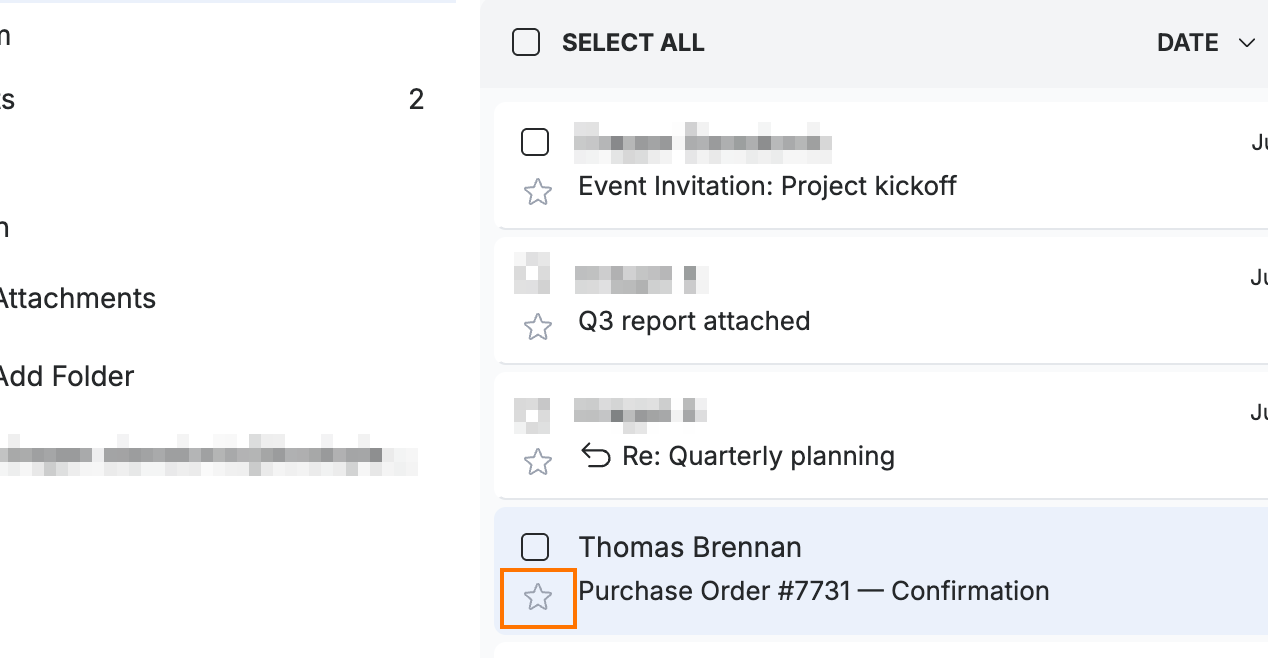
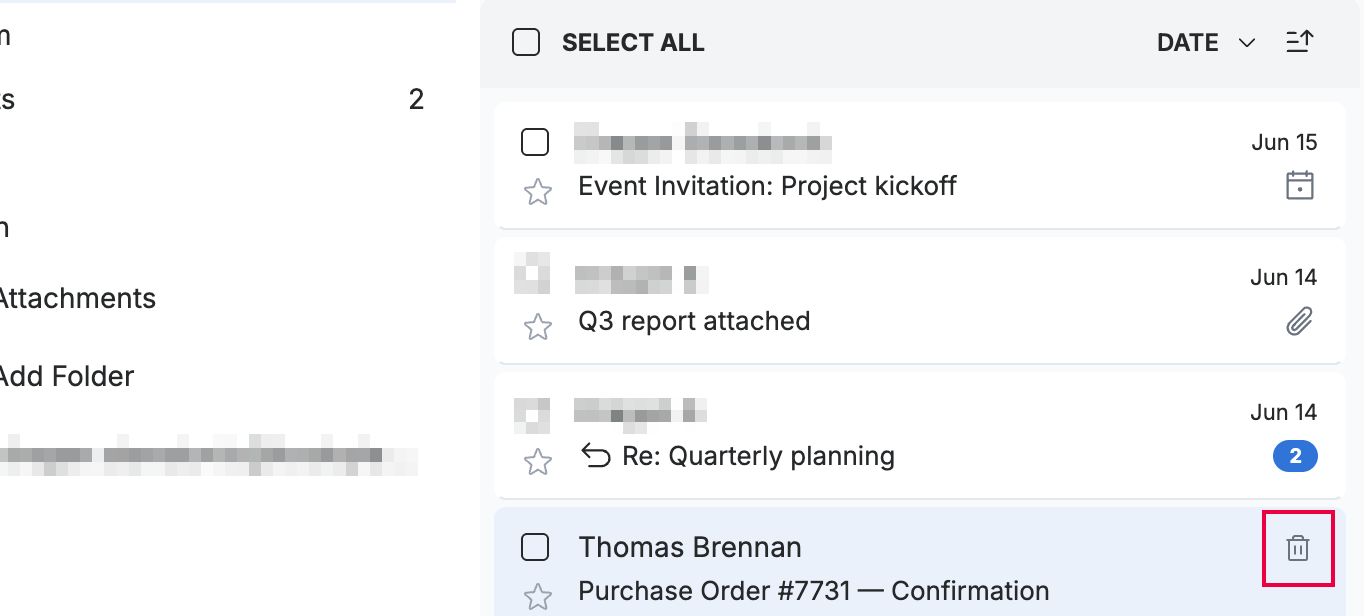
Hover over any message in the list to reveal its quick actions — Add star (orange) on the left and Delete (red) on the right.
Step 2 — Add a star
Click the star icon to flag the message for follow-up.
Tip: Click the star again to remove it.
Step 3 — Delete the message
Click the delete icon to remove the message from the list.
Note: Deleting moves the message to the Trash folder, where you can restore it later.
Explore our other guides to get the most out of Webmail.