Export your contacts to a file so you can back them up or import them into another program. This guide shows how to download them as a vCard or CSV file.
Step 1 — Select the contacts to export
Select the contacts you want to export by ticking the checkbox on each contact card.
Note: The Export option only appears once at least one contact is selected.

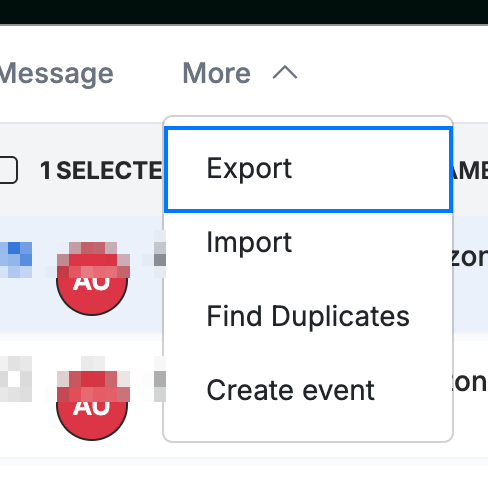
Step 2 — Open Export from the More menu
Click More in the toolbar, then select Export.
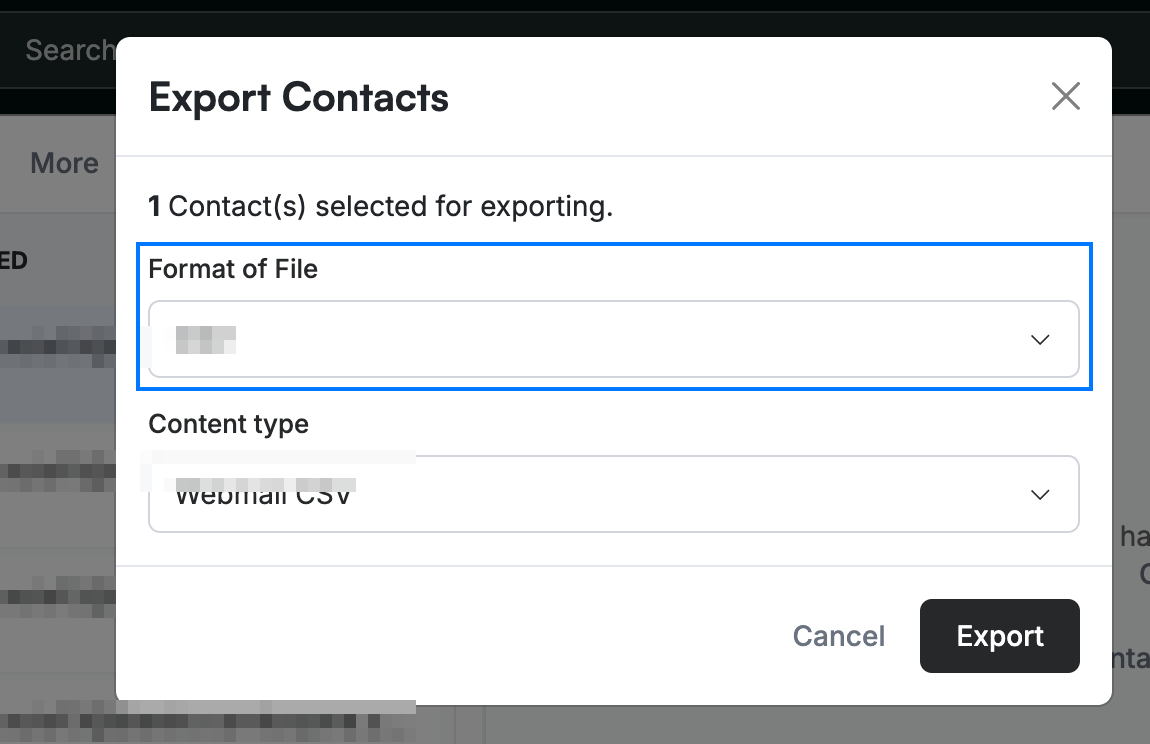
Step 3 — Choose a format and export
Choose a Format of File — CSV or vCard — and a Content type, then click Export to download the file to your computer.
Explore our other guides to get the most out of Webmail.