Find an event quickly by searching for it by name or keyword instead of scrolling through your calendar. This guide shows how to search your events.
Step 1 — Click the Search Events field
Click the Search Events field in the top bar.

Step 2 — Enter the event name
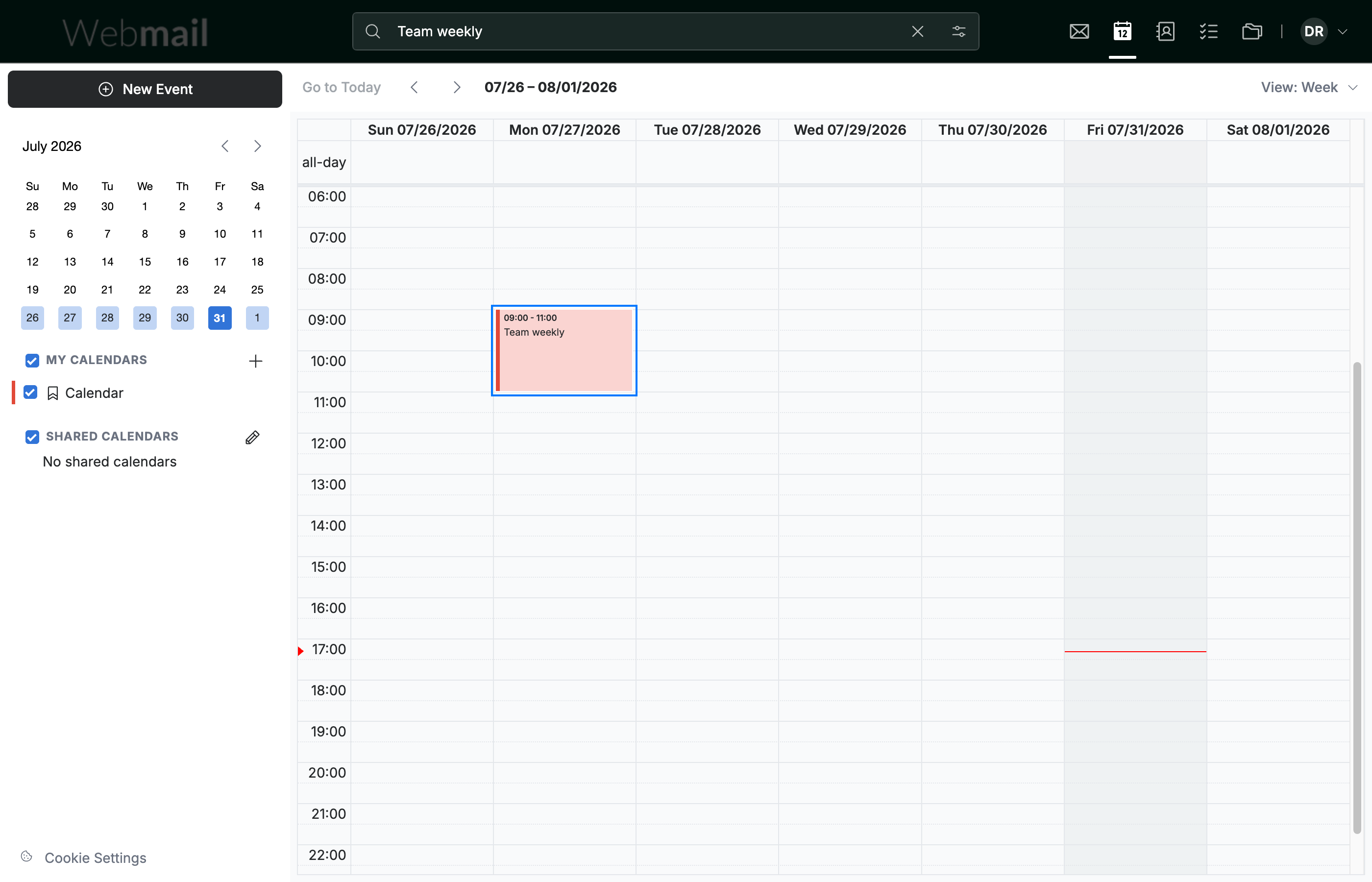
Enter the event name or a keyword from its title.

Step 3 — Open the matching event
Press Enter to search. Matching events appear in the calendar — click one to open its details.
Explore our other guides to get the most out of Webmail.