The Collected address book is a book Webmail fills in for you automatically — instead of adding every recipient by hand, it remembers the addresses you email so you can reuse them later. This guide explains where to find the Collected book and how to make the most of it.
Before you begin: The Collected book only fills up while automatic address collection is turned on. If it looks empty, enable collection first — see *How to enable automatic address collection*.
Step 1 — Open the Collected book
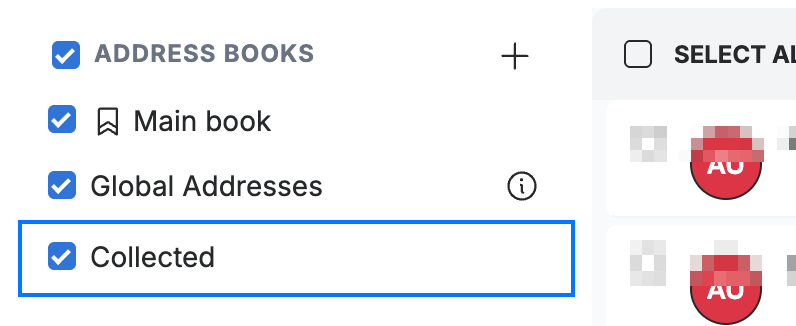
Open the Collected book (blue) in the Contacts sidebar, listed alongside your Main book and Global Addresses. Webmail adds the address of each person you email here automatically — there is nothing to confirm.
Step 2 — Reuse a collected address
Select a saved address from the suggestions that appear as you type in the To, Cc, or Bcc field while composing a message.
Step 3 — Save an address permanently
Open a collected address and save it to your Main book when you want to keep it for good with a name and other contact details.
Tip: Keep the list tidy by clearing it whenever you like — see *How to clear your collected email addresses*.
Explore our other guides to get the most out of Webmail.