Learn how to star emails in Webmail to mark the messages that matter, then find them again quickly with the starred search filter.
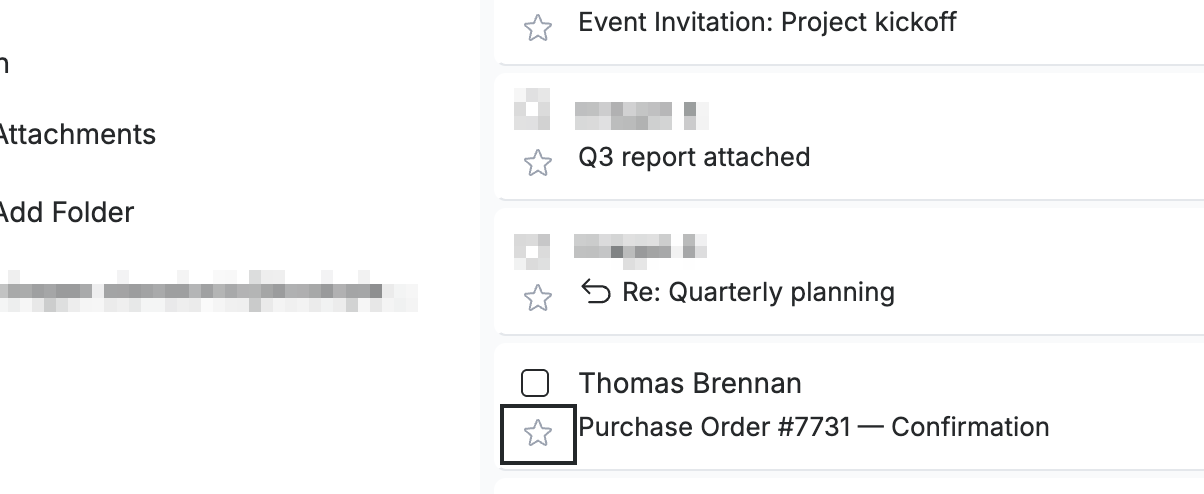
Step 1 — Star a message from the list
Click the star icon at the left of any message row to mark it.
Tip: You can also right-click a message and select Add star to star it without opening it.
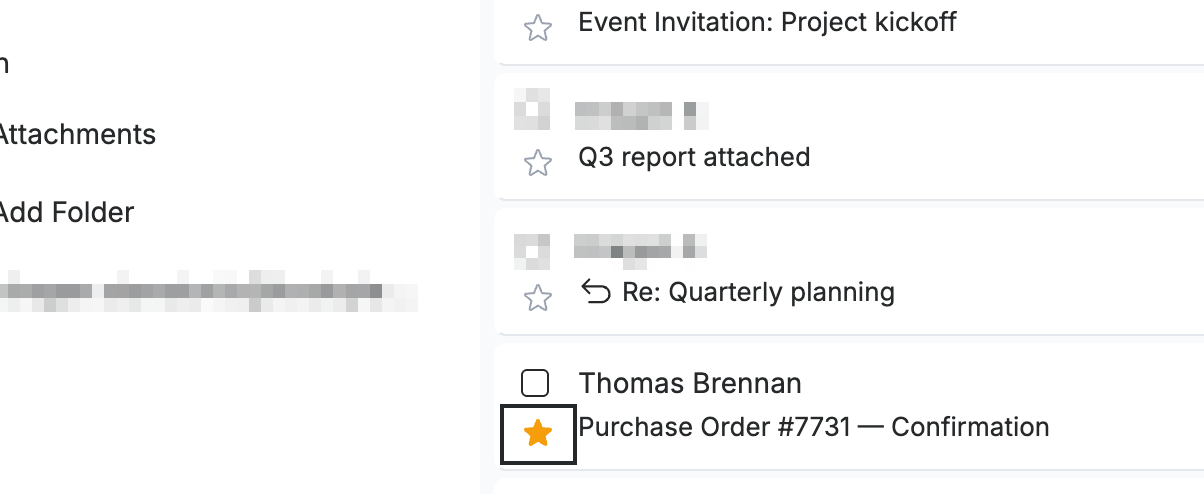
Step 2 — Confirm the message is starred
Check that the star icon has filled in — the message is now starred. Click the star again at any time to remove it.
Step 3 — Find your starred emails
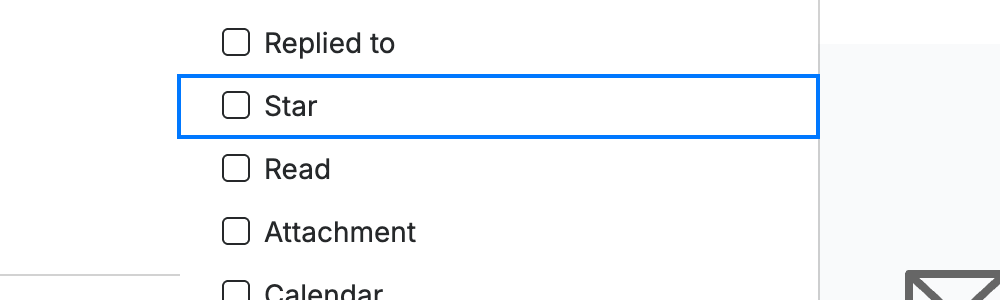
Open the advanced search panel from the Search Inbox bar, then select the Star filter (blue) and run the search to list only your starred messages.
Tip: Combine the Star filter with a keyword or date range to narrow your starred messages even further.
Explore our other guides to get the most out of Webmail.