Choose how often Webmail sends your auto-reply to the same person, so frequent senders aren't answered on every message. This guide shows where to set the frequency.
Step 1 — Open Settings
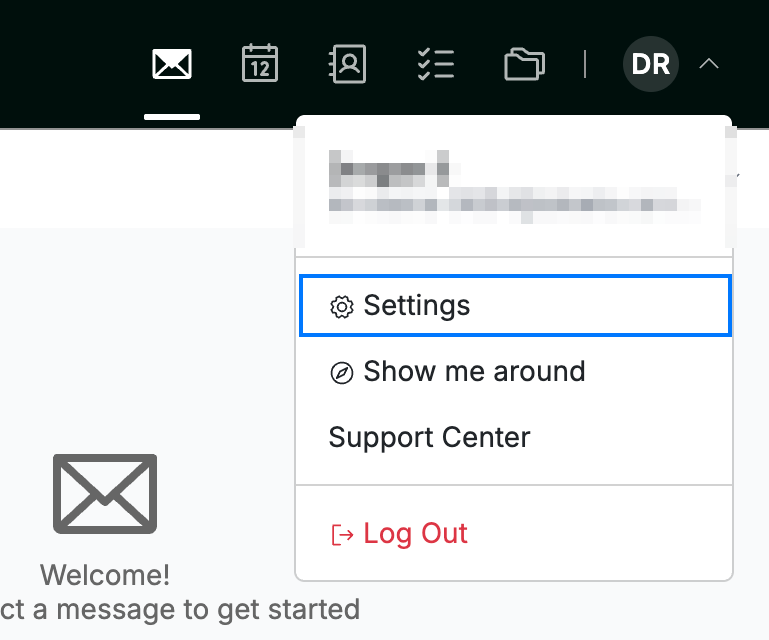
Click your avatar in the top-right corner and select Settings.
Step 2 — Select Auto-replies
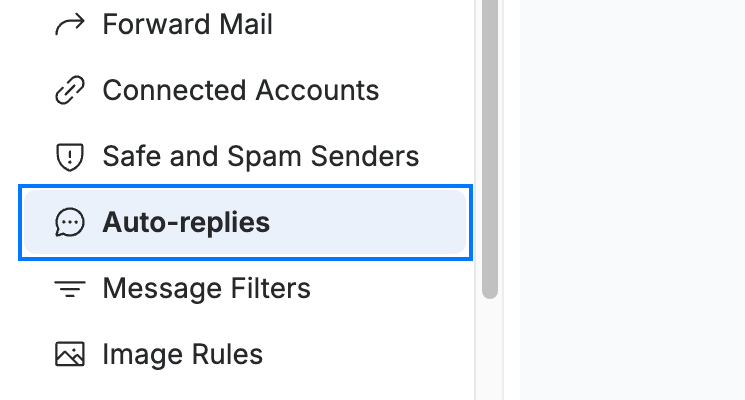
Select Auto-replies from the settings sidebar.
Step 3 — Open a new auto-reply
Click New Auto-Reply to open a blank auto-reply form.
Note: The Subject and Message fields are required (marked with an asterisk). Fill them in before saving, even when you only need to set the frequency.

Step 4 — Choose a Frequency
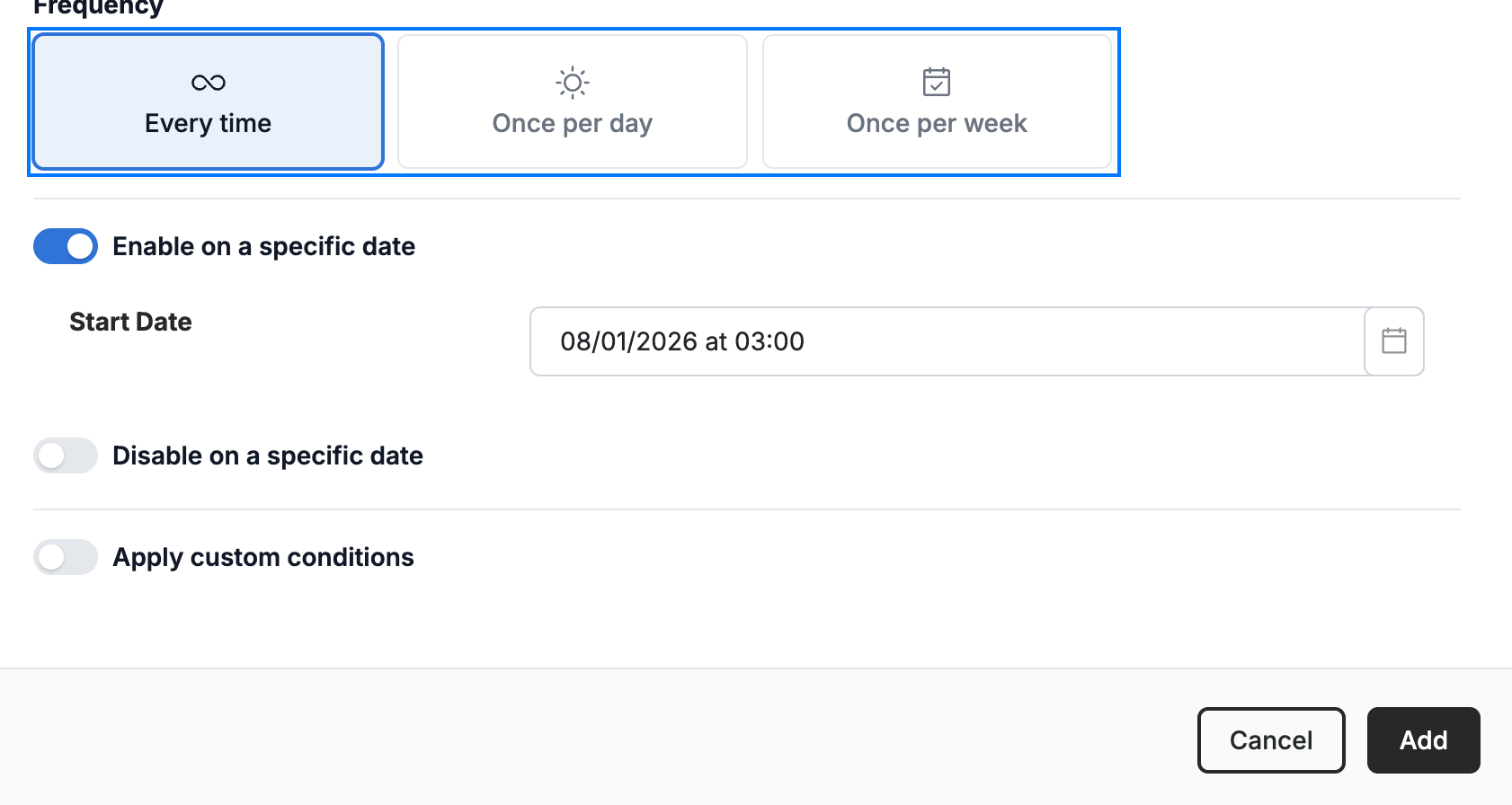
Select a Frequency to control how often the same sender receives your auto-reply:
- Every time — reply to every message they send
- Once per day — reply at most once a day per sender
- Once per week — reply at most once a week per sender
Click Add at the bottom of the form to save the auto-reply.
Explore our other guides to get the most out of Webmail.