Right-clicking a message opens a context menu of common actions, so you can act on an email without opening it or reaching for the toolbar. This guide shows what the menu offers.
Step 1 — Open the context menu
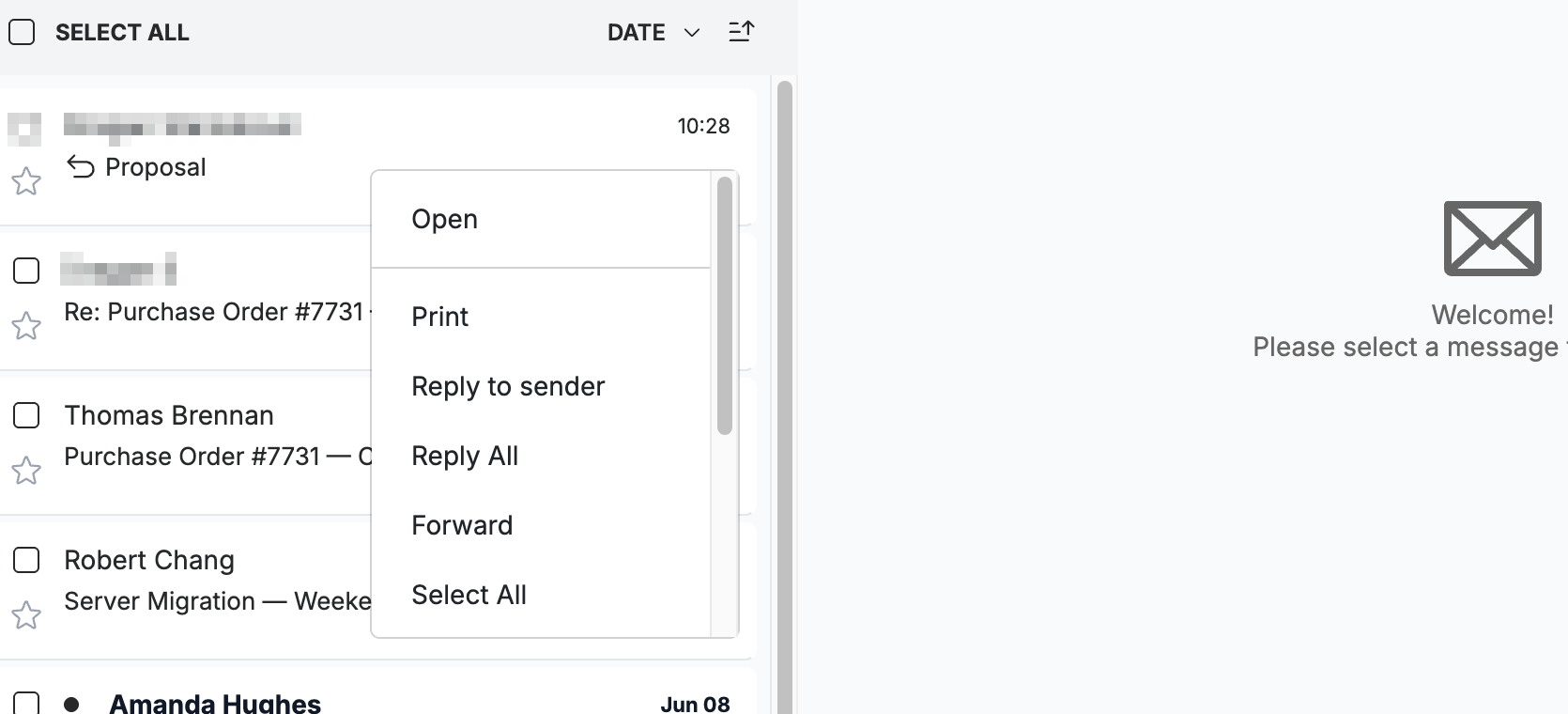
Open the context menu by right-clicking any message in the list.
Step 2 — Choose a quick action
Click any action in the menu to run it instantly. The menu includes Open, Print, Reply to sender, Reply All, Forward, and Select All, with more actions further down — such as Move to, Mark as read/unread, Add star, and Delete.
Step 3 — Act on several messages at once
Select several messages first, then right-click to run a single action on all of them together.
Tip: The context menu mirrors the toolbar, so it's the fastest way to file, flag, or delete mail straight from the list.
Explore our other guides to get the most out of Webmail.