Reply to a message you have received, reply to everyone on it, or forward it to someone new. This guide shows how to respond to email straight from your inbox.
Step 1 — Right-click a message
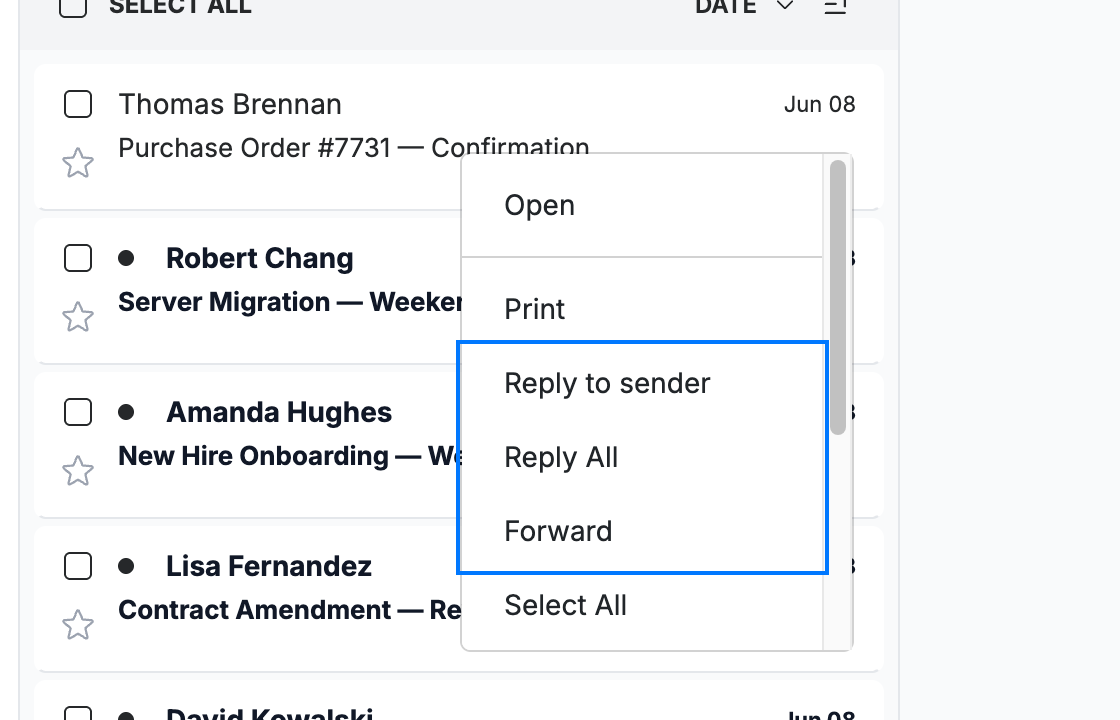
Right-click a message in the inbox to open the actions menu, then choose how to respond:
- Reply to sender — reply only to the person who sent the message.
- Reply All — reply to the sender and everyone else on the message.
- Forward — send a copy of the message to someone new.
Step 2 — Write your reply
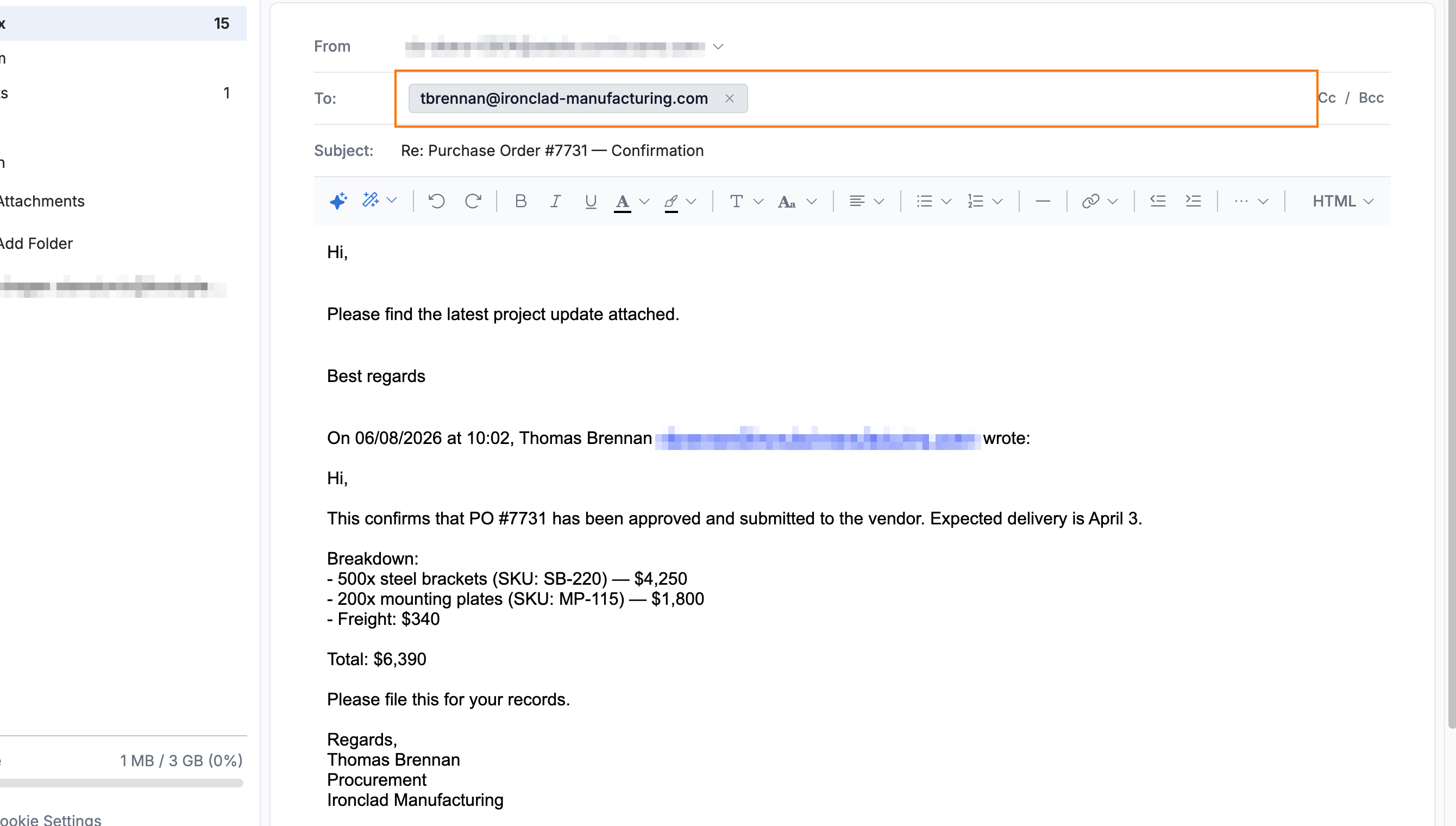
Select Reply to sender. The compose window opens with the recipient already filled in and the original message quoted below. Enter your reply above the quoted text.
Note: Forward works the same way, but the To field starts empty — enter the recipient's address before sending.
Step 3 — Send your reply
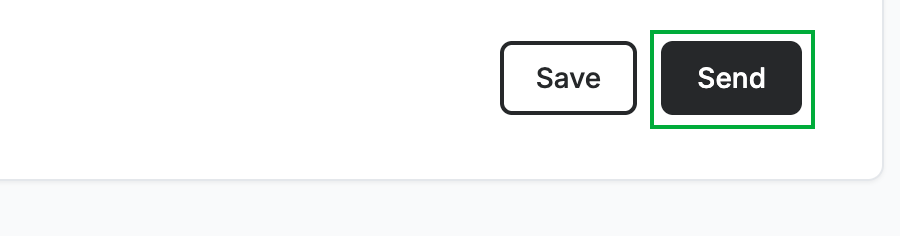
Click Send to deliver your response.
Explore our other guides to get the most out of Webmail.