Attach a document, agenda, or other file to a calendar event so it stays with the event details. This guide shows how to add a file when creating an event.
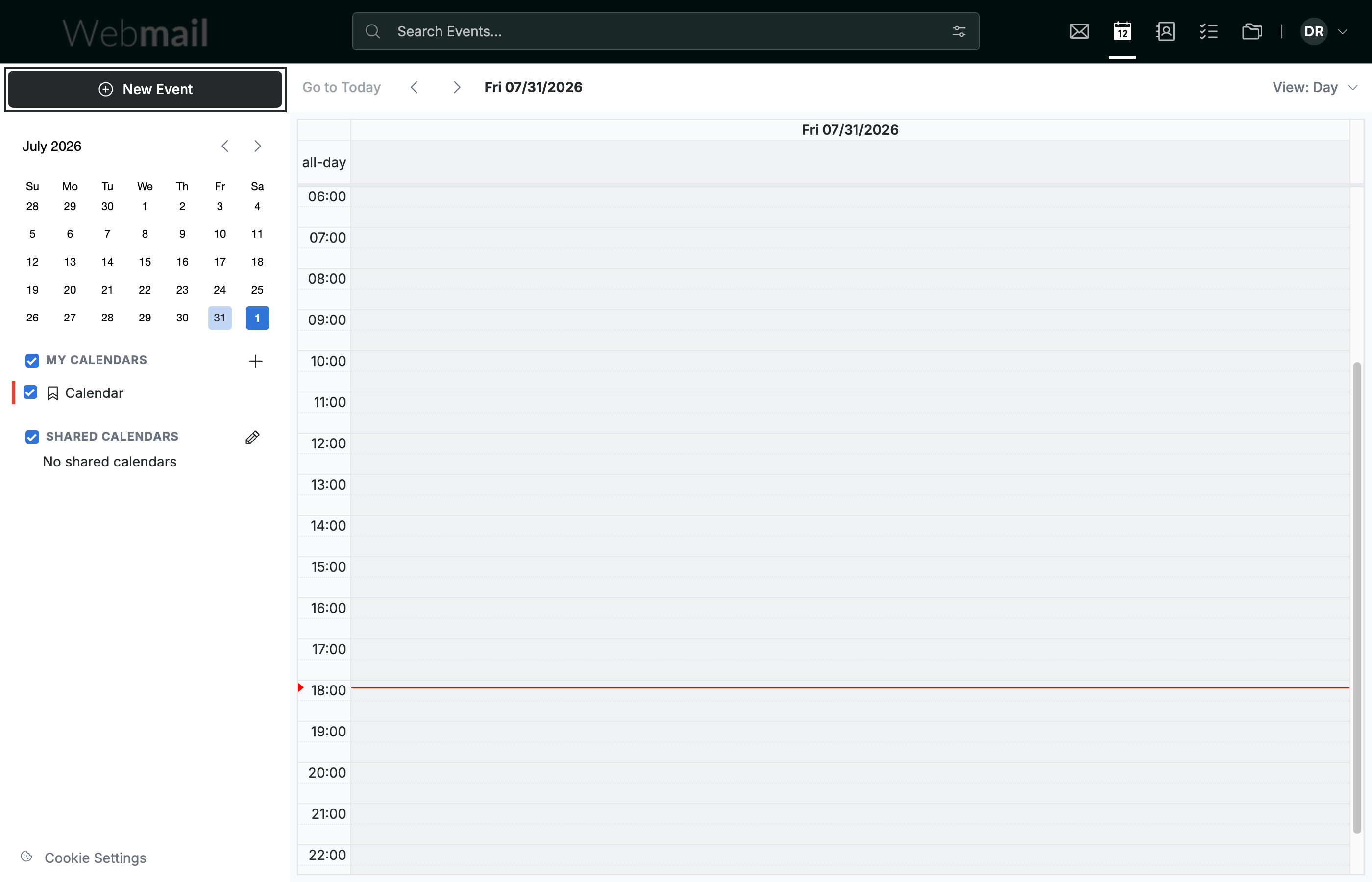
Step 1 — Click New Event
Click New Event in the top-left sidebar to open the event form.
Step 2 — Click Attach files from device
Click Attach files from device in the event toolbar.
Note: This opens your device's file browser. Choose a file and it is attached to the event.

Step 3 — Click Create
Click Create to save the event with its attachment.

Explore our other guides to get the most out of Webmail.