Find a specific email quickly by searching your inbox. This guide shows how to search by sender, subject, or keyword and open a matching message.
Step 1 — Click the search box
Click the Search Inbox box at the top of the window.

Step 2 — Enter a search term
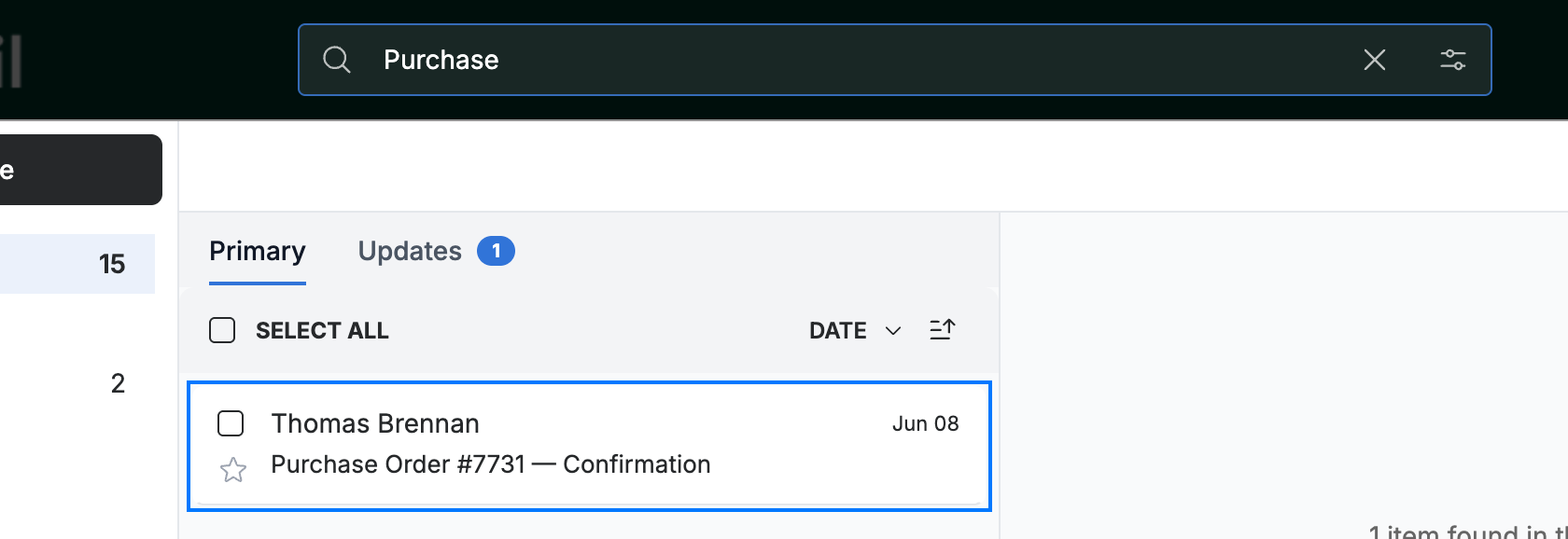
Enter a keyword — a sender's name, a word from the subject, or text from the message — then press Enter.

Step 3 — Open a matching message
Open the message you want from the list of matching results.
Tip: Clear the search box to return to your full inbox.
Explore our other guides to get the most out of Webmail.