Save an email as a `.eml` file to keep an offline copy or to open it in another mail program. This guide shows how to download a single message from the reading pane.
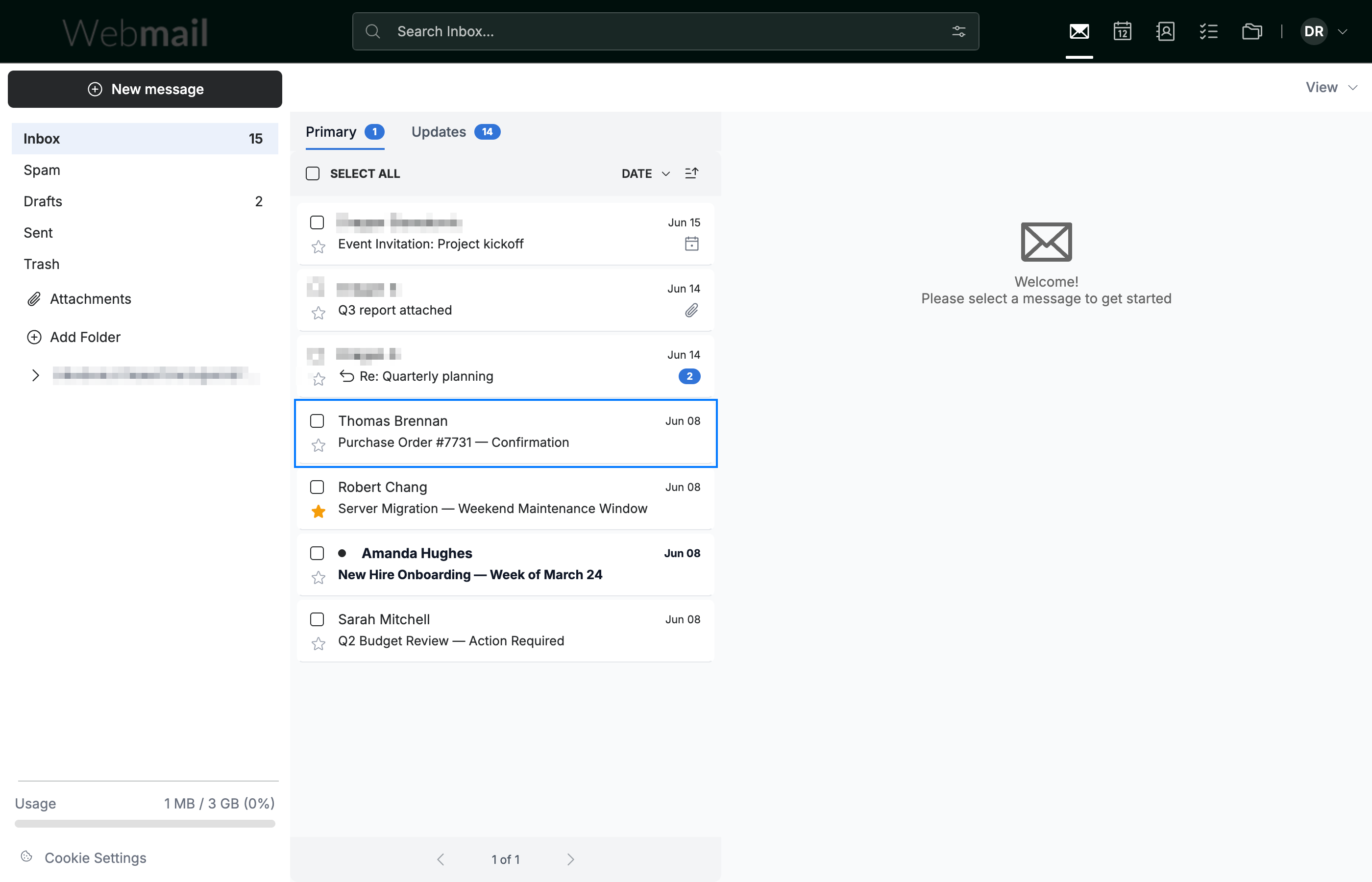
Step 1 — Open the email
Click the email you want to save to open it in the reading pane.
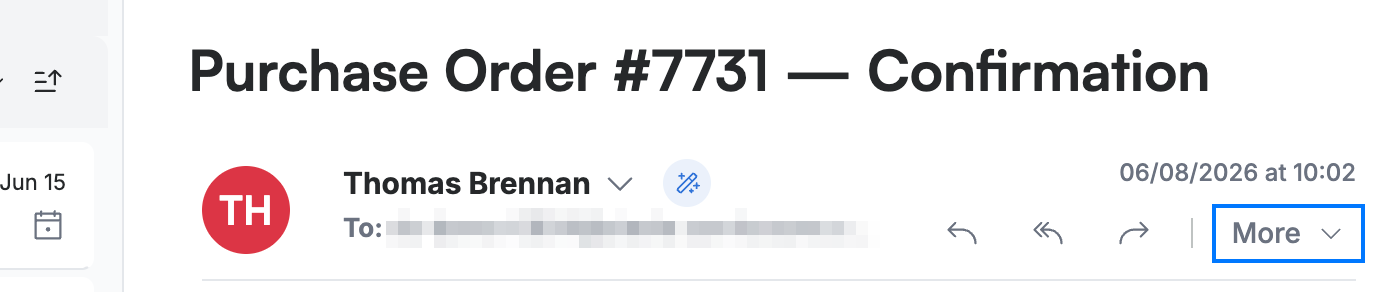
Step 2 — Open the More menu
Click More in the message toolbar to reveal additional message actions.
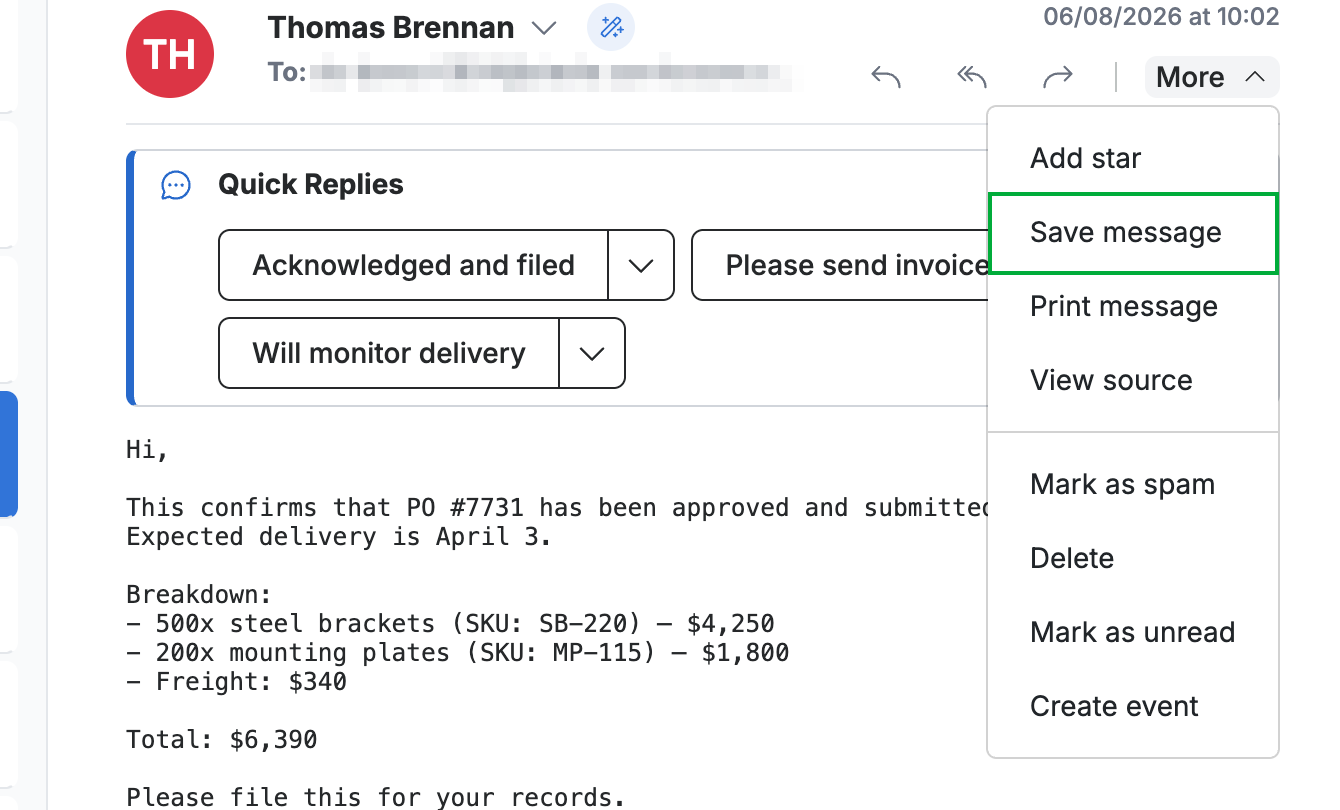
Step 3 — Save the message
Click Save message. The email downloads to your computer as a `.eml` file.
Tip: A `.eml` file keeps the full message — sender, recipients, date, and body — and can be reopened in most email programs.
Note: The file is saved to your browser's default downloads location.
Explore our other guides to get the most out of Webmail.