Share a public link to your calendar so others can see when you are free or busy — without exposing any event details. This guide shows how to find and copy your calendar link from the Sharing panel.
Step 1 — Open Settings
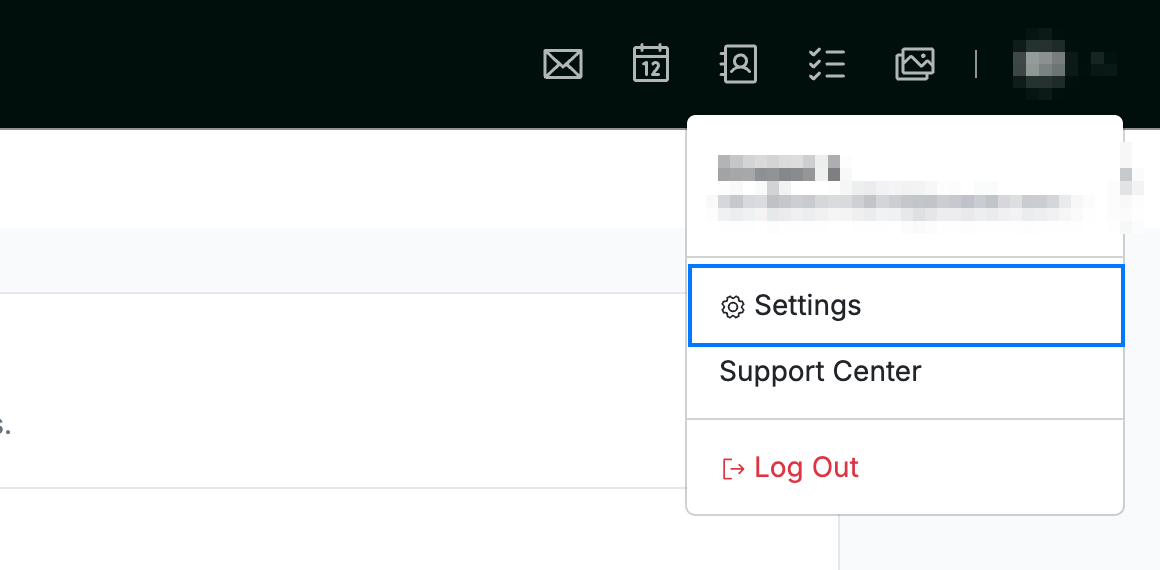
Open the user menu by clicking your initials in the top-right corner, then click Settings.
Step 2 — Select Sharing
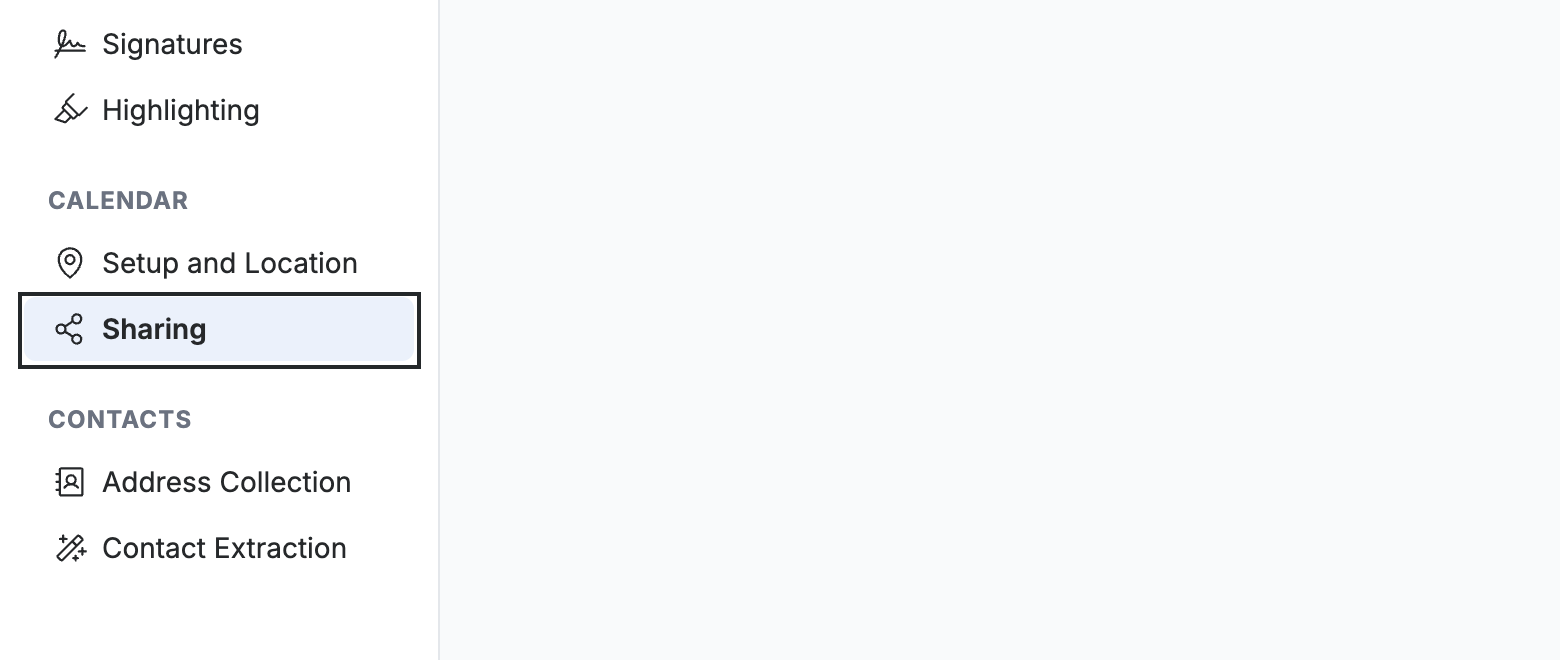
Select Sharing from the left sidebar.
Step 3 — Choose the calendar to share
Select the calendar to share from the Select calendar dropdown — choose All Calendars or a specific calendar.

Step 4 — Copy your calendar link
Click Copy next to Calendar Link to copy your sharing link, then send it to anyone who needs to see your availability.
Note: This link shows only your free and busy times — no event titles, details, or attendees are shared.

Explore our other guides to get the most out of Webmail.