If you have more than one sending address — your primary mailbox plus any connected external accounts — you can choose which one a message is sent from while composing.
Before you begin: The From dropdown only appears when more than one address is available. To add one, connect an external account under Settings > Connected Accounts.
Step 1 — Open the From dropdown
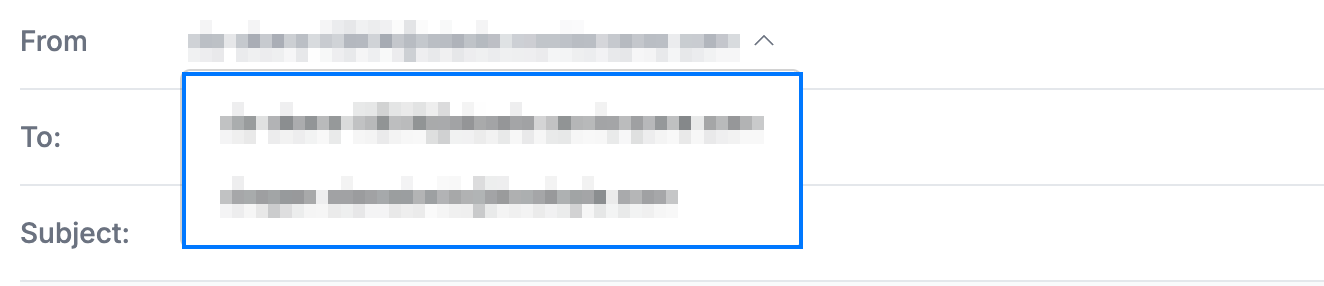
Click the From field (blue) at the top of a new message. It shows your current sending address.

Step 2 — Select a different address
Choose the address you want to send from in the list (blue). The address currently in use is highlighted at the top.
Step 3 — Confirm the sender
Review the From field (blue) — it now shows the address you picked. Finish your message and send it, and it goes out from that address.

Explore our other guides to get the most out of Webmail.