Webmail can match its folder layout to the mail program you're used to, so your folders are named and arranged the way you expect. This guide shows how to pick a folder configuration in Mailbox Options.
Step 1 — Open Settings
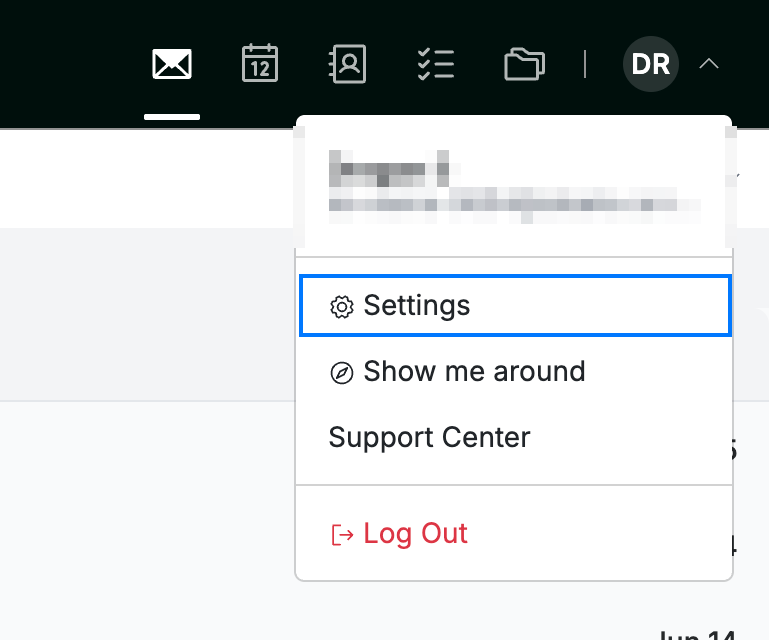
Click your avatar in the top-right corner and select Settings.
Step 2 — Open Mailbox Options
Select Mailbox Options from the Mail section of the settings sidebar.

Step 3 — Choose a folder configuration
Select a layout from the Mail folder configuration dropdown (blue). The options match common mail clients — Default, AppleMail, Blackberry, Earthlink, Exchange, Messenger Express, Outlook, and Thunderbird — each showing the folder set that program expects.

Step 4 — Save your changes
Click Save Updates (green) to apply the setting.

Explore our other guides to get the most out of Webmail.