Set up a security question the first time you sign in to Webmail. This question and its answer let you verify your identity if you ever forget your password or email address.
Step 1 — Review the Create Security Question screen
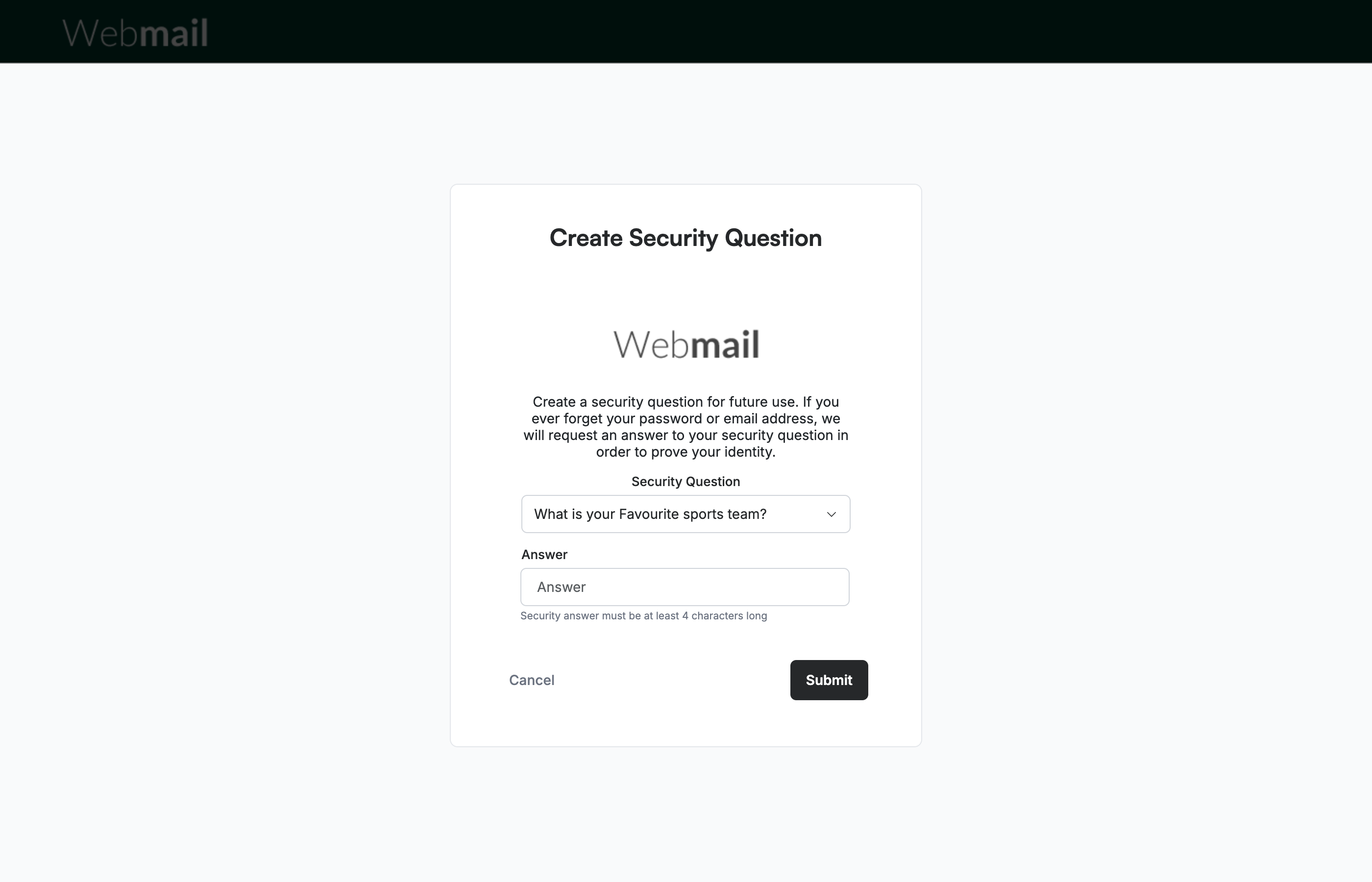
Review the Create Security Question screen, which opens automatically after you accept the Terms & Conditions. It lets you set a question and answer used to confirm your identity during account recovery.
Step 2 — Select a security question
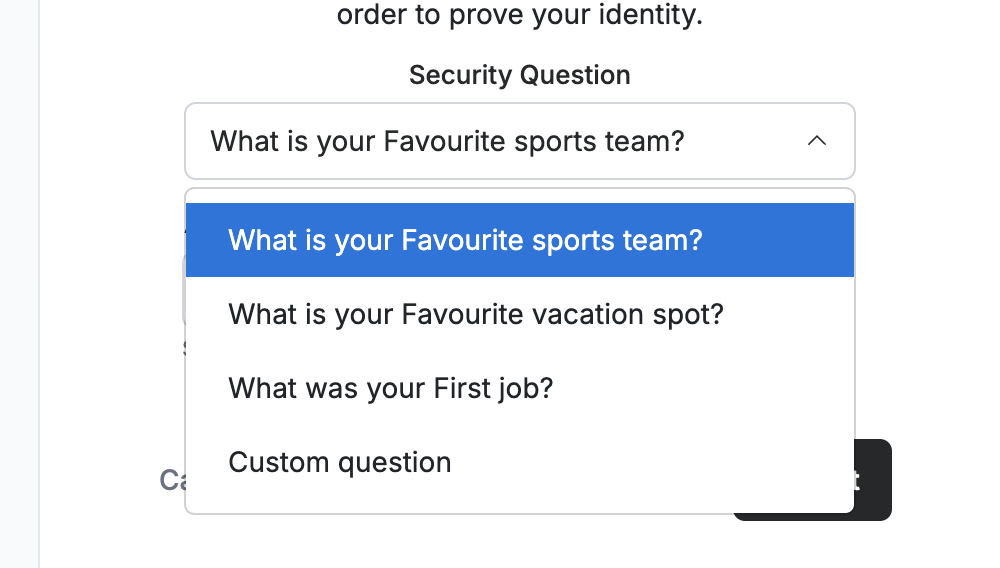
Select a question from the Security Question dropdown. Choose one of the preset questions — What is your Favourite sports team?, What is your Favourite vacation spot?, or What was your First job? — or choose Custom question to write your own.
Step 3 — Enter your answer
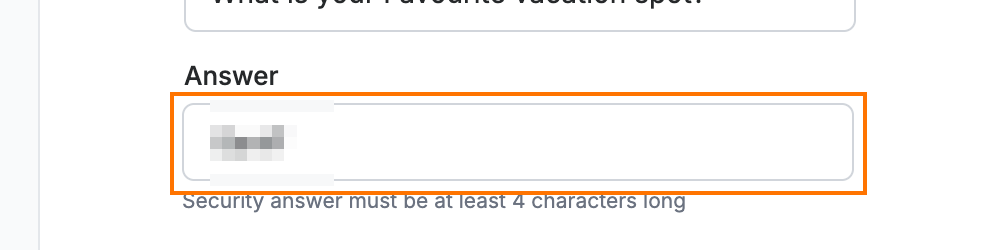
Enter your response in the Answer field. Choose something memorable, because you will need to provide it exactly to recover your account.
Note: Your answer must be at least 4 characters long.
Step 4 — Submit your security question
Click Submit to save your security question and continue setting up your account.

Explore our other guides to get the most out of Webmail.