The Support Center is the help portal with articles and guides for Webmail. This guide shows how to open it from inside Webmail.
Step 1 — Open the account menu
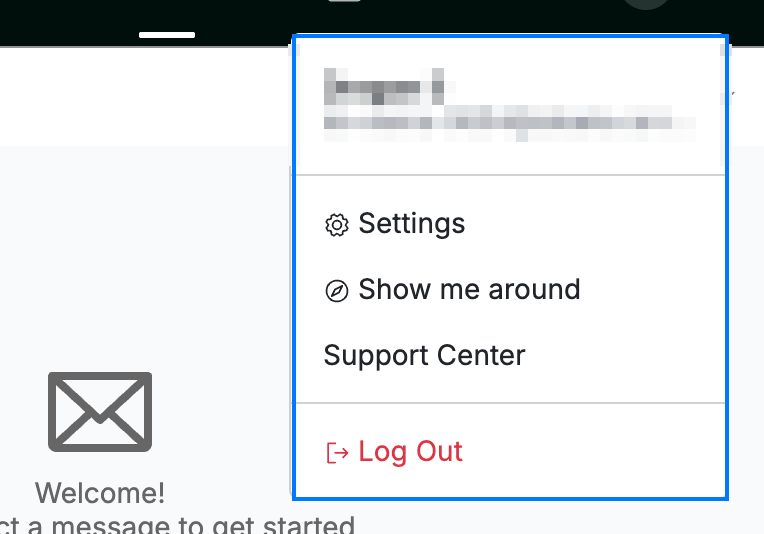
Click your avatar in the top-right corner to open the account menu (blue).
Step 2 — Select Support Center
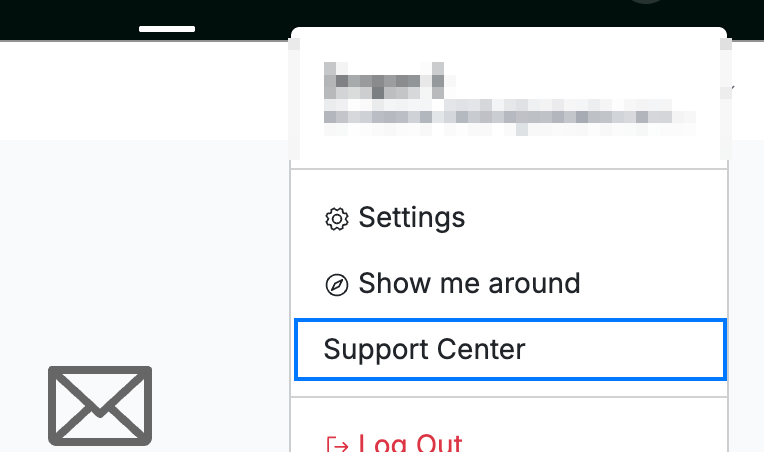
Select Support Center (blue) from the menu.
Step 3 — Browse the help articles
Review the Support Center, which opens in a new browser tab — search its articles and guides for help with Webmail.
Tip: Bookmark the Support Center tab so you can return to it quickly next time.
Explore our other guides to get the most out of Webmail.