Save an unfinished email as a draft and come back to it later. This guide shows how to save a draft while composing and reopen it from the Drafts folder.
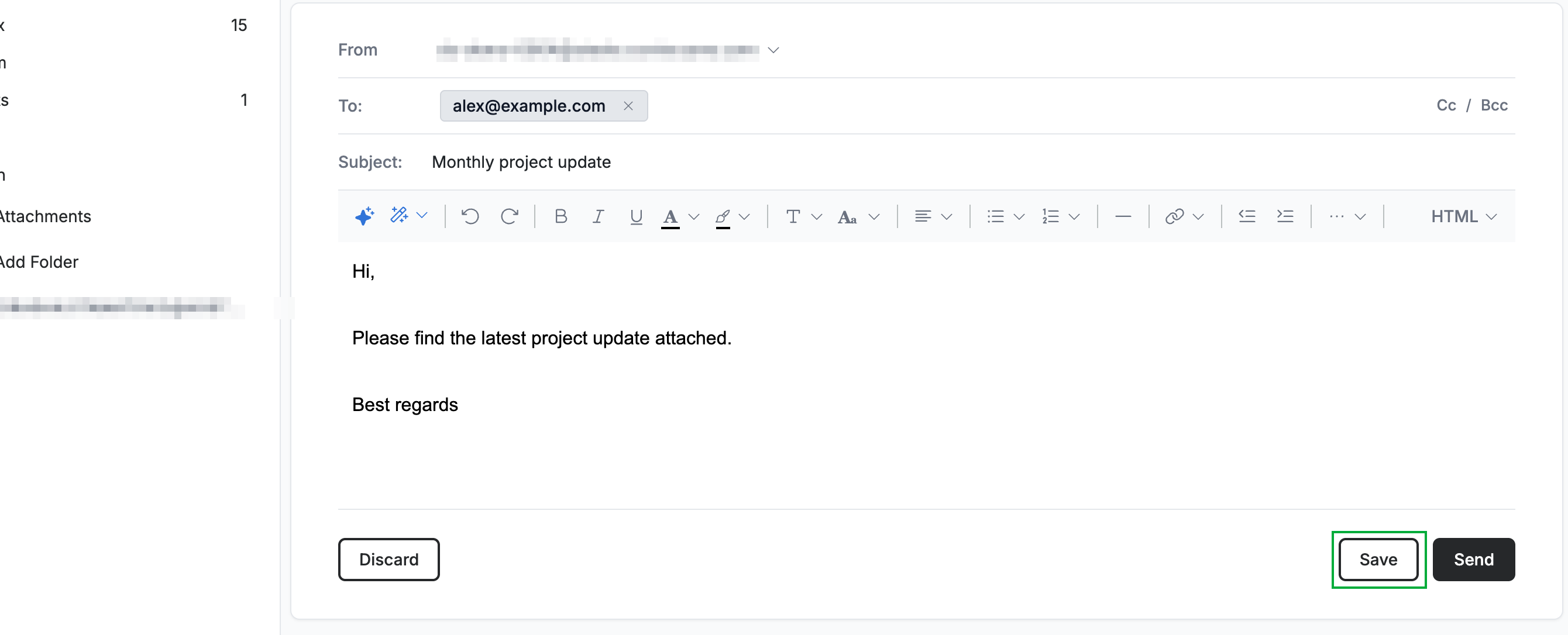
Step 1 — Save your draft
Click Save while composing to store your message as a draft. The draft is kept in your Drafts folder.
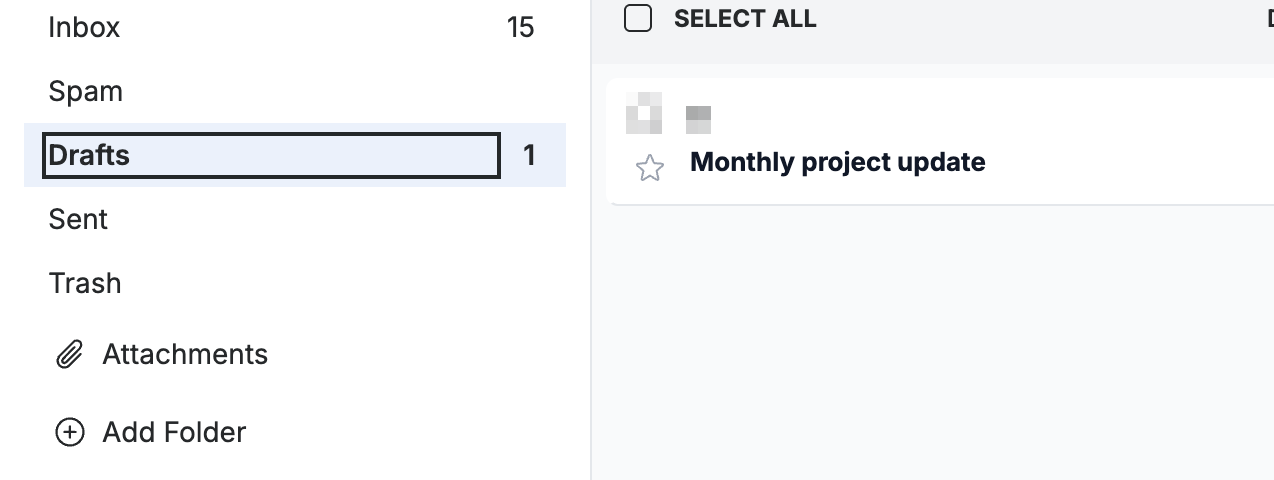
Step 2 — Open the Drafts folder
Select Drafts in the sidebar to see your saved drafts.
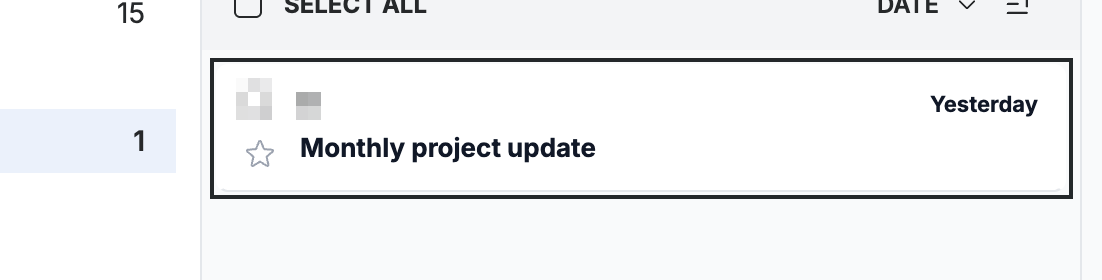
Step 3 — Reopen the draft
Click your draft in the list to reopen it in the compose window, then continue where you left off.
Explore our other guides to get the most out of Webmail.