Learn how to change the Webmail calendar between Agenda, Day, Week, and Month views, so you can zoom in on a single day or step back to see the whole month at a glance.
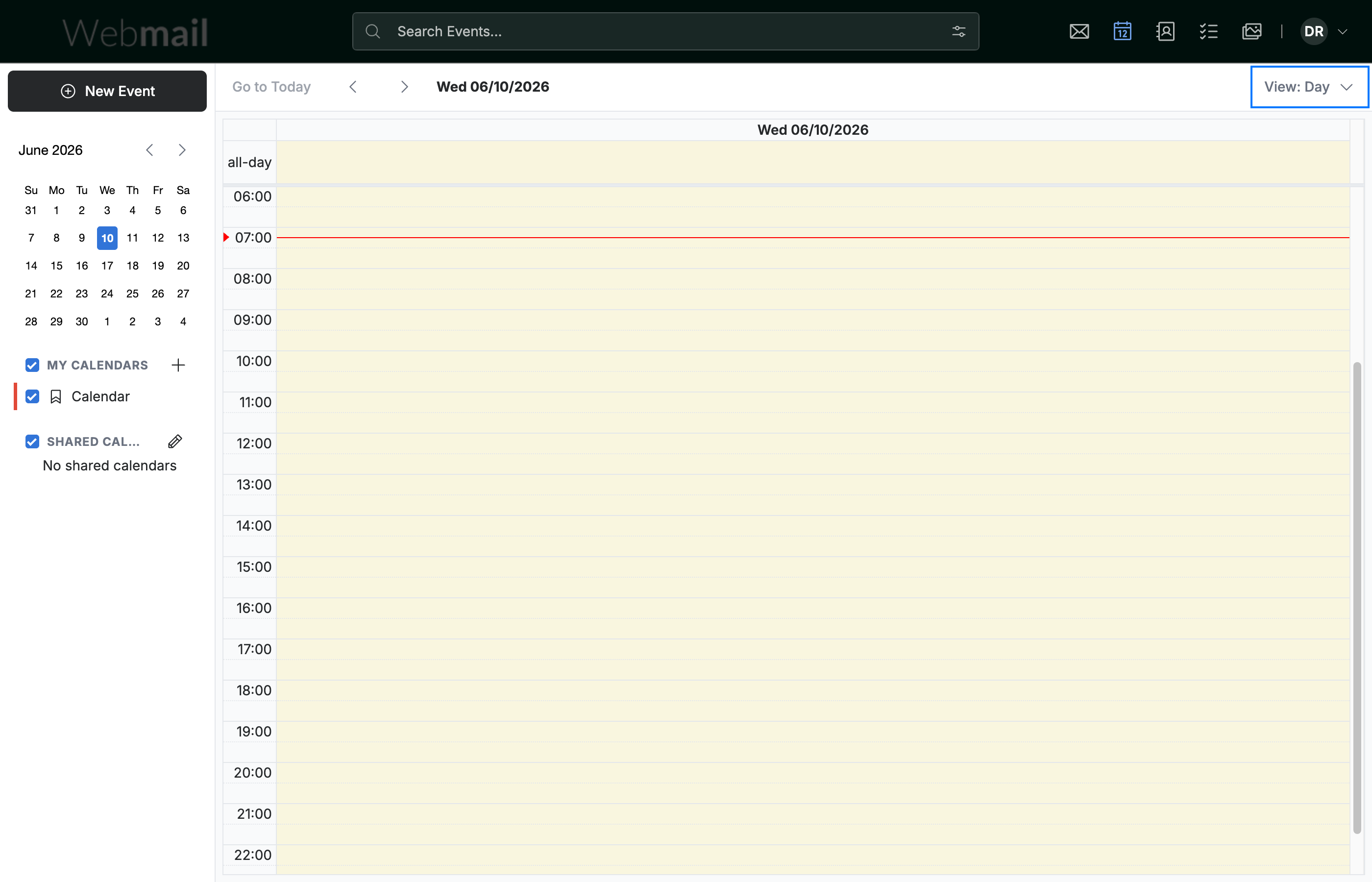
Step 1 — Open the View menu
Click the View button in the top-right of the calendar. It shows the view you are currently using, such as View: Day.
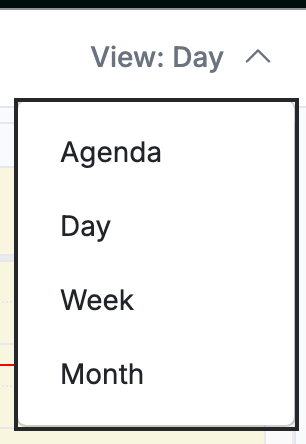
Step 2 — Choose a view
Select Agenda, Day, Week, or Month from the menu.
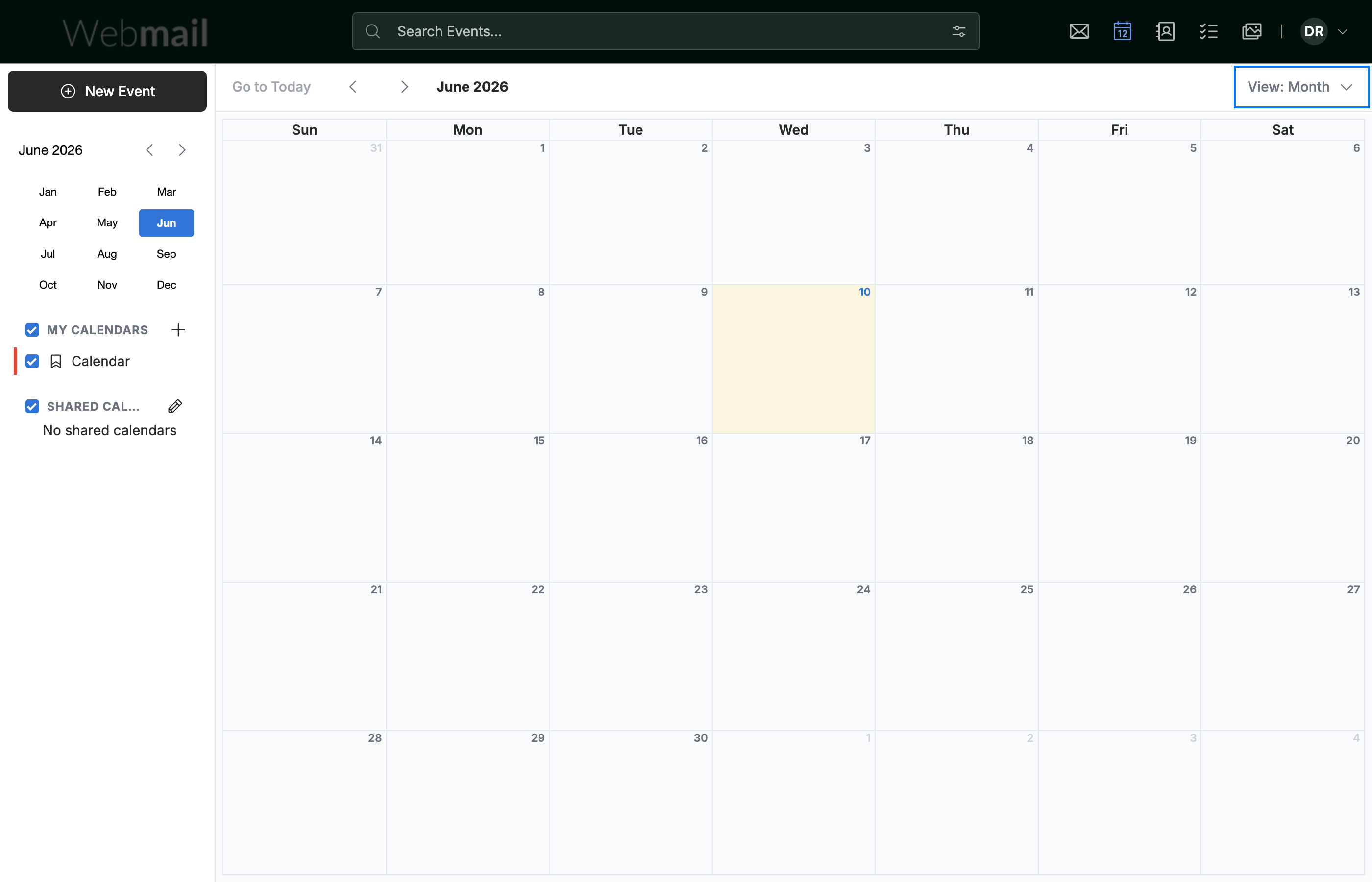
Step 3 — Confirm the new view
Locate the View button to confirm the change. The calendar switches to your selected layout, and the button updates to show the current view, such as View: Month.
Tip: Use Agenda for a simple list of upcoming events, or Month to plan further ahead.
Explore our other guides to get the most out of Webmail.