The calendar can show your events as a list or as a day, week, or month grid. This guide explains the available views and how to switch between them.
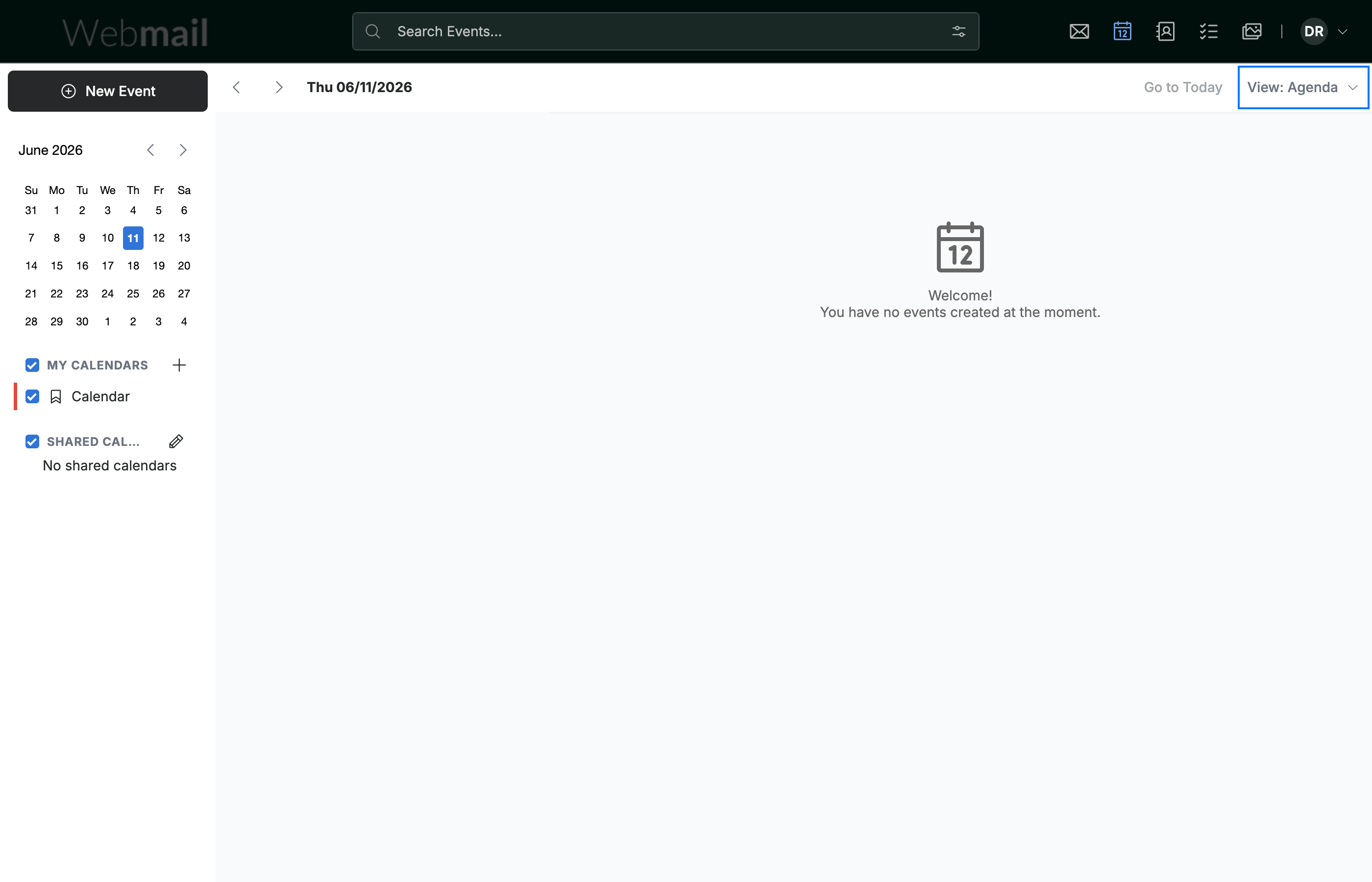
Step 1 — Open the View menu
Click the View menu in the top-right of the calendar to choose how your events are displayed.
Step 2 — Choose a view
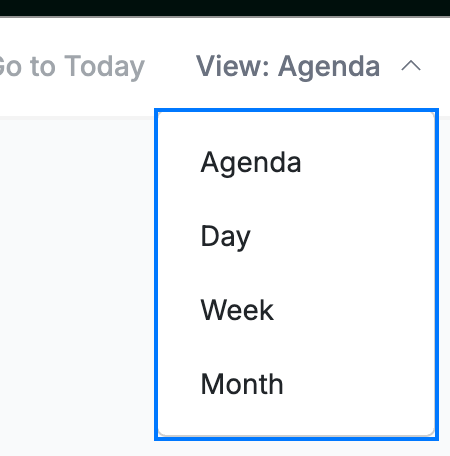
Select the view that suits you:
- Agenda — a chronological list of your upcoming events.
- Day — a single day laid out hour by hour.
- Week — the full week in a side-by-side grid.
- Month — the whole month at a glance.
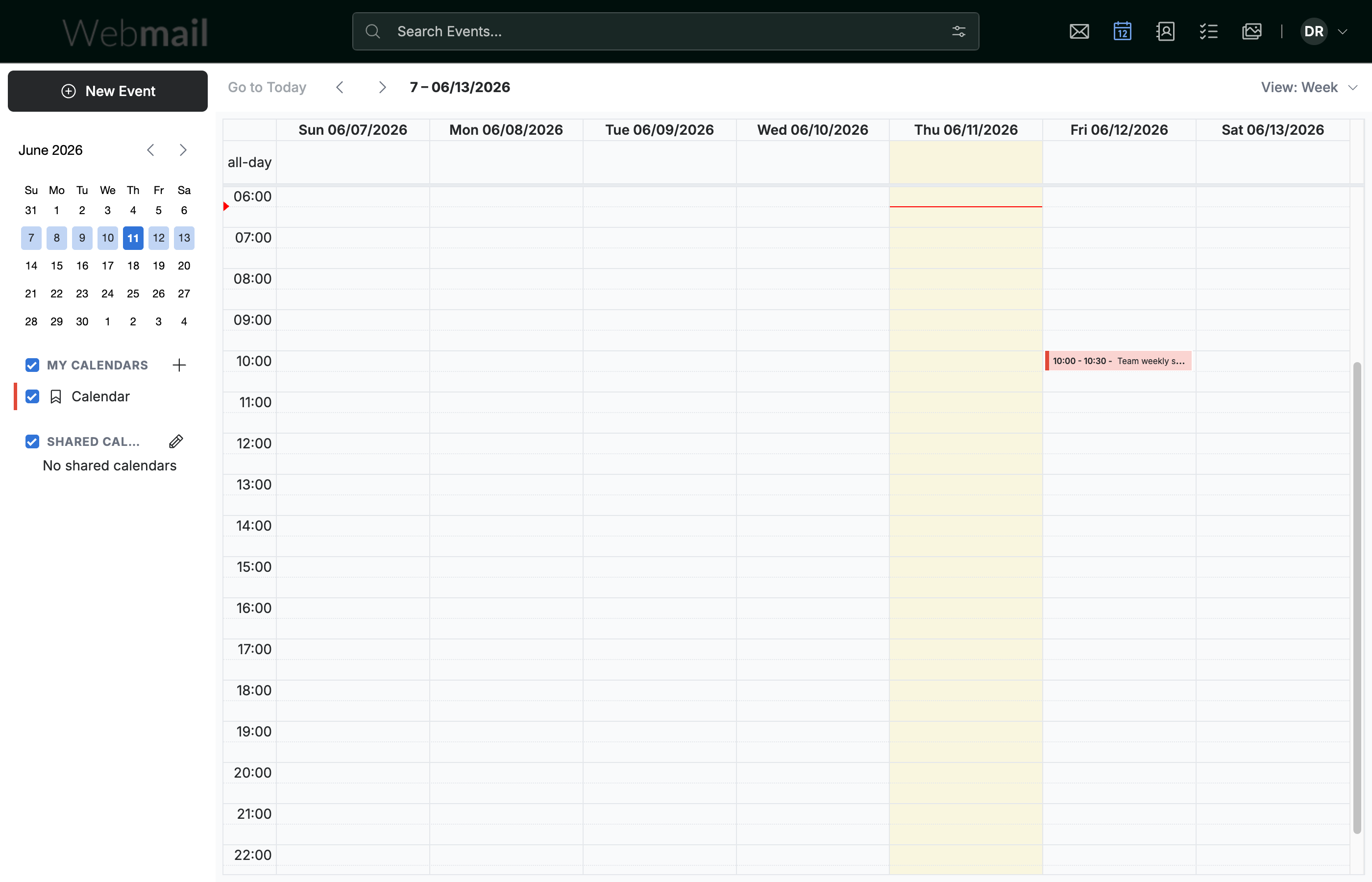
Step 3 — Review your events in the chosen view
Review your events in the selected view. Week view, for example, lays out each day side by side for a full-week overview.
Explore our other guides to get the most out of Webmail.