Learn how to compose and send an email in Webmail — add a recipient, a subject, and your message, then send it. This is the starting point for everyday email.
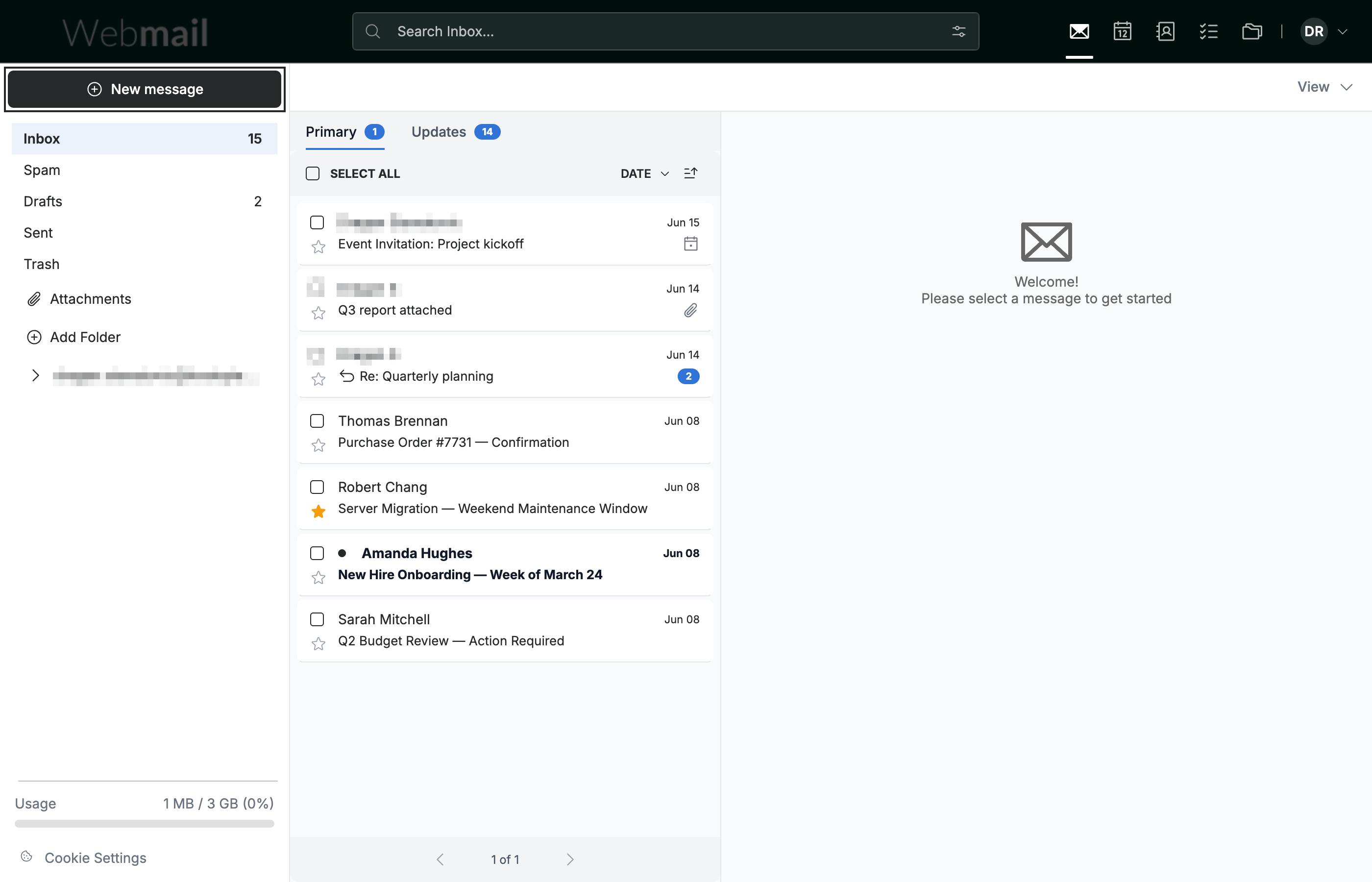
Step 1 — Click New message
Click New message in the top-left of the sidebar. The compose window opens.
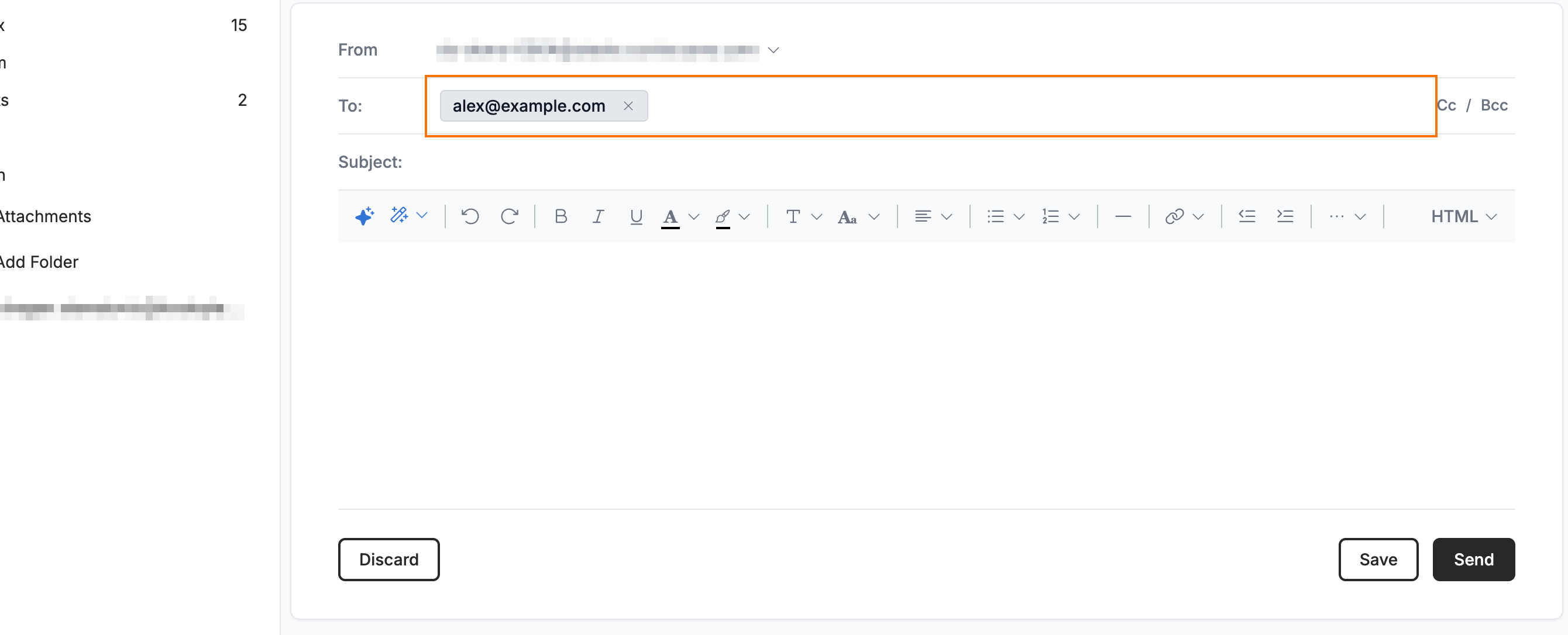
Step 2 — Enter the recipient
Enter the recipient's email address in the To field. The address appears as a chip.
Step 3 — Enter a subject
Enter a short summary of your email in the Subject field.

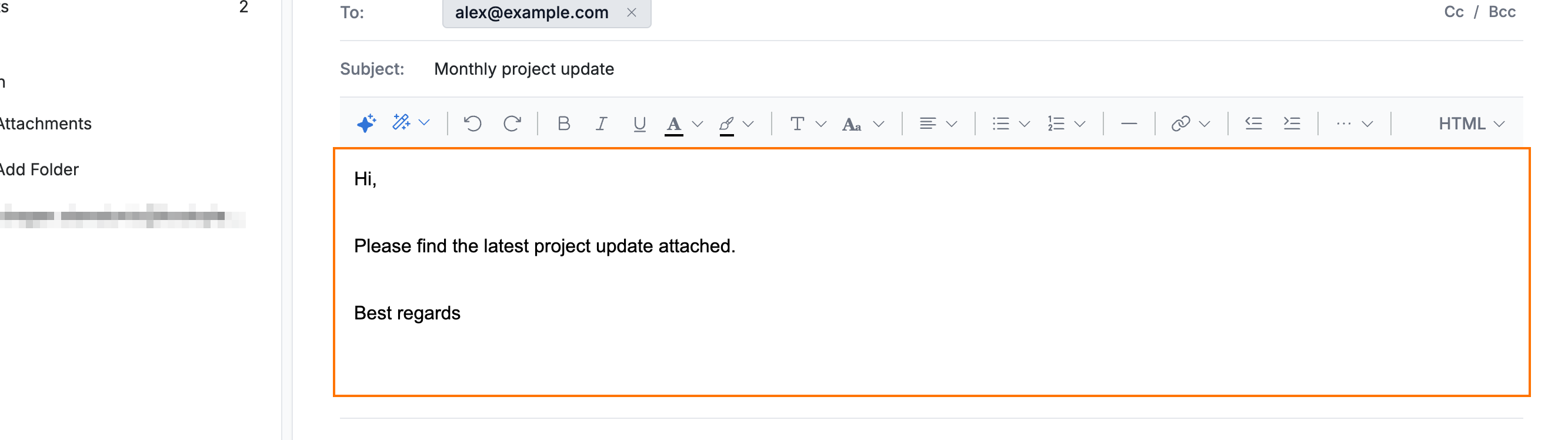
Step 4 — Write your message
Enter your message in the body area below the formatting toolbar.
Tip: Use the formatting toolbar above the body to style your text — for example, Ctrl+B (⌘B on Mac) for bold.
Step 5 — Send your email
Click Send to deliver your email. The compose window closes and the message is sent.

Explore our other guides to get the most out of Webmail.