Add an alert to a calendar event so you get a reminder before it starts. This guide shows how to set and adjust event reminders.
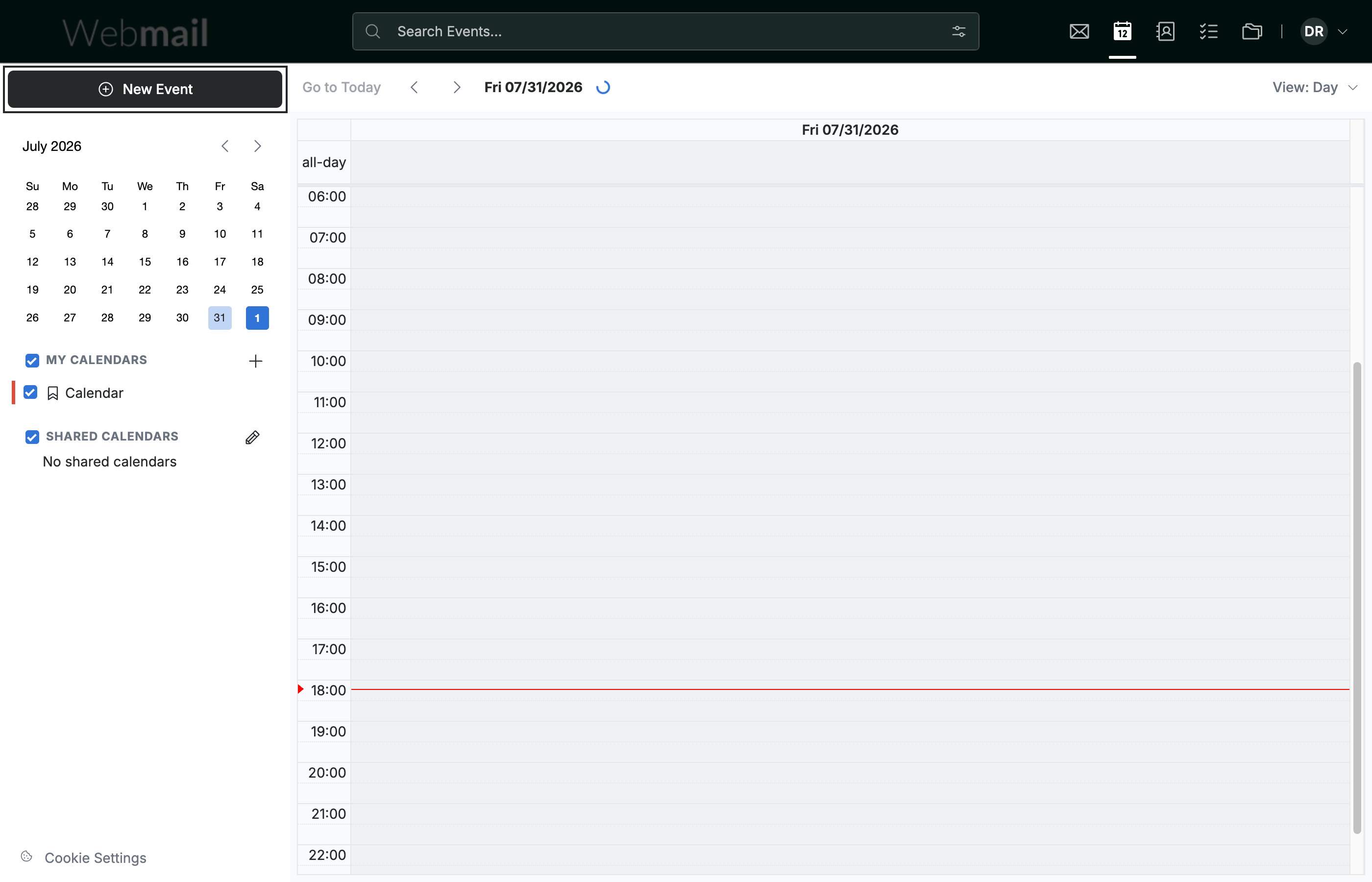
Step 1 — Click New Event
Click New Event in the top-left sidebar to open the event form.
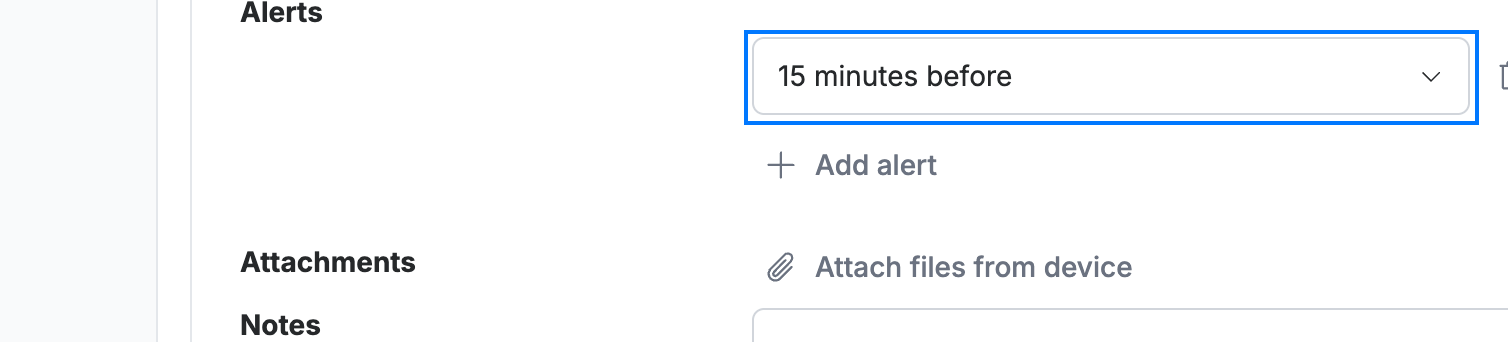
Step 2 — Open the reminder setting
Click the reminder dropdown to change when you are alerted — it is set to 15 minutes before by default — or click Add alert to add another reminder.
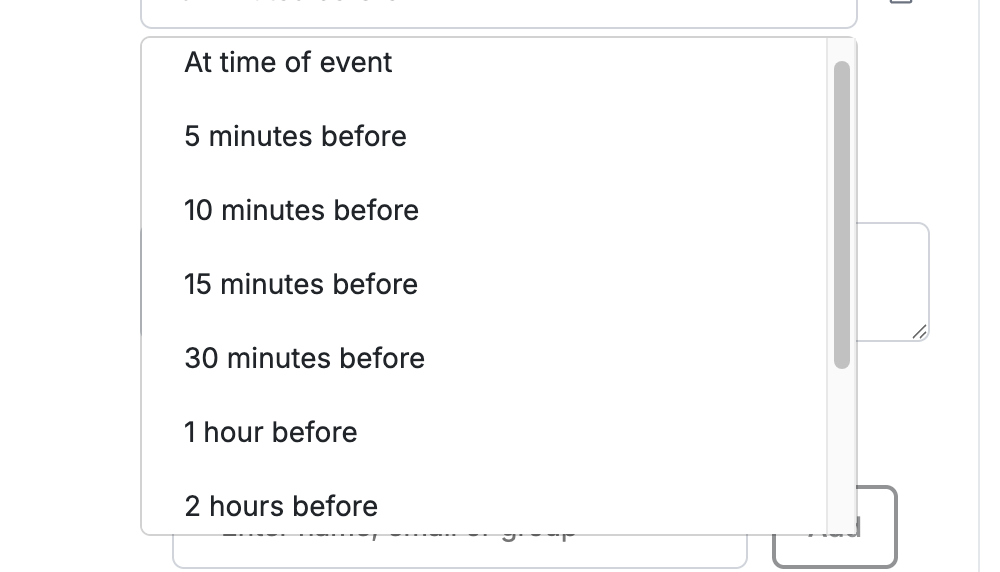
Step 3 — Choose when to be reminded
Select when the alert fires — At time of event, 5 minutes before, 10 minutes before, 15 minutes before, 30 minutes before, 1 hour before, 2 hours before, and more.
Step 4 — Click Create
Click Create to save the event with its reminder.

Explore our other guides to get the most out of Webmail.