If an email seems to have vanished, it's usually been filtered, deleted, or is hiding in another folder. This guide shows where to look.
Step 1 — Search with Advanced Search
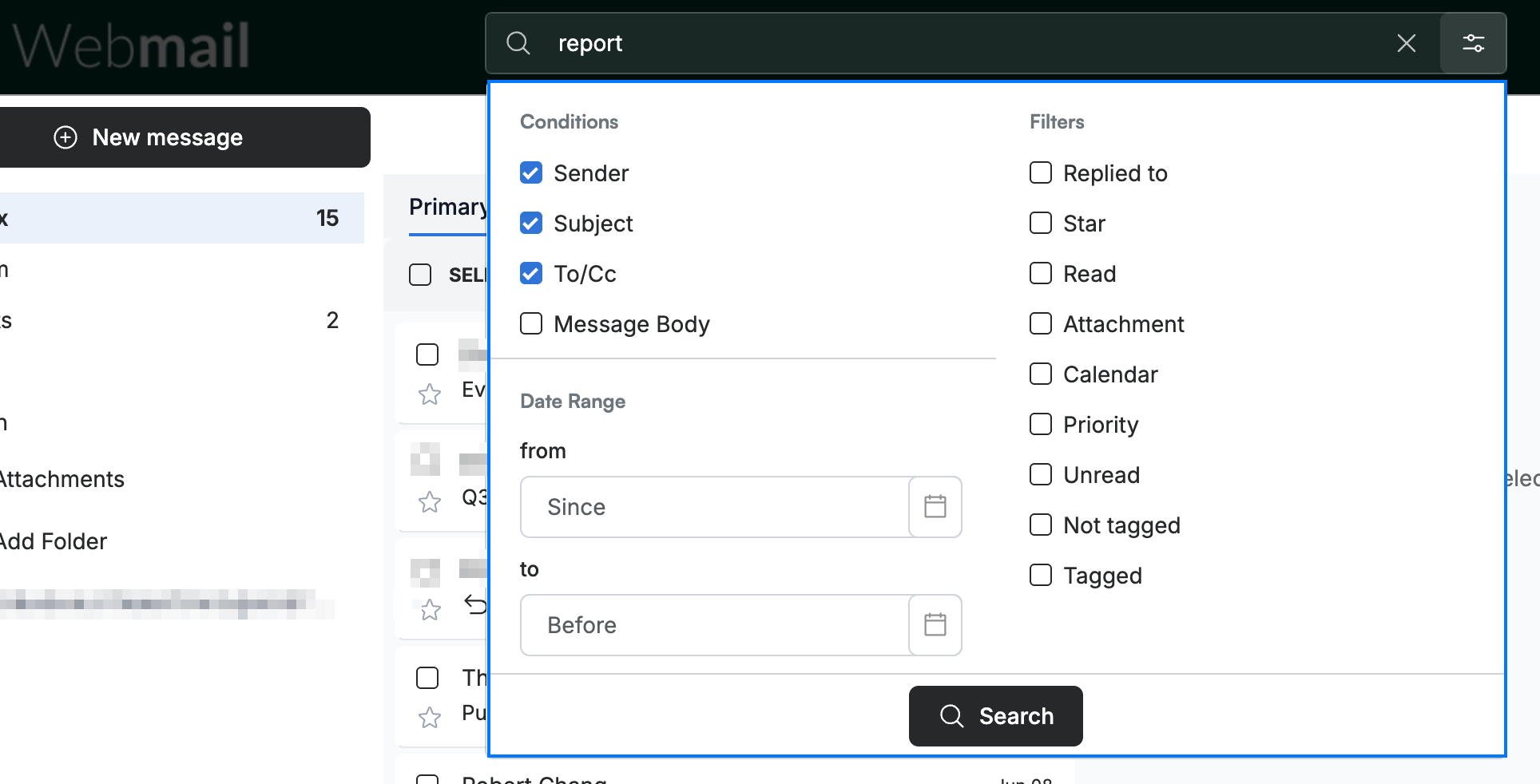
Enter a term in the search box, then open the Advanced Search panel (blue). Narrow the search by Sender, Subject, To/Cc, or Message Body, set a Date Range, or apply Filters, then click Search.
Step 2 — Check the Spam and Trash folders
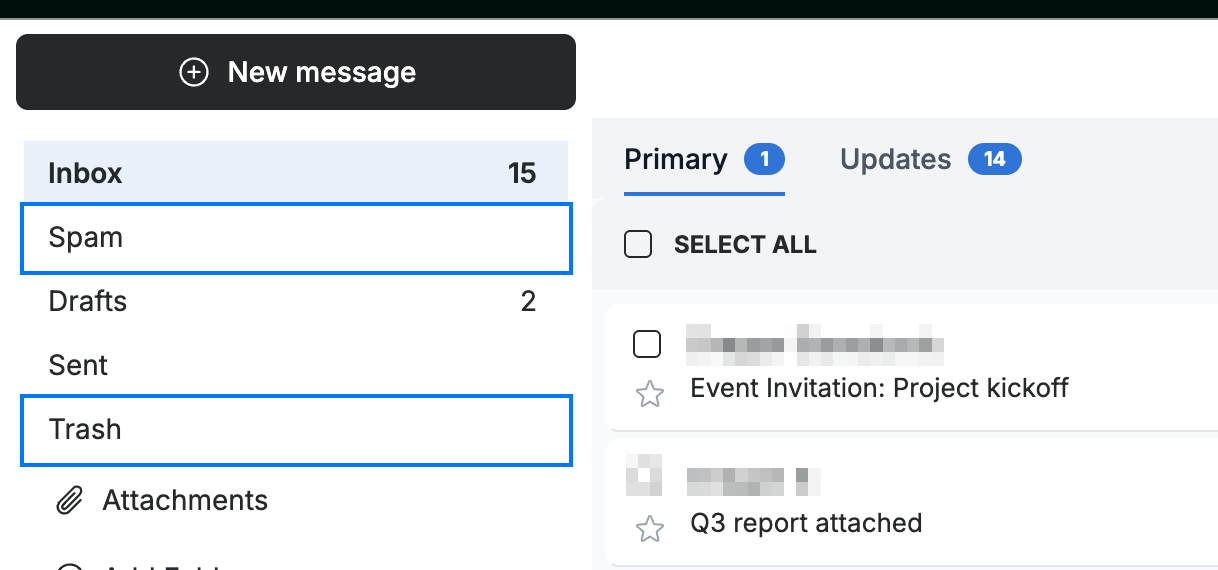
Open the Spam and Trash folders (blue) in the sidebar. A missing message is often filtered as spam or deleted by accident.
Step 3 — Review your message filters
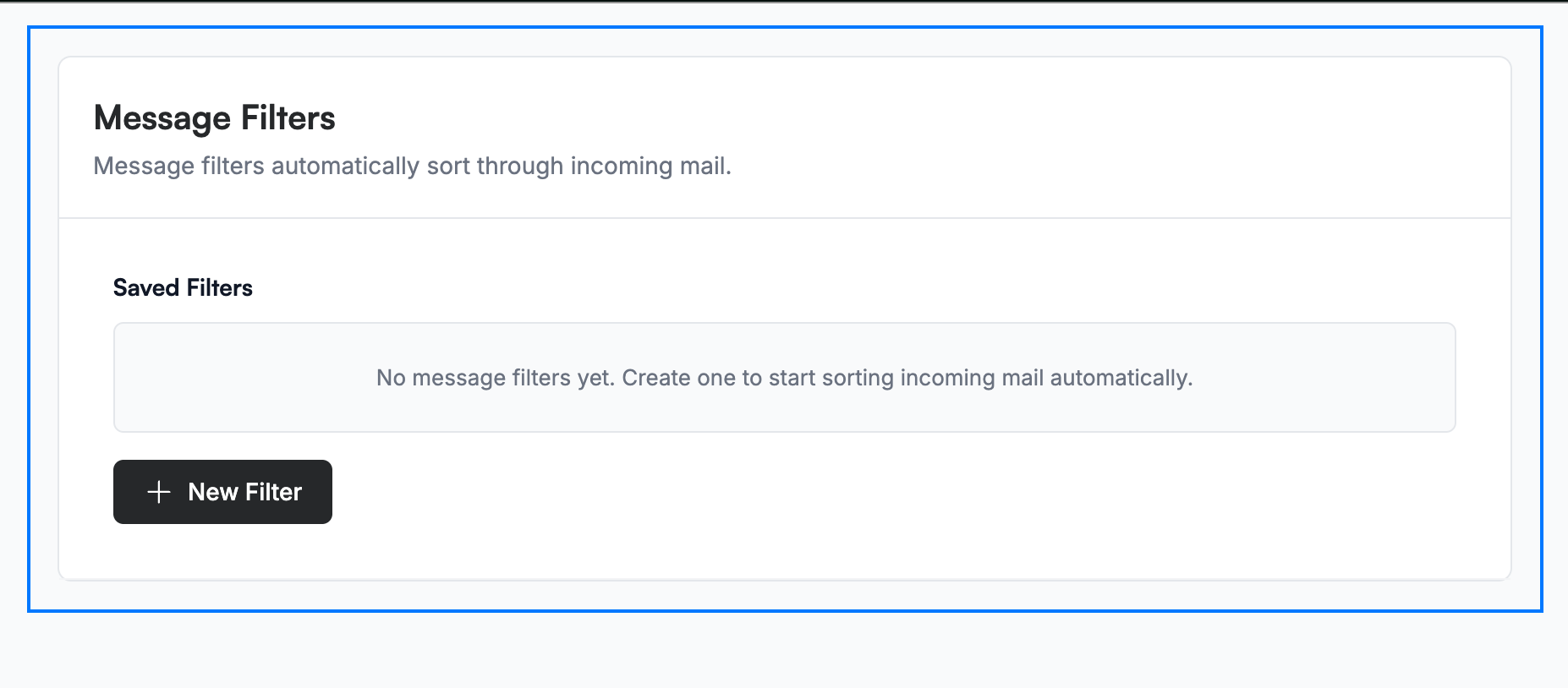
Go to Settings > Message Filters and review your Saved Filters (blue). A filter rule may be moving incoming mail to another folder automatically.
Explore our other guides to get the most out of Webmail.