Webmail can play a sound whenever new mail arrives, so you notice messages without watching your inbox. This guide shows how to turn the sound on in Mailbox Options.
Step 1 — Open Settings
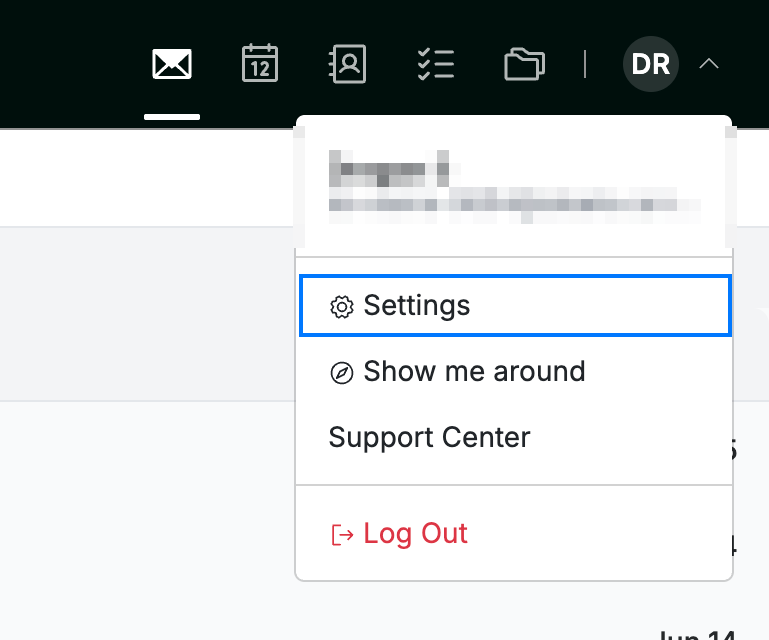
Click your avatar in the top-right corner and select Settings.
Step 2 — Open Mailbox Options
Select Mailbox Options from the Mail section of the settings sidebar.

Step 3 — Choose a new-mail sound
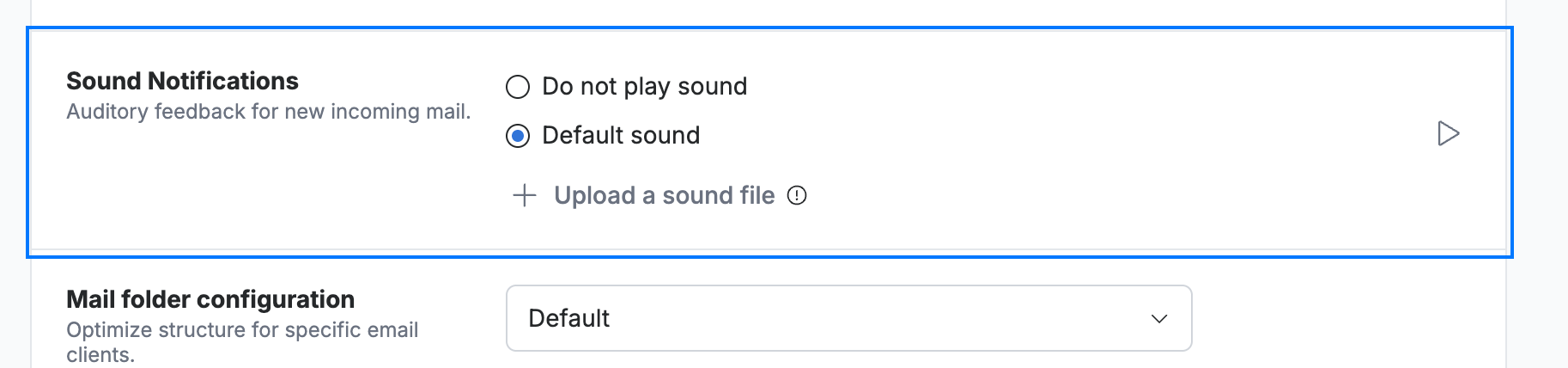
Select Default sound under Sound Notifications (blue) to hear Webmail's built-in alert. Use the play (▷) button to preview it, or choose Upload a sound file to use your own.
Step 4 — Save your changes
Click Save Updates (green) to apply the setting.

Explore our other guides to get the most out of Webmail.