Webmail can show a short preview of each message and its size in the message list, so you can scan your inbox at a glance. This guide shows how to turn that on.
Step 1 — Open Settings
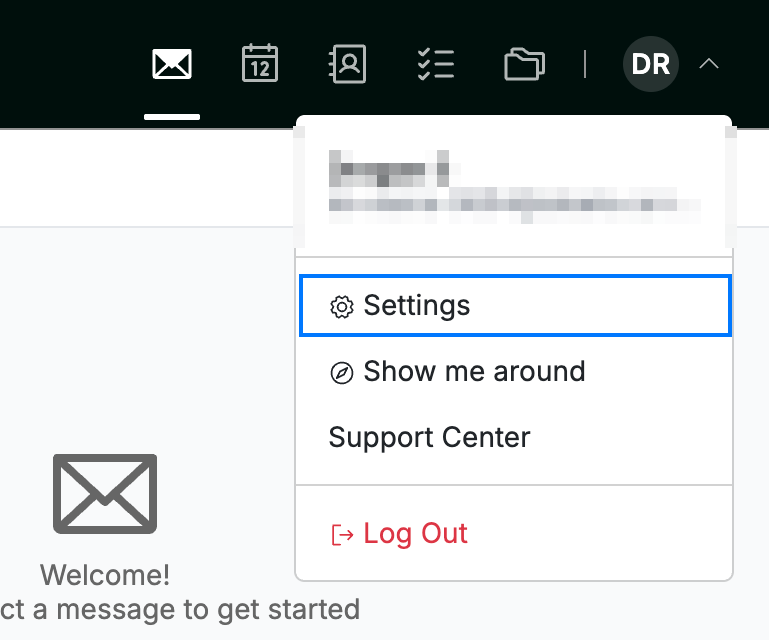
Click your avatar in the top-right corner and select Settings.
Step 2 — Open Mailbox Options
Select Mailbox Options (blue) from the Mail section of the settings sidebar.

Step 3 — Enable previews and sizes
Click the Show previews and size of messages in the message list toggle (blue) to turn it on.

Step 4 — Save your changes
Click Save Updates (green) to apply the setting.

Explore our other guides to get the most out of Webmail.