Webmail sorts incoming mail into two category tabs — Primary and Updates — so your most important messages stay separate from automated notifications. Learn how to switch between them.
Step 1 — Review the inbox categories
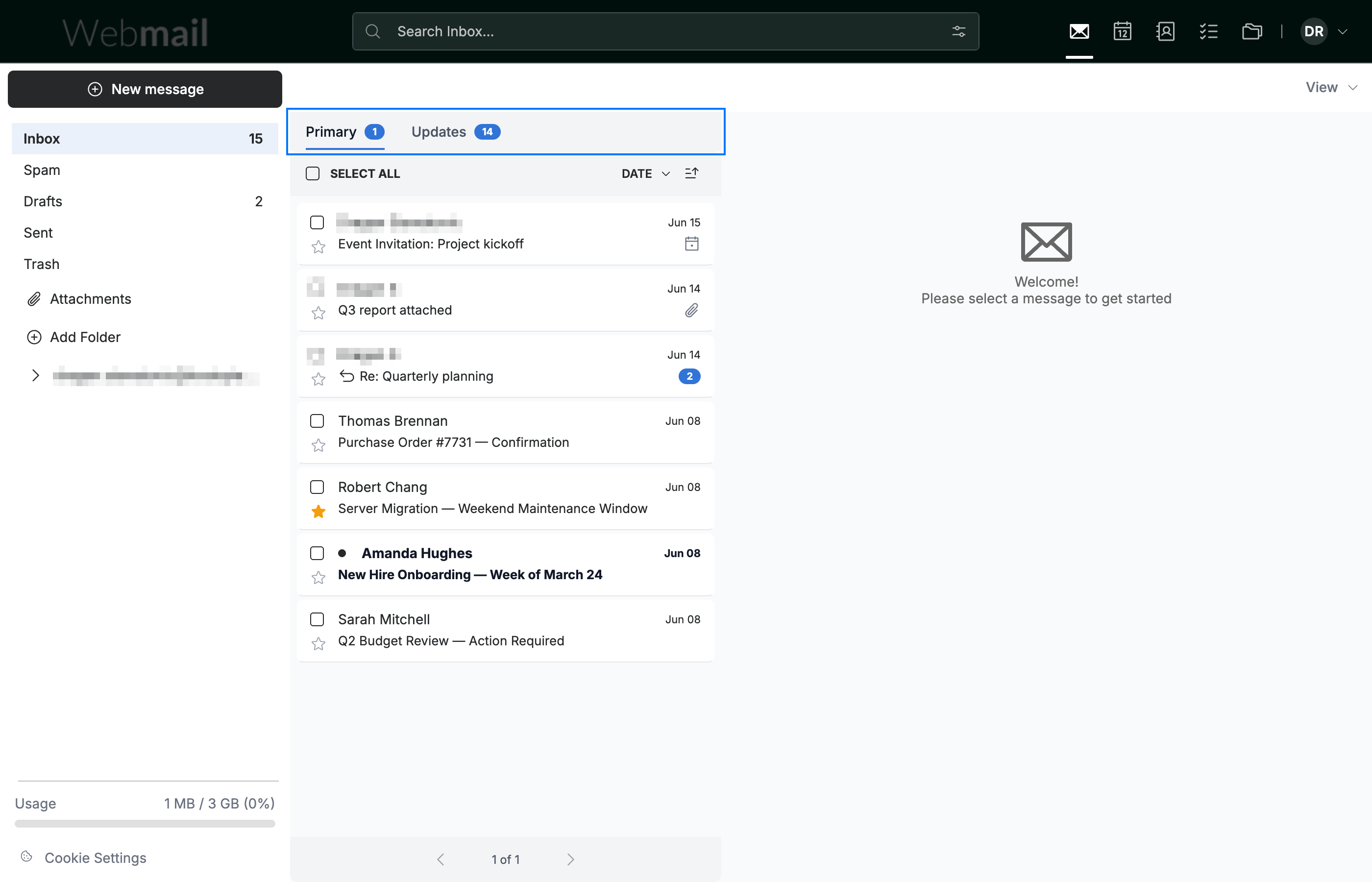
Review the two category tabs (blue) at the top of the message list — Primary and Updates. Webmail files each incoming message into one of them automatically.
Step 2 — Click the Primary category
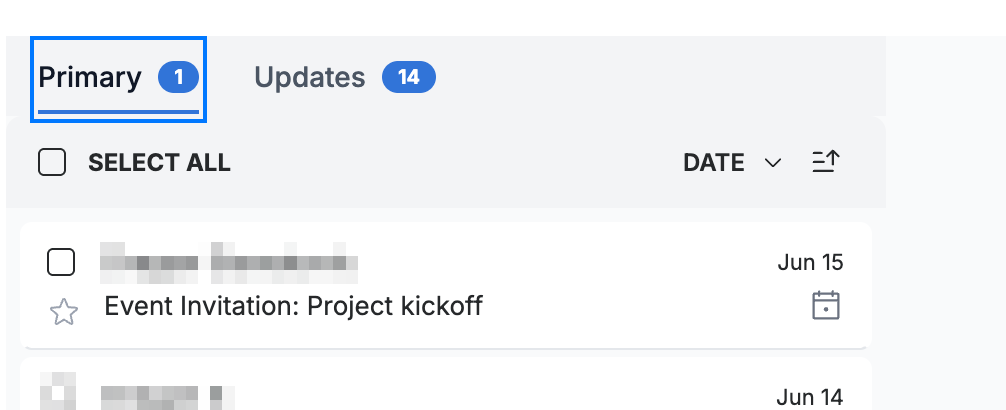
Click Primary to view your main messages — personal and conversational mail. The number beside the tab shows how many messages it holds.
Step 3 — Click the Updates category
Click Updates to view automated messages such as notifications and newsletters. The message list updates to show only that category.
Note: Messages are sorted into categories automatically — there is no manual move between Primary and Updates.

Explore our other guides to get the most out of Webmail.