Upon sign up to a hosting plan a domains FTP user is created, if listed as the primary domain on the account by default the FTP password will be set to the first portal password used for the account, this remains true until the password is altered via the FTP Manager application
FTP Users:
Within the FTP Manager a domain will have one "Master" account, additional accounts added as sub users.
Master account
- Logs in using the domain name as the user name with no prefix
- Should only be accessed by the domain owner
- One Master account per domain
- Has access to all folders
Sub users
- Logs in using the "username" as a prefix to the domain, e.g: sub user bob, will enter the username bob.domain.tld
- Can be limited to specific directory access.
- Can have multiple sub users per domain name
- Can be created to allow access to someone like a web developer, wthout the need to provide full account access
Making a sub user
To make a new sub user follow the below steps
1 - open the FTP Manager application

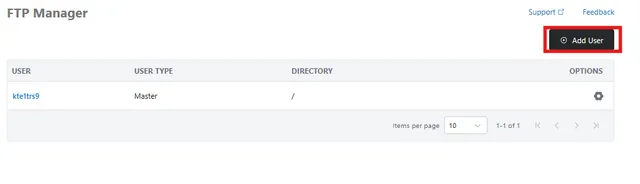
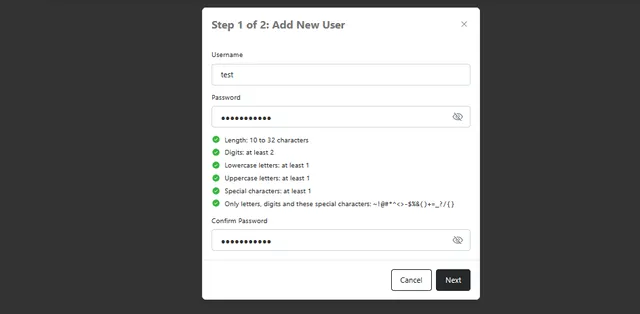
2- Click on "Add User" the fill out both the user name and password fields, these will be the credentials used to connect via FTP once confirmed click on "Next"
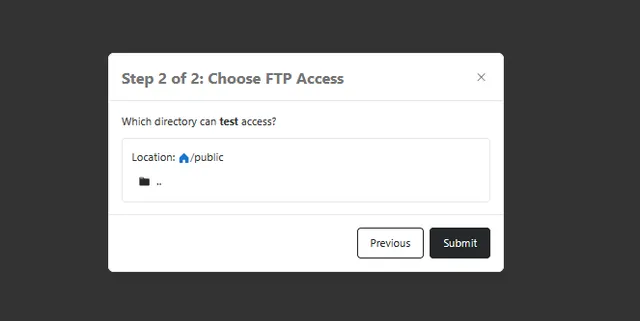
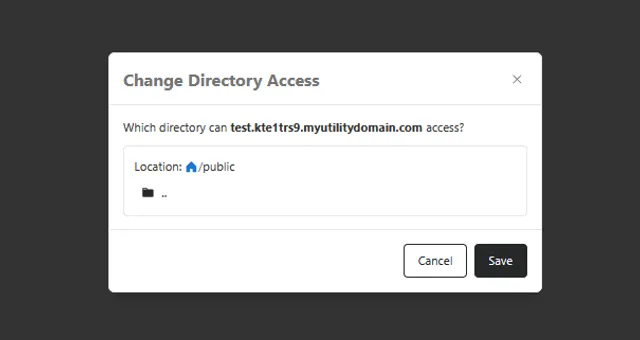
3- select the directory access that you would like this user to have by using the folders to navigate to the folder the FTP user should see, leaving the location as " / " means they have access to all files, where navigating to the public folder before submitting means they will only see the public folder but not have the option to go above it.
Once happy click Submit to finalize the creation of the FTP user. the new user will now show in the list of FTP users.
Editing an existing FTP user
To edit an existing user, click the small Gear Icon to the right of the FTP user you wish to change.
From this menu you can alter
Change Directory Access - change the folder the user has access to
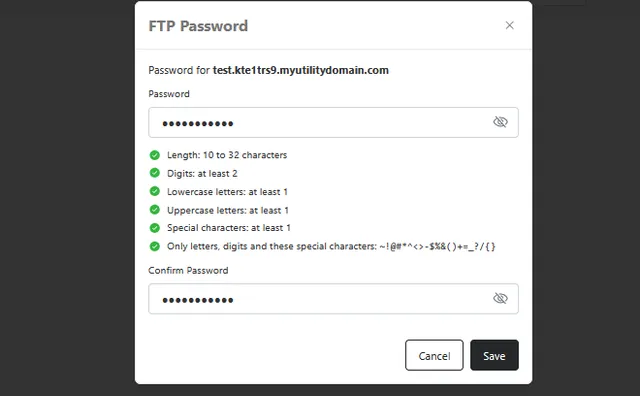
Change FTP Password - change the password the user enters to connect to FTP
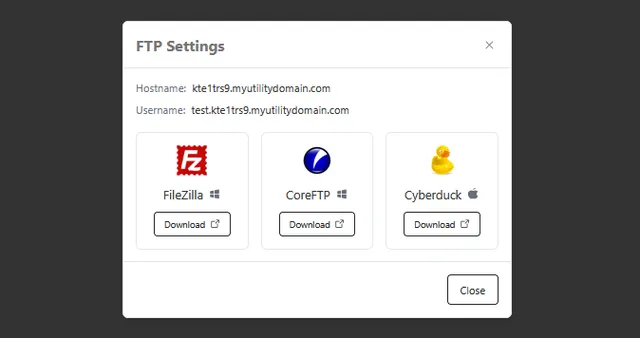
Configure FTP Client - show an example window of what to enter to connect to FTP. along with quick links of possible FTP programs to use.
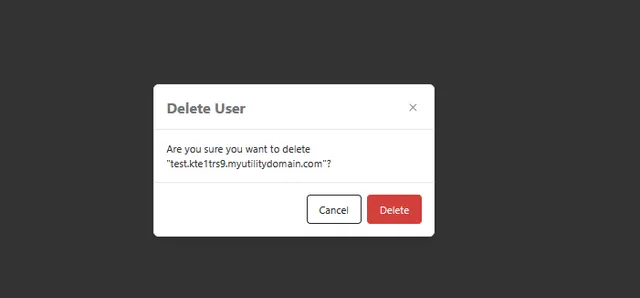
Delete user - Delete the selected FTP user ( Master user can not be deleted )