Once user accounts are created, you can manage their accounts from the User dashboard.
Next to each user, there is a Settings icon where you can make changes to the user account.
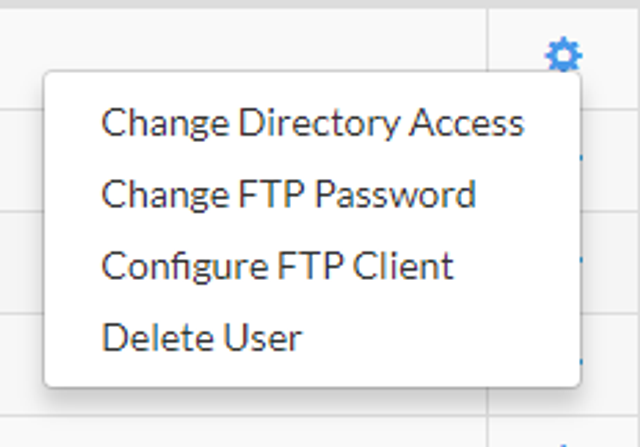
Note: If you are using anonymous FTP, Configure FTP Client is the only available management option.
To Change Directory Access:
1. From the FTP Manager, click the Settings icon and click Change Directory Access.
2. In the Choose FTP Access dialog, select the directory that the user can access and then click Save.
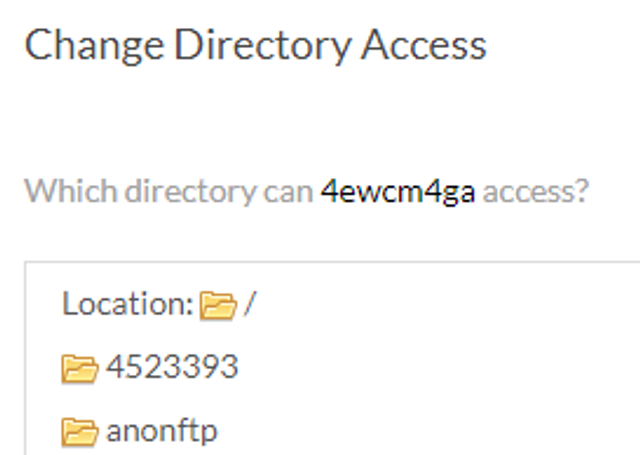
3. To select a new directory, click the Folder.
4. Click Save at the bottom of the pop-up.
To Change the FTP Password:
1. From the FTP Manager, click the Settings icon and click Change FTP Password.
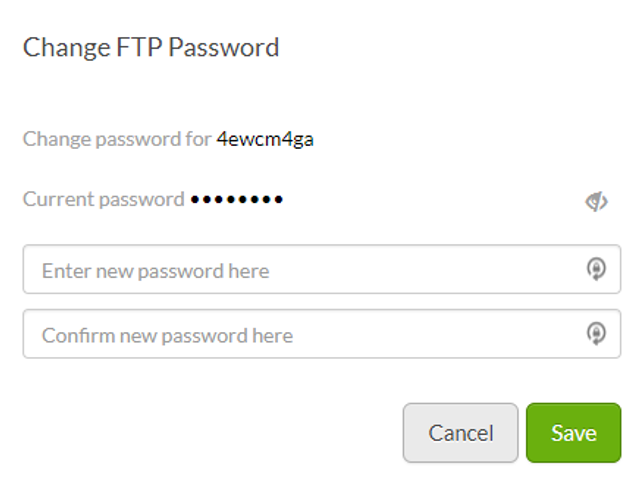
2. In the Change FTP Password dialog, enter a new password and then confirm it. When you're finished, click Save.
To Configure the FTP Client:
1. From the FTP Manager, click the Settings icon and click Configure FTP Client.
2. In the FTP Settings dialog, choose the client that you want to configure and click Download.
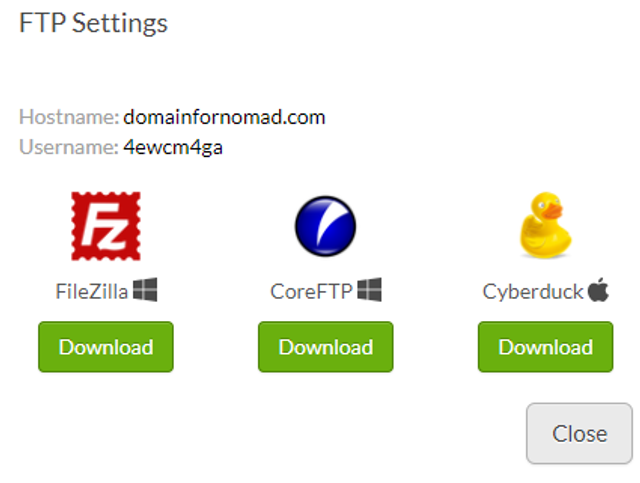
3. You will be directed to the download page for that client