How to change your view:
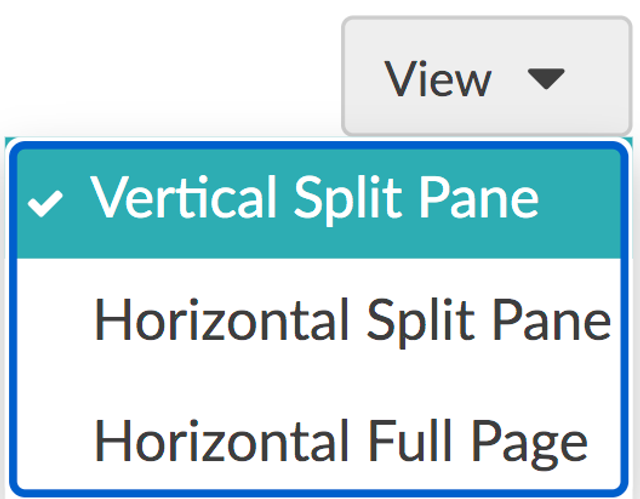
In the Mail section of your account, click View at the top right. Here you can choose from one of the three options:
- Vertical Split Pane
- Horizontal Split Pane
- Horizontal Full Page
You can also change the default setting from the Mailbox View Mode dropdown by going to Preferences and selecting General.